2. Installing the Printer
M1100 – M1200 User Manual Rev. 1.3 Page 22/40
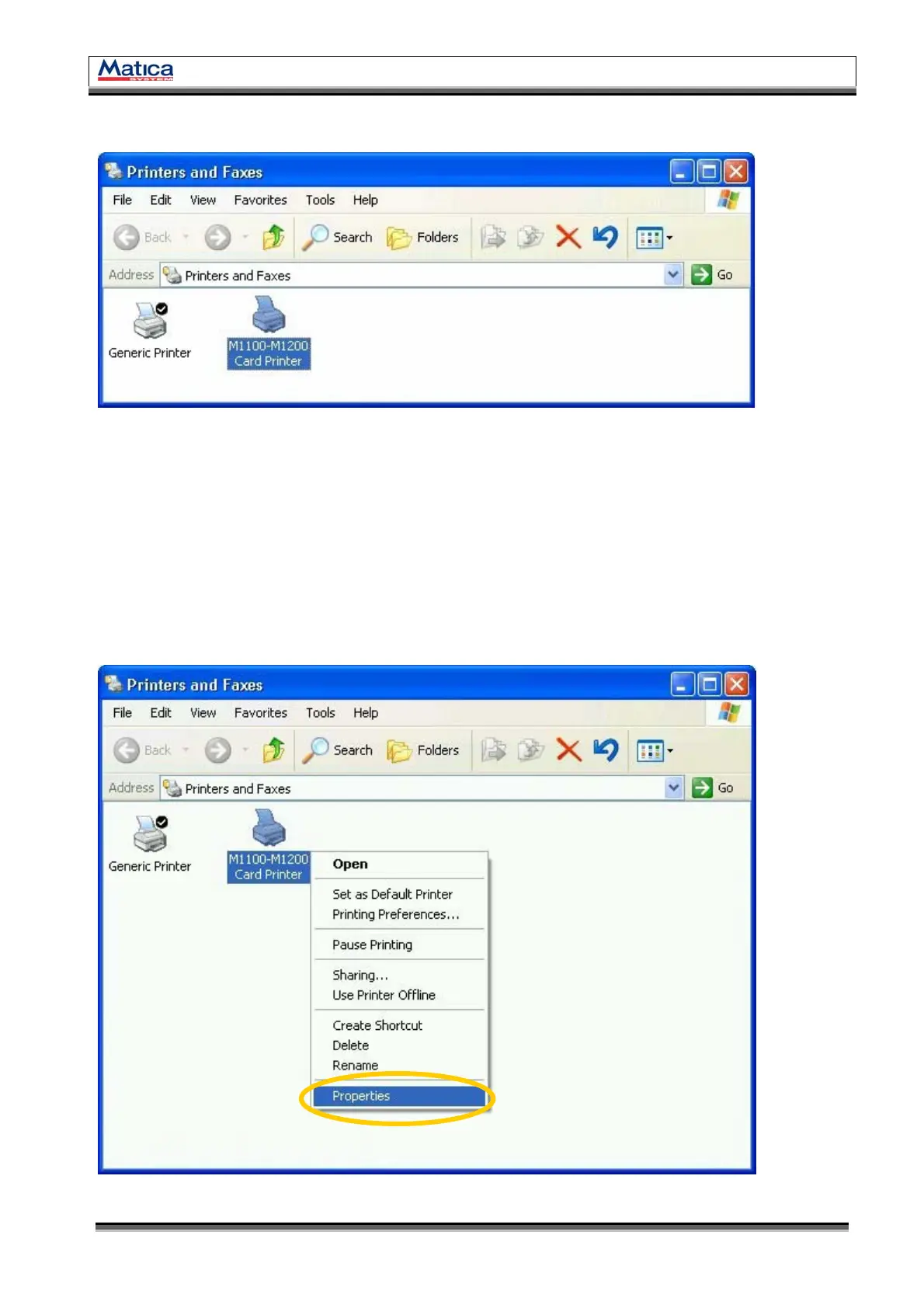
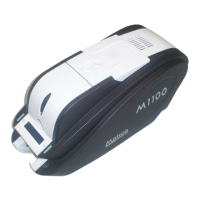
2.3.18. Check “M1100-M1200 Card Printer” is generated in Printers and Faxes.
<Figure 34> M1100–M1200 Card Printer.
2.4. Test Printing
In this step, you can check if the printer driver installation has been finished successfully.
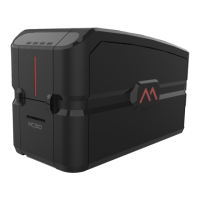
2.4.1. In “Printer and Fax” window, click right button on ‘M1100-M1200 Card Printer’
icon, then select “Properties”.
<Figure 35> Printer Properties.


 To Next Page