1. Introduction
M1100 – M1200 User Manual Rev. 1.3 Page 6/40
1. Introduction
Thank you for choosing the M1100 – M1200 Card Printer. This manual helps you
effectively and professionally for the start-up and operation of your new Card Printer.
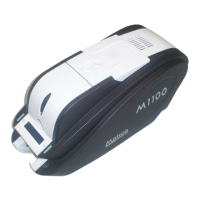
1.1 Printer Outside Features
This M1100 – M1200 Card Printer takes a power via the adaptor provided with the printer.
Using USB port, it communicates with user’s PC. For the user’s convenience, the printer
process status can be seen through LCD and most of the operations can be controlled by
two LED buttons.
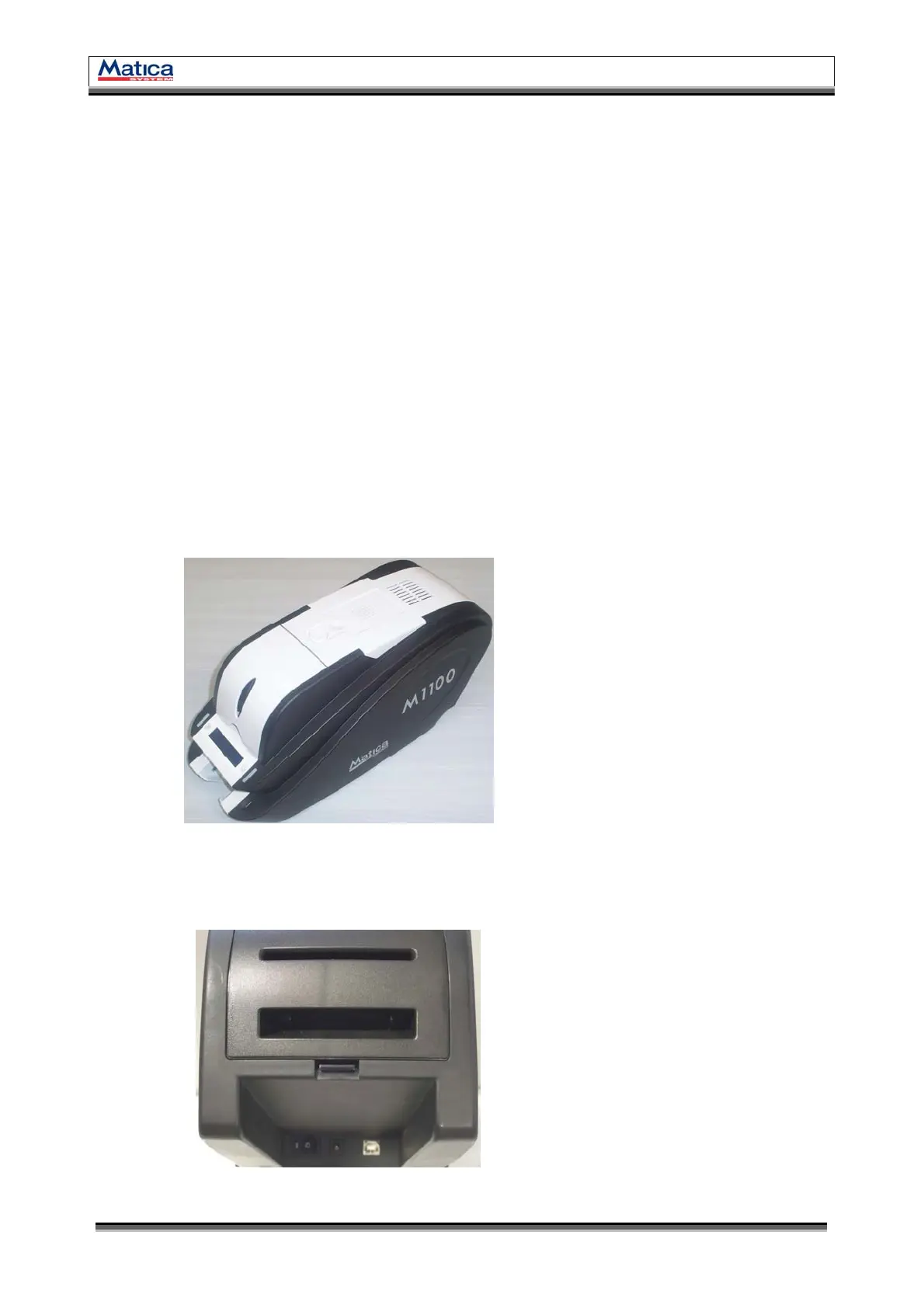
The following shows the external functional features found on your M1100 – M1200
Printer.
A
B
C
D
E
F
G
H
Power Switch
Power Connector
USB Port
Rear Card Outlet
(If necessary)
Top Cover Open Button
External Contactless IC Encoding
Position
Hopper (Input Hopper)
LED buttons
LCD (Show the process status)
Magnetic/Contact IC/Contactless IC
Encoder are installed inside
External Contact IC Encoder
(SIM Type)
Stacker (Output Hopper)
I
J
K
L
<Figure 1> Printer Front/Side Features
<Figure 2> Printer Rear Feature
A
B
C
D
E
F
G
I
J
K
H
L


 To Next Page