132
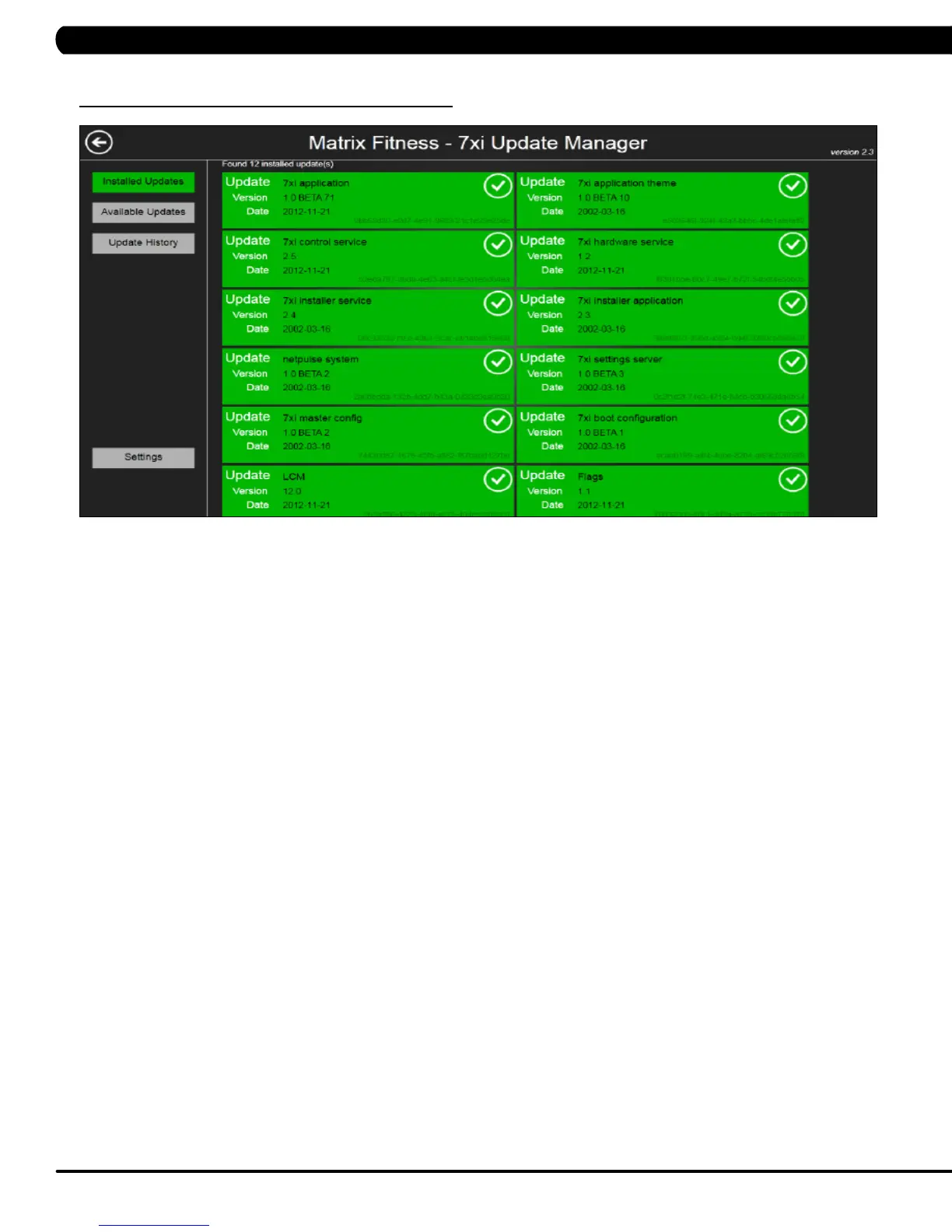
1) To enter Update Manager Mode, press "ENTER, 3, 0, 0, 4, ENTER" on the number keypad and Update Manager Mode will appear on the
display.
2) Choose a correct model type by touching the screen desired tab. .
3) Press the "HOME" button to exit Update Manager Mode..
10.6 USING UPDATE MANAGER
CHAPTER 10: ASCENT TRAINER SPECIFICATIONS AND ASSEMBLY GUIDE


 To Next Page