143
10.7 NETPULSE & AM SETTING UP SOP
Post-installation console setup
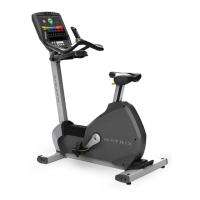
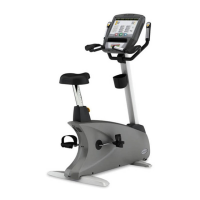
Upon completing the install of the Matrix Fitness 7xi cardio equipment, it will be necessary to connect the consoles to the media gateway that is
included with the 7xi equipment.
1. General setting, from the main screen on the console, Press “ENTER, 3, 0, 0, 1, ENTER” to obtain a list of the available General setting.
a. Console & Frame serial number setting (Figure A).
b. Data & Time setting, Touch Left/Right arrow to switch the setting screen (Figure B).
c. Club ID setting, Press the “Asset Management” button to obtain the “AM” setting, press the “edit” to edit key in the Club ID (Figure C),
this ID is provided by Matrix Customer Technical Support.
FIGURE BFIGURE A
FIGURE C
CHAPTER 10: ASCENT TRAINER SPECIFICATIONS AND ASSEMBLY GUIDE


 To Next Page