6 Matrox Millennium Installation Guide
Before installing MGA PowerDesk software for Windows 95
If you’re installing PowerDesk for Windows 95 for the first time, select the description
below that applies to you and follow the pre-installation steps.
If you’re running Windows 95
1
If your Millennium card is not already installed, turn off your system and install it. See
“Quick hardware installation” on page 3 for complete instructions on this procedure.
2
Restart your computer.
3
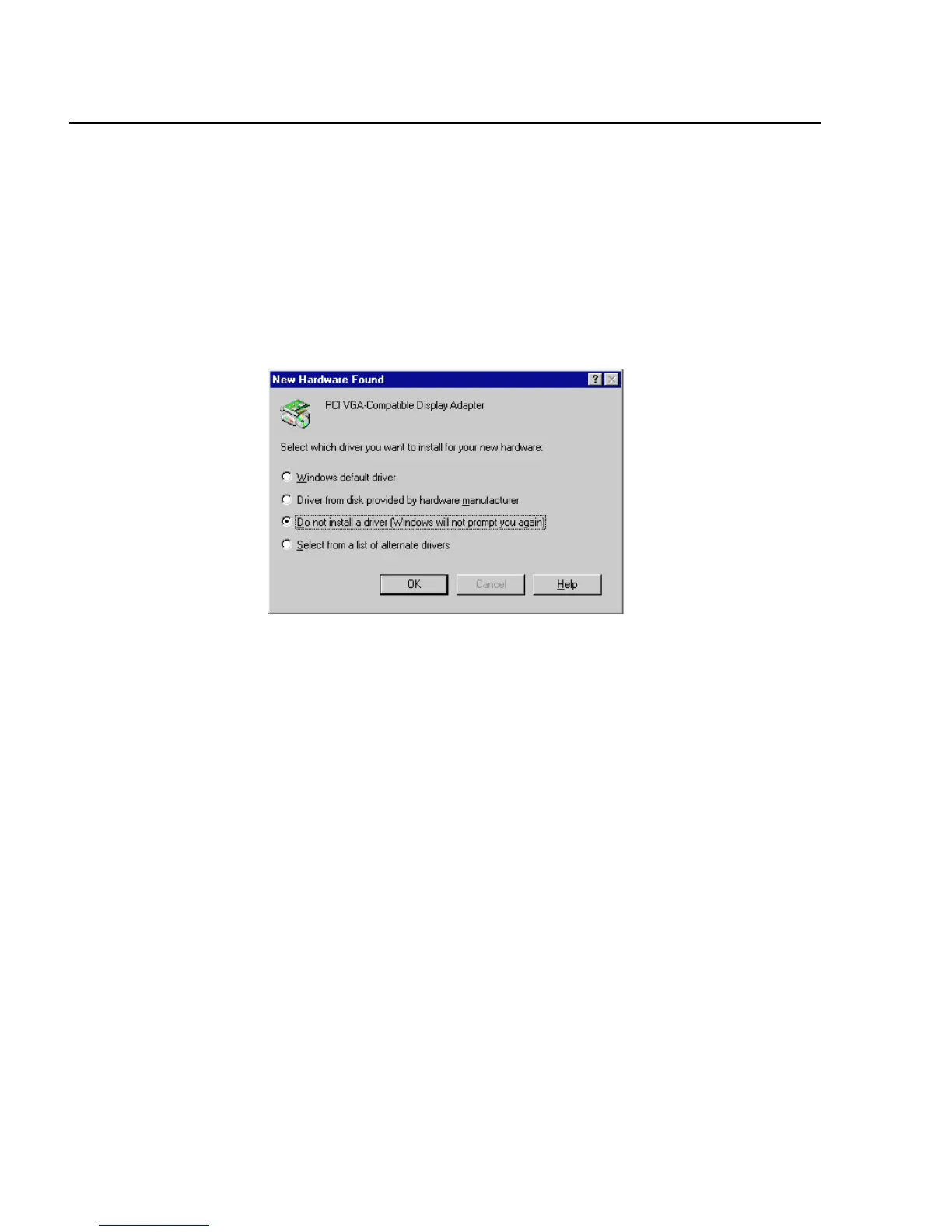
After restarting, Windows 95 will be in standard VGA mode (640 × 480 resolution,
16 colors) and will report it has found new hardware:
Choose the “
Do not install a driver
” option. Later, you install the drivers and MGA
PowerDesk software at the same time. (If you prefer, you can install the drivers immediately
from the Matrox CD-ROM, but you should still install the MGA PowerDesk software later.)
4
Go to “Installing MGA PowerDesk software for Windows 95” on page 7 and follow the
instructions.
If you’re upgrading to Windows 95 from Windows 3.1
1
Switch to
VGA
display mode through the Windows 3.1
Windows Setup
program.
2
If Windows 3.1 MGA PowerDesk is installed on your system, remove it using the
MGA Uninstallation
program in the MGA PowerDesk group window.
3
If your Millennium card is not already installed, turn off your system and install it. See
“Quick hardware installation” on page 3 for complete instructions on this procedure.
4
Restart your computer.
5
Run the Windows 95
setup
program to install Windows 95.
During Windows 95 installation, a hardware detection process will detect an
Oak
Technology Super VGA
card. There’s no cause for alarm – your computer will restart in
standard VGA mode (640 × 480 resolution with 16 colors), which is supported by the











 To Next Page