EasyManua.ls Logo

Matrox Millenium - Connector Pinouts

Matrox Millenium
44 pages
Print Icon
To Next Page IconTo Next Page
To Previous Page IconTo Previous Page
Loading...
26 Matrox Millennium Installation Guide
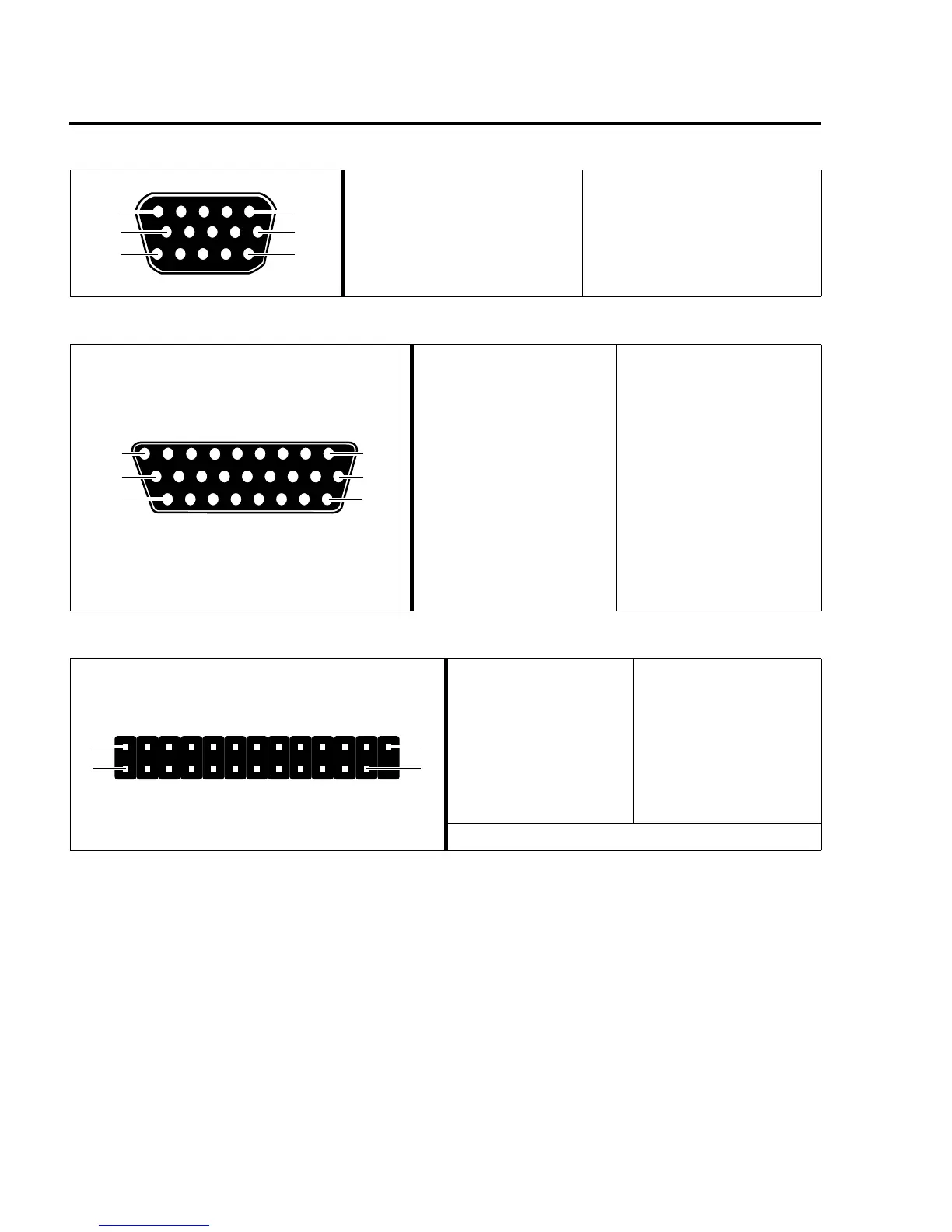
Connector Pinouts
Video Connector – Output to Monitor
1 Analog red output
2 Analog green output
3 Analog blue output
4 Not connected
5-8 Ground
9 Not connected
10 Ground
11 Not connected
12 SDA (DDC)
13 TTL horizontal sync
14 TTL vertical sync
15 SCL (DDC)
Media XL Input/Output Connector
1 Microphone (left)
2 Ground
3 Microphone (right)
4 Ground
5 Line in (left)
6 Ground
7 Line in (right)
8 Ground
9 Line out (left)
10 Ground
11 Line out (right)
12 Ground
13 Y in (luminance)
14 Ground
15 C in (chroma)
16 Ground
17 Y out (luminance)
18 Ground
19 C out (chroma)
20 Ground
21 Composite in (1)
22 Ground
23 Composite in (2)
24 Ground
25 Composite out
26 Ground
VGA Feature Connector
1-8 Pixel data
9 Pixel clock
10 Blanking
11 Horizontal sync
12 Vertical sync
13-16 Ground
17 External pixel data
enable*
18 External sync enable*
19 External pixel clock
enable*
20 Unused (reserved)
21-24 Ground
25 Unused (reserved)
* When enabled, these signals are active low
6
1115
15
10
10
18
26
91
19
13
25
1
14

Related product manuals