20 Matrox Millennium Installation Guide
Supported VESA modes
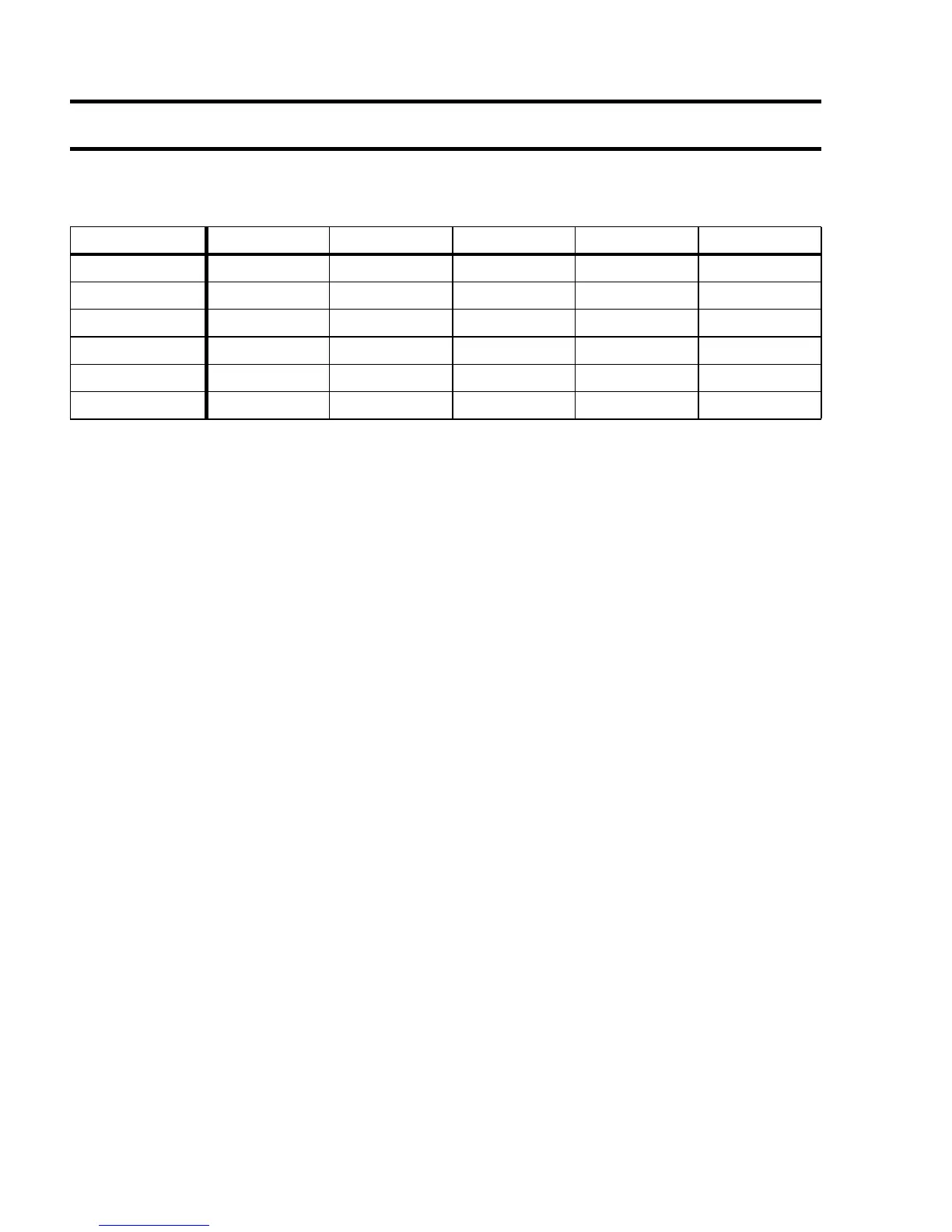
The Matrox Millennium video BIOS supports DOS VESA Super VGA applications and games in
the modes listed with a VESA mode number in the table below:
Note that DOS applications that require a VESA mode are not supported by the Millennium
Windows 3.1 driver in a DOS full-screen session when the
Device Bitmaps
acceleration feature is
enabled. You can disable the
Device Bitmaps
feature in the
MGA Control Panel
Æ
Advanced Setup
dialog box.
Using
vbetsr.com
and
vbesetup.exe
The default vertical refresh rate for all VESA modes is 60 Hz. The
vbetsr
and
vbesetup
utilities
can be used to obtain higher refresh rates, the same as obtained with your Matrox PowerDrivers. Use
the following procedure to run
vbetsr
and
vbesetup
on your system:
1
Select a monitor with one of the Matrox Monitor programs.
2
Add calls to
vbetsr
and
vbesetup
(in that order) in your
autoexec.bat
file (
vbetsr
and
vbesetup
also support DDC monitors).
Now you can run your VESA Super VGA-compatible applications at the highest refresh rates
supported by your monitor.
1. Requires 4 MB memory
Resolution 16 Colors 256 Colors 32 K Colors 64 K Colors 16.8M Colors
640 x 400 — 100 — — —
640 x 480 — 101 110 111 112
800 x 600 102 103 113 114 115
1024 x 768 — 105 116 117 118
1
1280 x 1024 — 107 119
1
11A
1
—
1600 x 1200 — 11C 11D
1
11E
1
—











 To Next Page