Matrox Millennium Installation Guide 9
Display settings
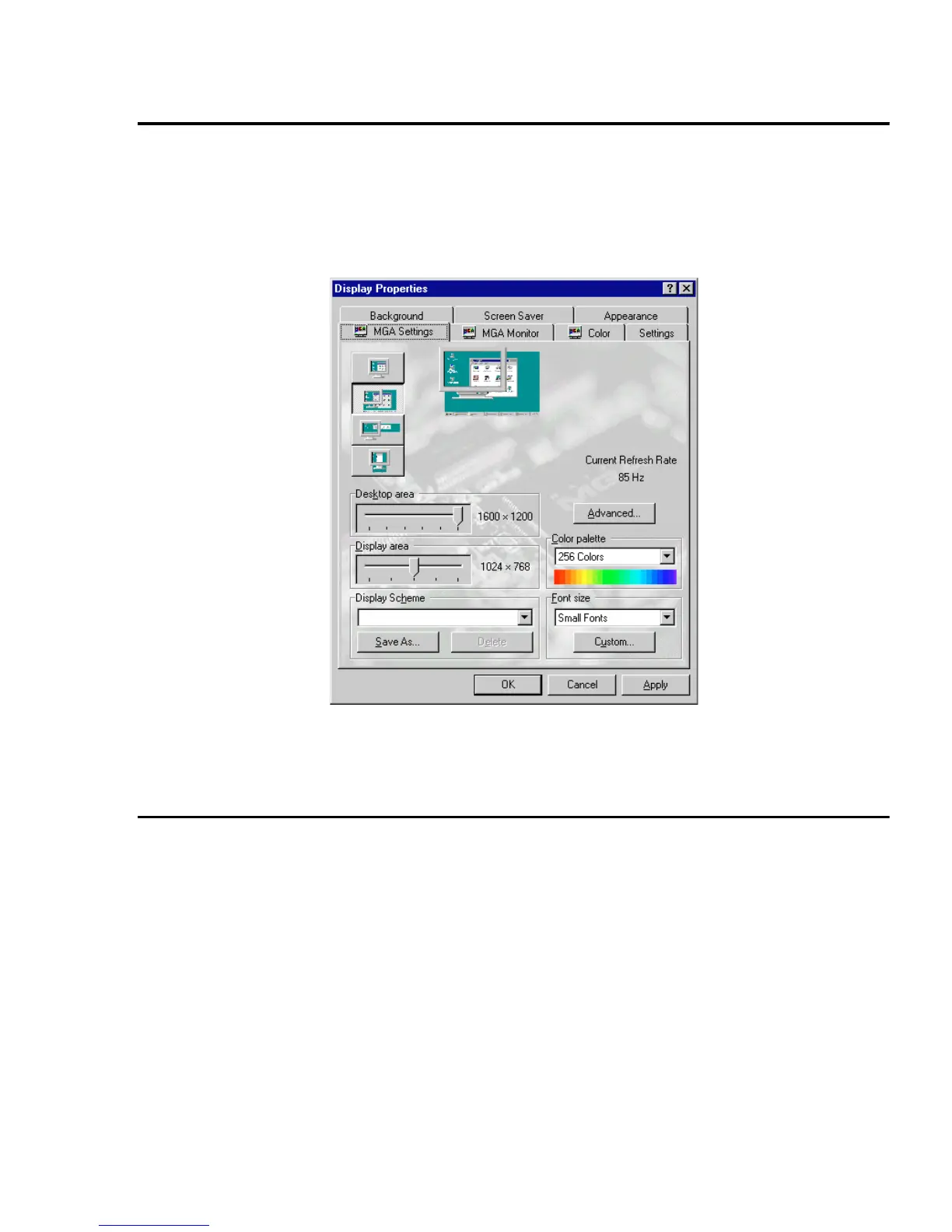
Once you’ve confirmed that the software monitor settings are correct, you can change your display
resolution, color palette and other MGA PowerDesk settings through the Windows 95
Display
Properties
dialog box:
1
Right-click on the Windows 95 desktop background.
2
Click on the
Properties
menu item
Æ
MGA Settings
tab.
For more information on changing your display settings, see MGA PowerDesk’s on-line
documentation.
MGA PowerDesk folder
The
MGA PowerDesk
folder is created by the
setup
program in
Start
menu
Æ
Programs
folder.
This folder gives you access to
MGA Desktop Navigator
program,
MGA QuickDesk
applet,
On-line doc
file and
readme
file. There’s also the
MGA Diagnostic
program which you can use to
identify some potential problems with your system.











 To Next Page