22
Introduction &
Contents
Installing your
VCR
Setting up your
VCR
Playing a
Video Tape
Recording
Programmes
Advanced
Features
Help and
Specification
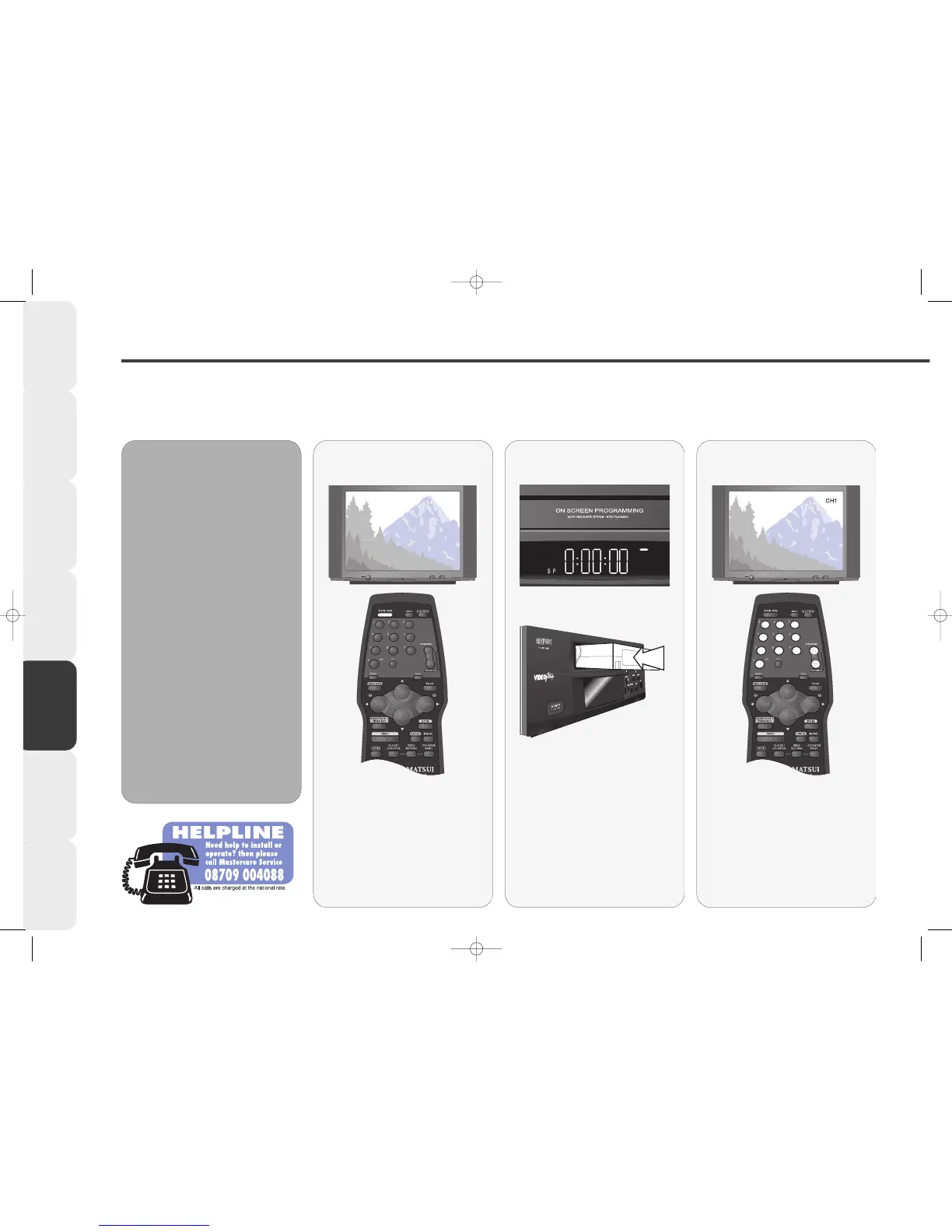
One Touch Recording (OTR)
With the one touch recording feature you can make recordings quickly and easily.
Make sure your VCR is properly installed and all the channels are tuned in the correct order (see pages 10-11).
11
11
If your VCR is in Standby, press the
VCR ON button on the remote
control to switch it on. Select the
VCR channel on your TV.
Switch your VCR
ON
22
22
Insert a blank tape into your VCR.
0:00:00 will appear in the VCR
display.
Insert a blank tape
33
33
Press the NUMBERED buttons or
the CHANNEL UP or DOWN
buttons on the remote control to
select the TV Station you wish to
record.
Select a Station to
record from
OO
OO
TT
TT
RR
RR
ii
ii
nn
nn
ff
ff
oo
oo
rr
rr
mm
mm
aa
aa
tt
tt
ii
ii
oo
oo
nn
nn
••
•• Your VCR can record in
Standard play (SP) or Long play
(LP). When you record in SP a 3
hour tape will be able to record 3
hours of programmes. When you
record in LP a 3 hour tape will be
able to record 6 hours of
programmes.
You may notice a slightly lower quality
of recording in LP mode, especially
when using the PAUSE or PICTURE
SEARCH features.
••
•• If the record protection tab has
been removed from a tape or you
try to record onto a bought or
rented tape, the tape will eject
when you press the REC/OTR
button.



 To Next Page