11
11
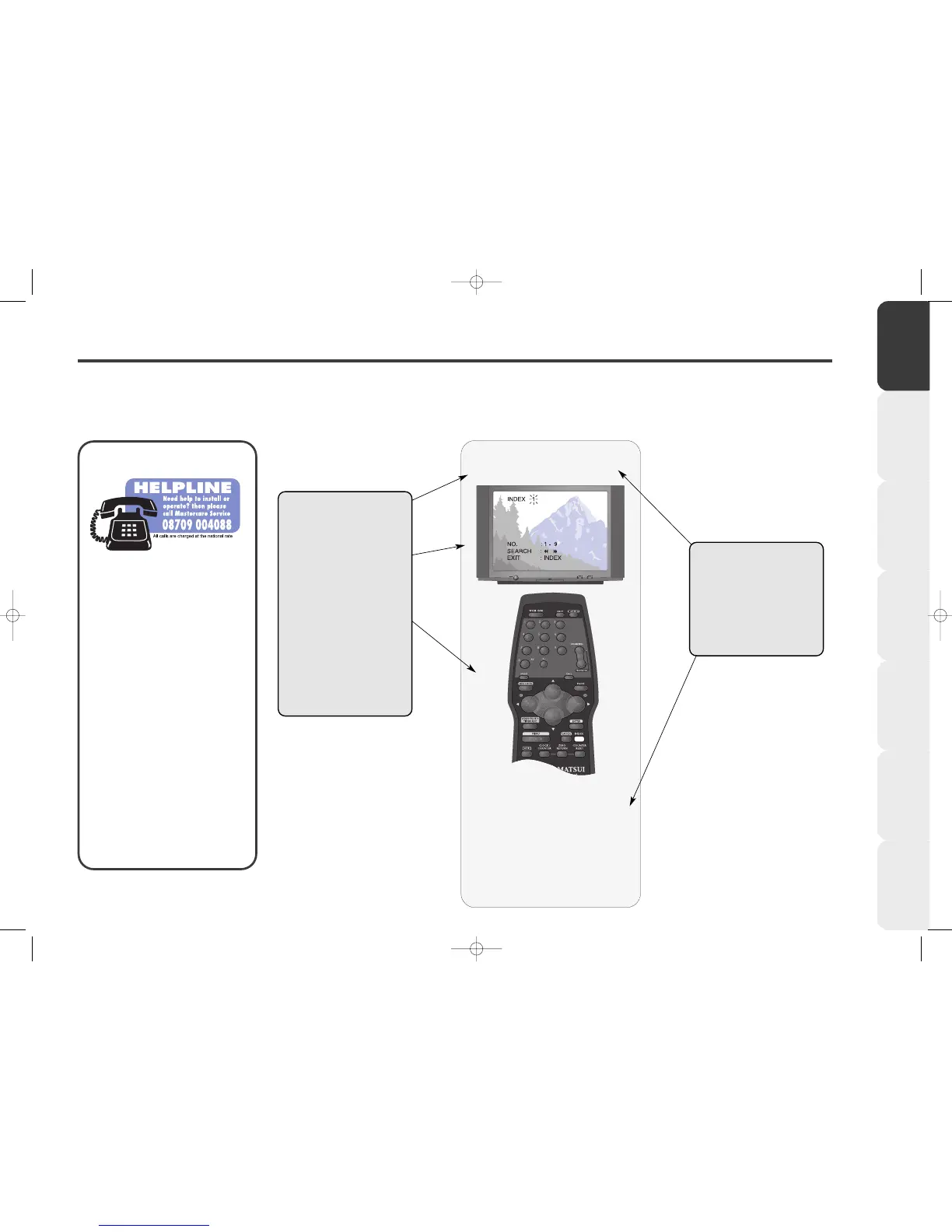
Press the INDEX button on your
remote control during playback or
while the video is stopped.
The word ‘INDEX’ will appear on
your TV screen.
Select the Index
feature
If you have any
problems setting up
your VCR, call the
Mastercare Service
Helpline.
Our trained operators
will be able to help you
solve your problem.
Please call the Helpline
before returning a
product to a Store.
All calls are charged at
the national rate.
Introduction &
Contents
Installing your
VCR
Setting up your
VCR
Playing a
Video Tape
Recording
Programmes
Advanced
Features
Help and
Specification
How to use this Instruction Book
5
STEP NUMBER – Each
page is broken down
into simple steps.
WHAT YOU SEE – A
picture of your TV screen
or on-screen display.
WHAT TO PRESS – A
picture of the remote
control or the front of
your VCR, showing you
which buttons to press
for the step, highlighted
in white.
STEP EXPLANATION
– A brief explanation of
the step.
INSTRUCTIONS – The
instructions for the step in
full.



 To Next Page