40
Introduction &
Contents
Installing your
VCR
Setting up your
VCR
Playing a
Video Tape
Recording
Programmes
Advanced
Features
Help and
Specification
Automatic Tracking and Call
Automatic tracking adjusts the picture to make sure you see the best possible picture.
11
11
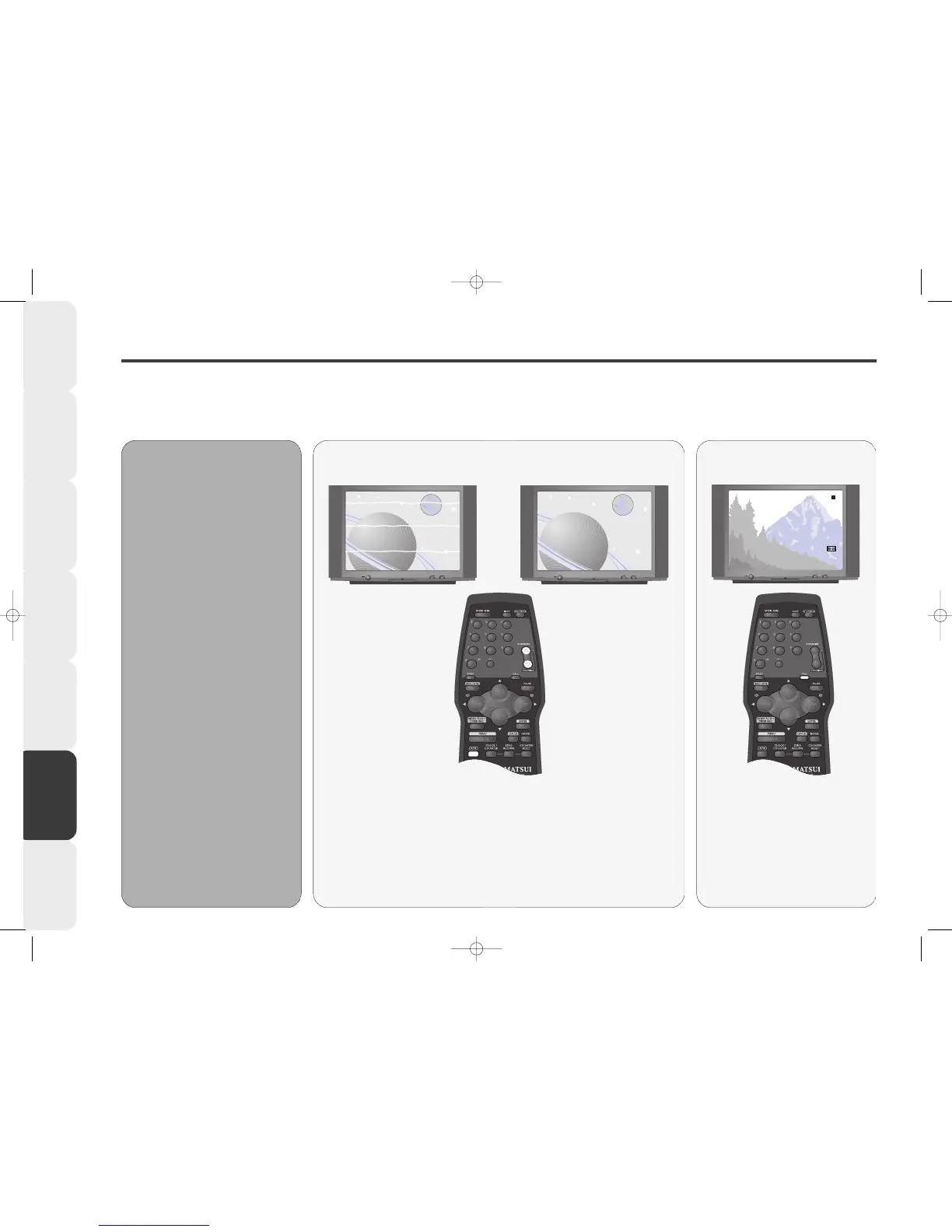
If white lines appear during playback or the picture starts to shake you can
try to adjust the tracking manually.
Press the TRACKING + or - buttons to obtain the best picture.
To resume automatic tracking, press the ATR button.
Manual and Automatic Tracking
11
11
When you press the CALL button,
the current time, channel and any
other relevant information (e.g.
tape counter, record sign) will
appear on the screen.
Press CALL again to remove the
information.
Call Feature
••
•• When a VCR tape is played, the
digital auto\ tracking system
automatically adjusts the tracking
of the VCR to obtain the best
picture from the VCR tape.
••
•• The Auto Tracking Indicator
(ATR) flashes in the VCR display
while your VCR searches for
optimum tracking (usually the first
few seconds of playing a tape).
The ATR will remain lit as long as
automatic tracking continues.
AA
AA
uu
uu
tt
tt
oo
oo
mm
mm
aa
aa
tt
tt
ii
ii
cc
cc
tt
tt
rr
rr
aa
aa
cc
cc
kk
kk
ii
ii
nn
nn
gg
gg



 To Next Page