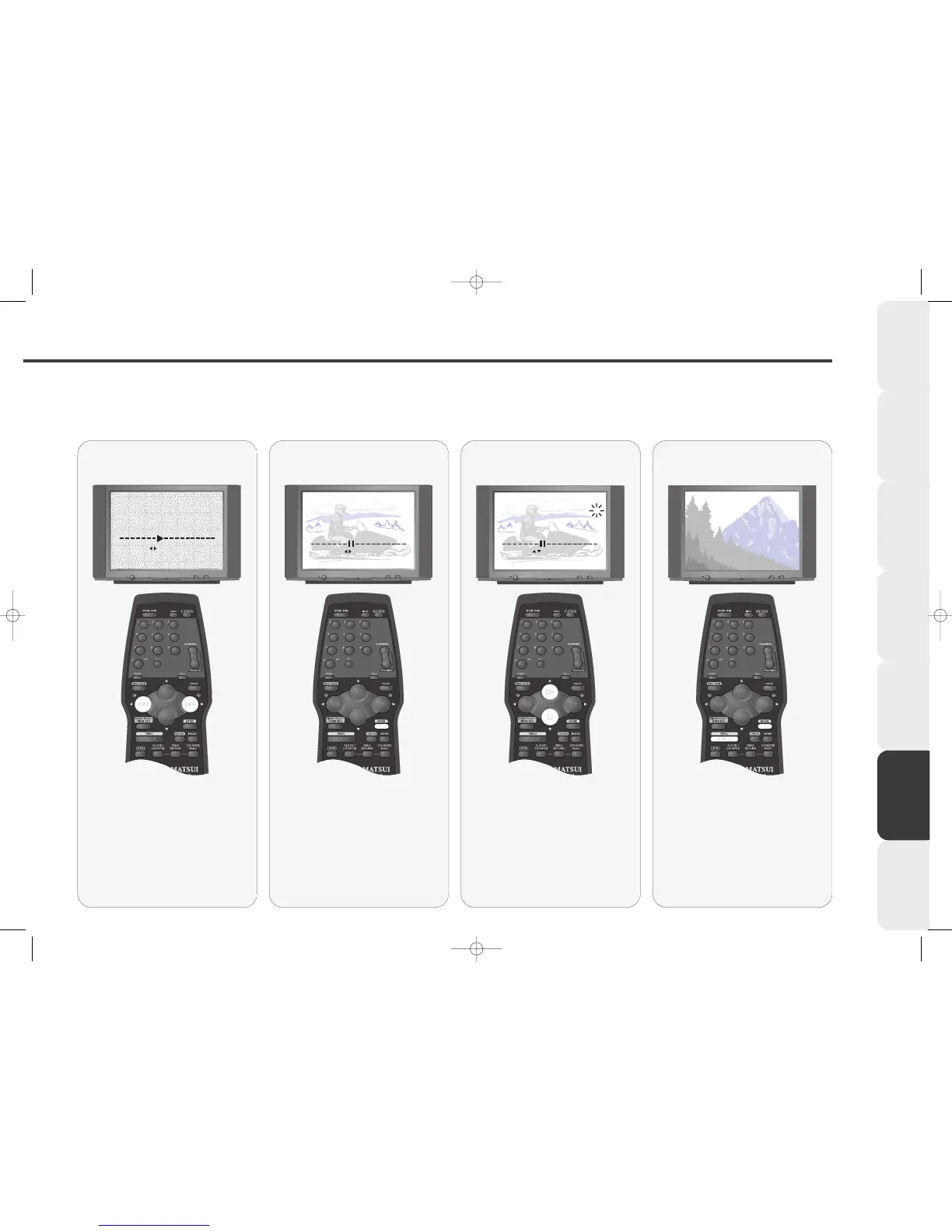
When the arrow stops, a station
has been found.
If a station appears that you do not
want, repeat stage 4.
Press ENTER to select this station.
Select the found
Station
66
66
You must now store the station you
have found in the correct channel
on your VCR. Press PLAY or STOP
to select the correct channel
number.
The table on page 36 shows the
correct channel numbers for stations to
be stored in.
Store in the correct
channel number
77
77
Press ENTER to store the station.
Repeat stages 4-7 if you wish to
tune in further channels.
When you have finished, press the
MENU button 3 times to clear the
screen.
Remove the menus
44
44
Press the REW or F.FWD buttons
on the remote control, the small
arrow will move on the tuning bar
and your VCR will automatically
search for a station.
This may take a few seconds.
Automatically search
for a Station



 To Next Page