Introduction &
Contents
Installing your
VCR
Setting up your
VCR
Playing a
Video Tape
Recording
Programmes
Help and
Specification
37
Advanced
Features
55
55
SET : /0-9
CH
OK
EXIT
: ENTER
: MENU
GUIDE
GUIDE CH SET
VCR
SAT
CH
8
_
CLEAR : CANCEL
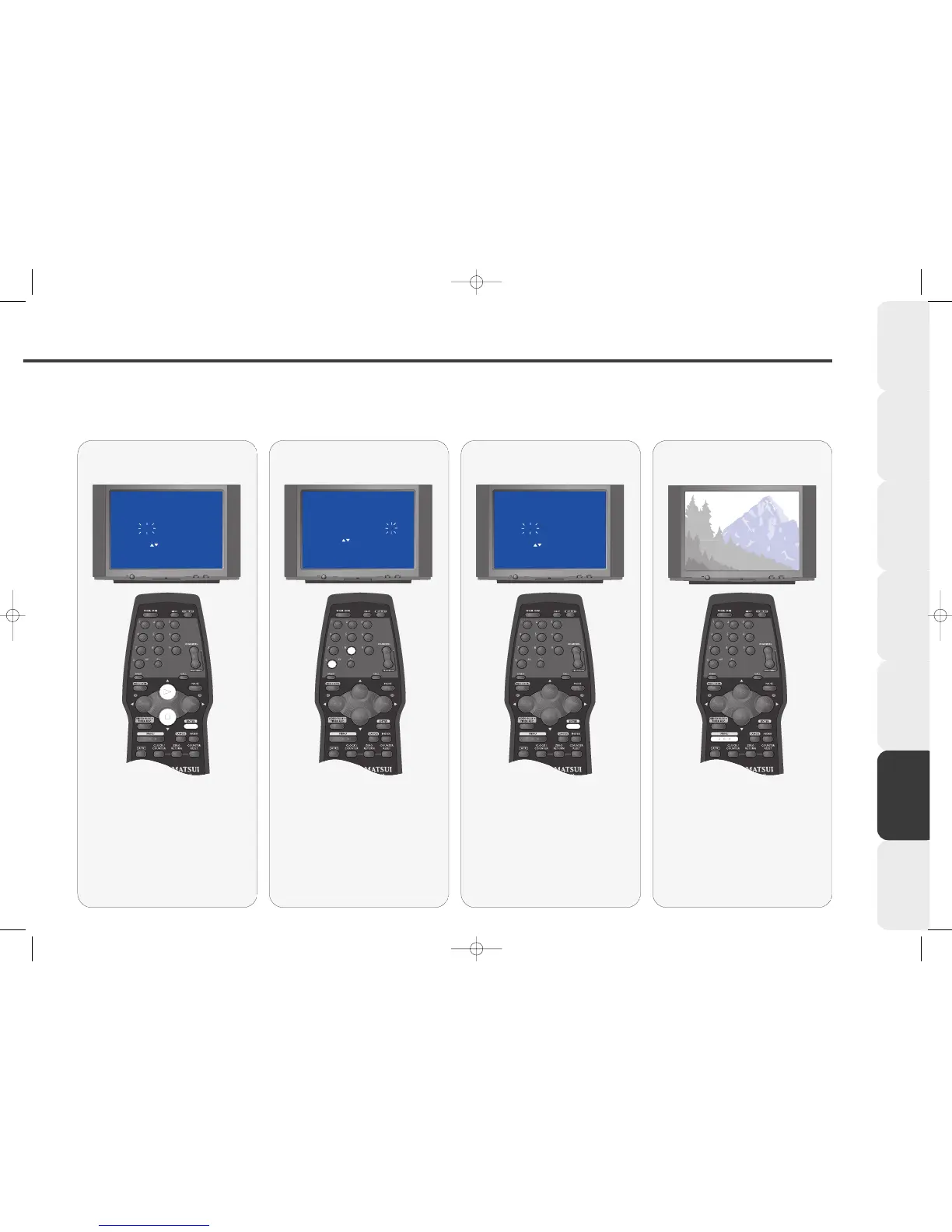
Press NUMBERED buttons (0 and
8) to enter a number 8 underneath
'VCR CH'.
This tells your VCR that the Satellite has
been stored in channel 8.
Select the VCR CH
66
66
SET : /0-9
CH
OK
EXIT
: ENTER
: MENU
GUIDE
GUIDE CH SET
VCR
SAT
CH
8
_
Press ENTER to store the new
setting.
If you have connected your satellite
using the SCART socket you must select
AV underneath 'VCR CH'.
Store your settings
77
77
Repeat stages 4-6 to adjust any
other channels.
Press MENU three times to remove
the menu.
Remove the menus
44
44
SET : /0-9
CH
OK
EXIT
: ENTER
: MENU
GUIDE
GUIDE CH SET
VCR
SAT
CH
6
_
Press PLAY or STOP until 'SAT'
flashes under 'GUIDE CH'.
This indicates the Satellite.
Press ENTER.
Select the GUIDE CH
VP9408.qxd 14/04/00 15:01 Page 37



 To Next Page