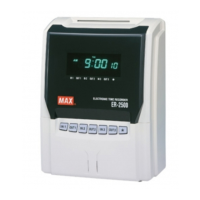
- 11 -
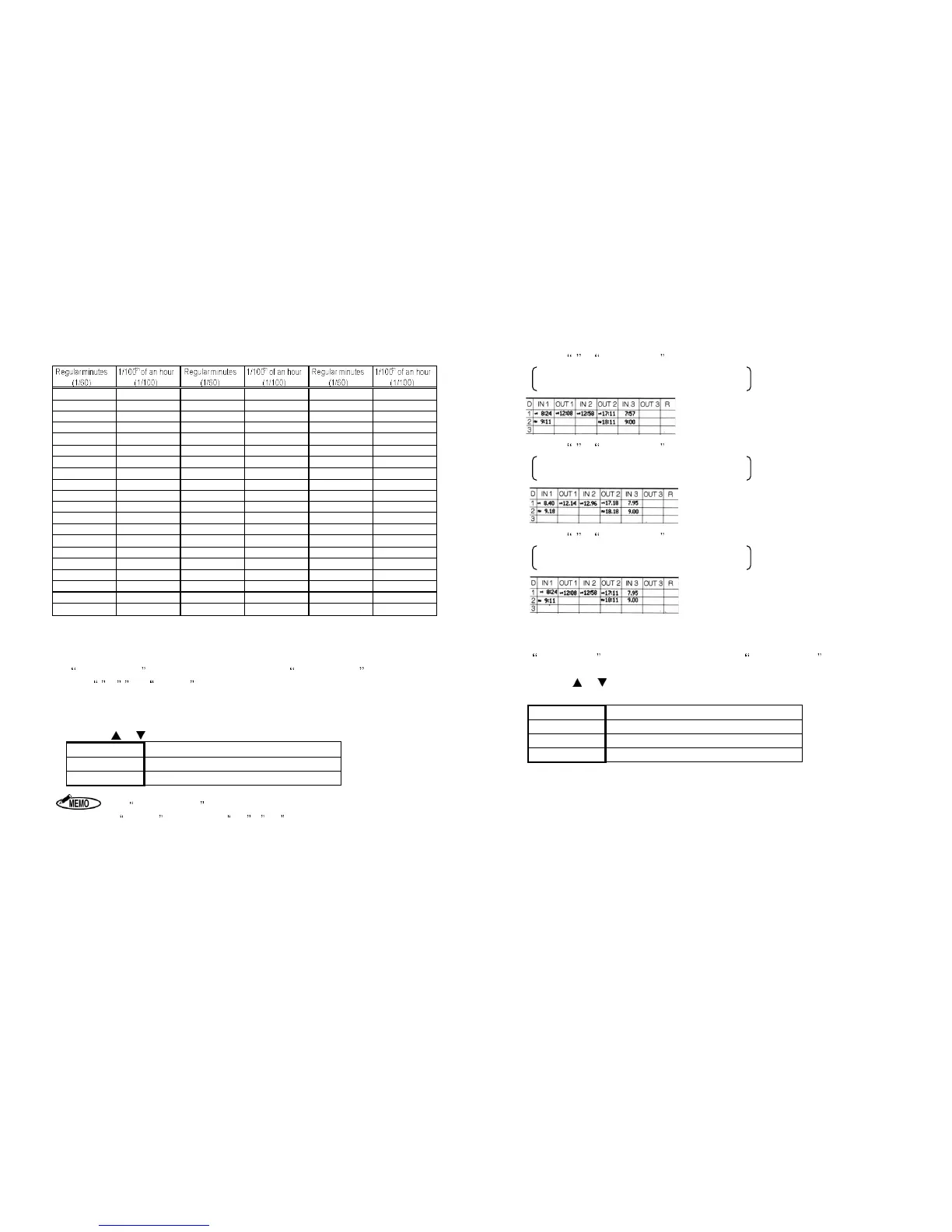
[Equivalent Time Chart]
00 0.00 20 0.34 40 0.66
01 0.02 21 0.35 41 0.68
02 0.04 22 0.36 42 0.70
03 0.05 23 0.38 43 0.72
04 0.06 24 0.40 44 0.74
05 0.08 25 0.42 45 0.75
06 0.10 26 0.44 46 0.76
07 0.12 27 0.45 47 0.78
08 0.14 28 0.46 48 0.80
09 0.15 29 0.48 49 0.82
10 0.16 30 0.50 50 0.84
11 0.18 31 0.52 51 0.85
12 0.20 32 0.54 52 0.86
13 0.22 33 0.55 53 0.88
14 0.24 34 0.56 54 0.90
15 0.25 35 0.58 55 0.92
16 0.26 36 0.60 56 0.94
17 0.28 37 0.62 57 0.95
18 0.30 38 0.64 58 0.96
19 0.32 39 0.65 59 0.98
4. Setting Daily Total Time (Code No: 04)
Daily Total Time is shown on the display after setting 60 or 100 Scale.
When 1 or 2 from CODE 03 or ER-1600E is used, this setting is not displayed.
Select Regular work time or the Overtime work as the Style of Daily Total Time.
The machine automatically prints the Daily Total Time after printing the time in the 4
th
column,
using the style that has been selected.
Press the or key to select the desired number from the following table.
Number Style of Daily Total Time
1
Regular work time
2
Overtime work
umn.
2. If time is not printed in the 4
th
column, the Daily Total Time is not printed.
3. ER-1600 cannot calculate Monthly Total Time.
- 12 -
[Printing example of daily total]
1. Setting 3 in CODE NO: 03.
Time Printing Style = Regular minutes (1/60)
Daily Total Time = Regular minutes (1/60)
2. Setting 4 in CODE NO: 03.
Printing Style of the Time = 1/100
th
of an hour
Daily Total Time = 1/100
th
of an hour
3. Setting 5 in CODE NO: 03.
Time Printing Style = Regular minutes (1/60)
Daily Total Time = 1/100
th
of an hour
5. LCD Backlight (Code No: 05)
LCD Backlight is shown on the display after setting Daily Total Time.
Select the Backlight mode for your style.
Press the or key to select the desired number from the following table.
Number LCD Backlight
1
ON
2
OFF
3
Illuminated only when operation


 To Next Page