The DLCA will display the software version number when power
is first applied for five seconds and then the DLCA will start
displaying the tension. During the software version display,
diagnostics are performed on the load cells and any errors are
displayed.
The load cell diagnostic errors are shown in Table 2.
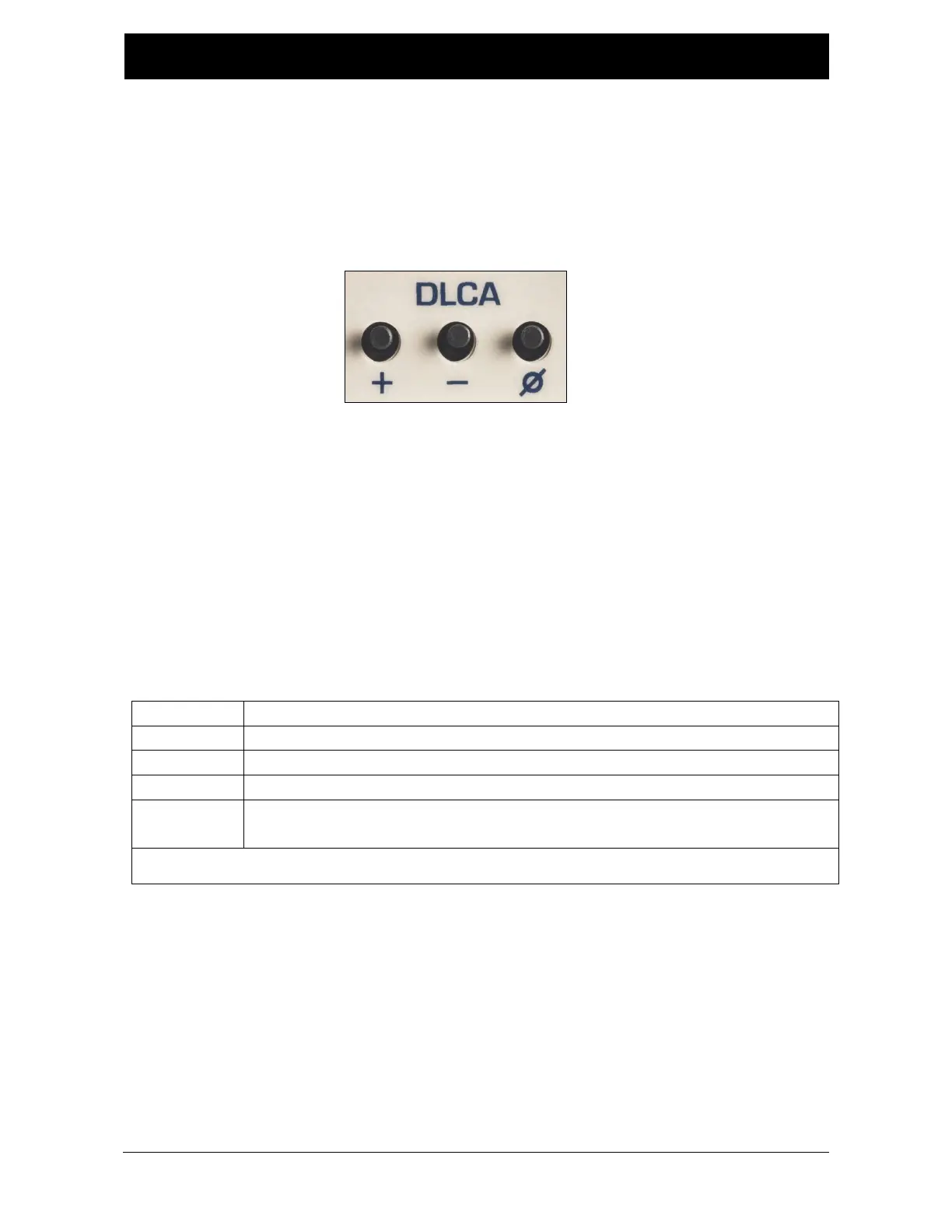
To exit from the load cell diagnostic error, press [] and the
tension will be displayed.
If no errors are detected, the tension will be displayed.


 To Next Page