8
English
5. Make sure the computer’s hot key driver is installed if you intend to hot dock the system.
6. Close the notebook computer’s lid/LCD and turn the computer over.
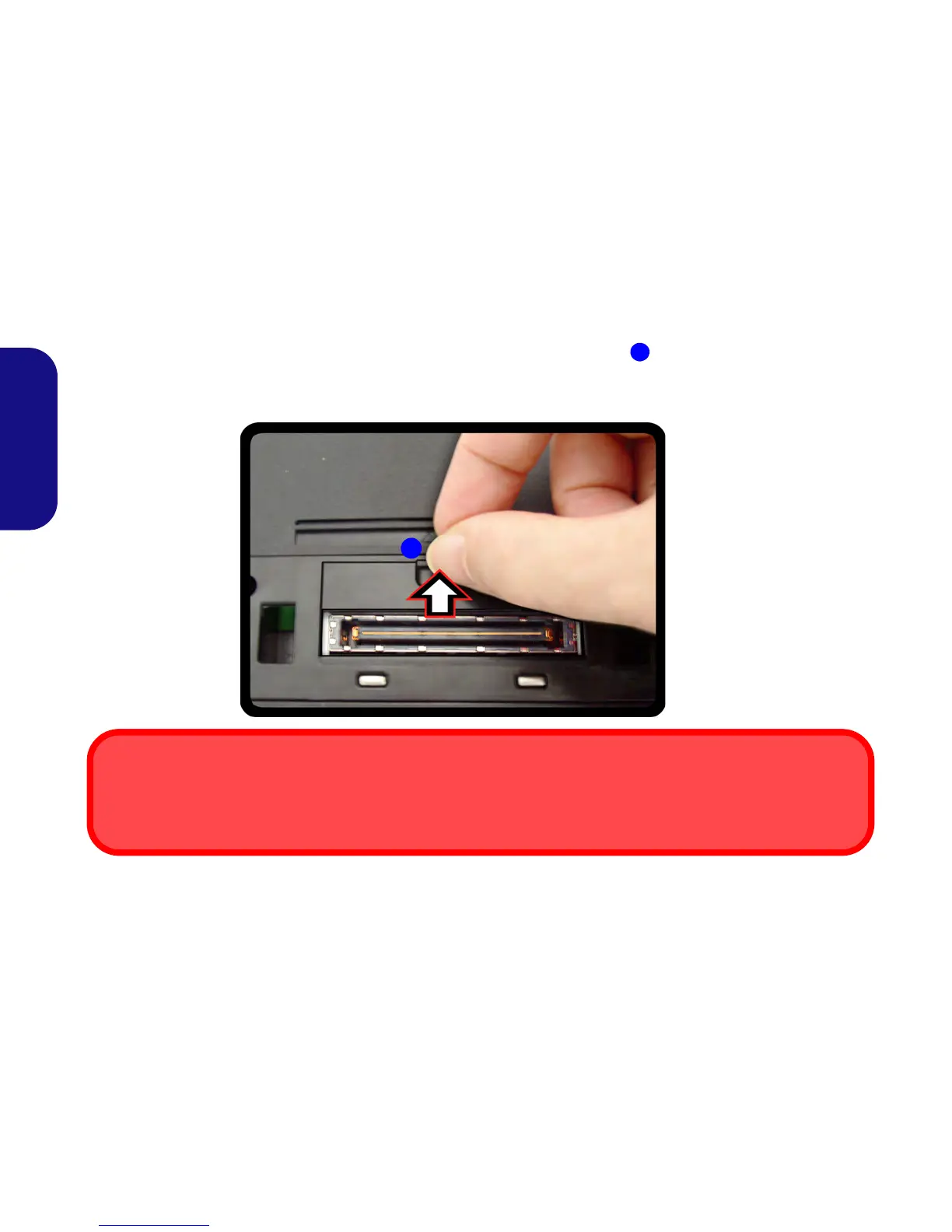
7. Slide the notebook computer’s docking port cover latch in the direction of the arrow at point to open the cover (failure to open the
cover of the docking port before connecting the computer to the docking station may result in irreparable damage to the connector on
the docking station).
Figure 5 - Opening the Docking Port
2
Docking Port Cover
Make sure you keep the cover closed when the computer is not docked in the station. This will help prevent foreign objects and/
or dust getting in to the contact area.



 To Next Page