9
English
8. Make sure that the notebook computer’s AC/DC adapter is NOT ATTACHED to the computer’s DC-In jack.
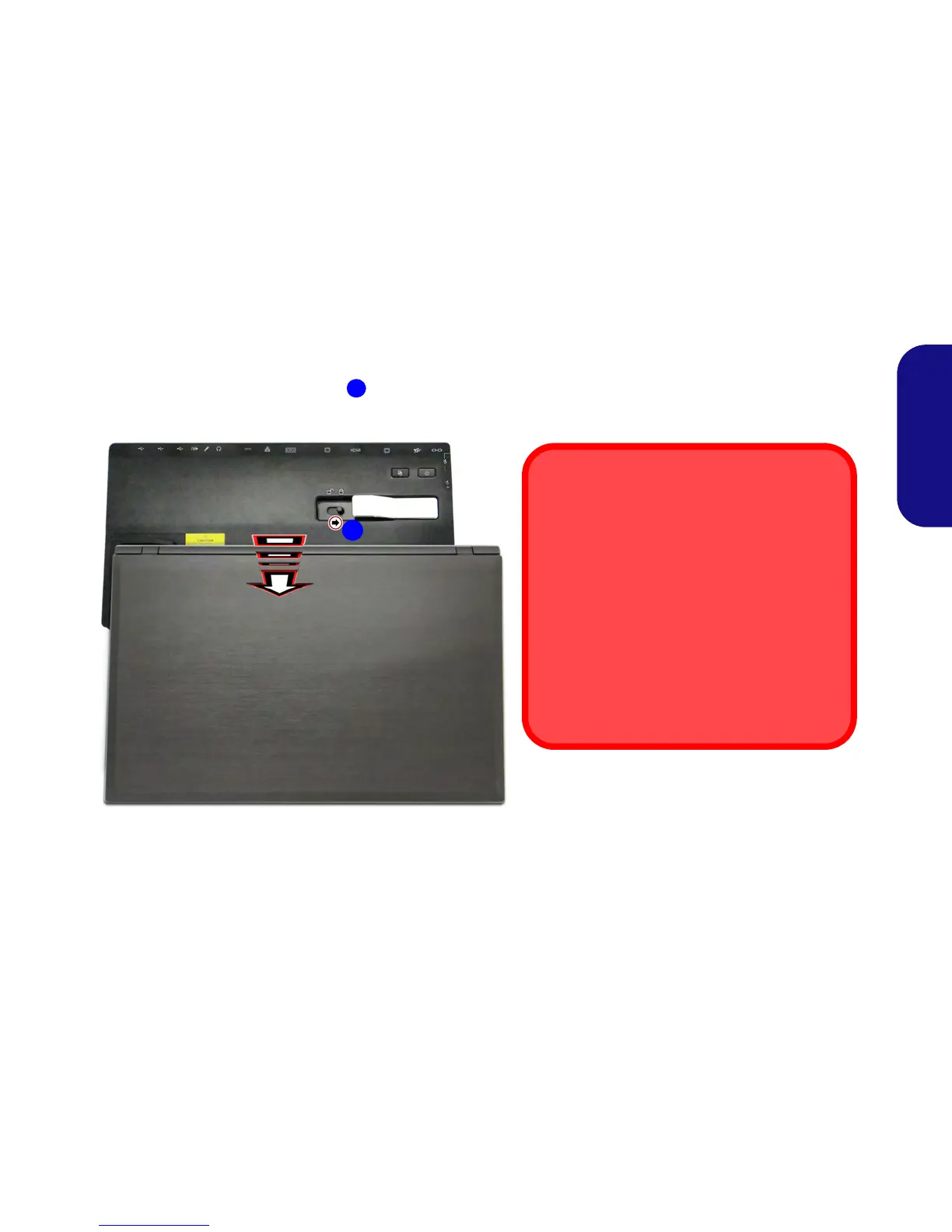
9. Ensure that the lock switch on the docking station is in the unlock position.
10. Press the computer down onto the docking station so that the docking connectors line up (the Power LED on the docking station will
be orange).
11. Slide the lock switch in to the lock position .
12. The Power LED on the docking station will be green and you can then use the docking station ports
.
Figure 6 - Slide the Lock Switch
3
AC/DC Adapter
Use only the docking station’s AC/DC adapter
plugged-in to the docking station’s DC-In jack to
power the computer.
Moving the Docking Station
Note that if the notebook is docked with the dock-
ing station, do not attempt to move the docked unit
in order to avoid losing connection. If you wish to
move the docking station, then make sure you un-
dock the notebook from the docking station before
doing so.



 To Next Page