71
THE KEYBOARD
Your notebook’s keyboard has all the functions of
a normal AT-compatible keyboard plus some
extras:
These keys correspond to a typewriter’s keys.
In many operating systems (and applications),
special functions are available via these keys. You
can find more detailed information on this in the
relevant handbooks.
These keys (and key combinations) are used for
controlling various hardware functions.
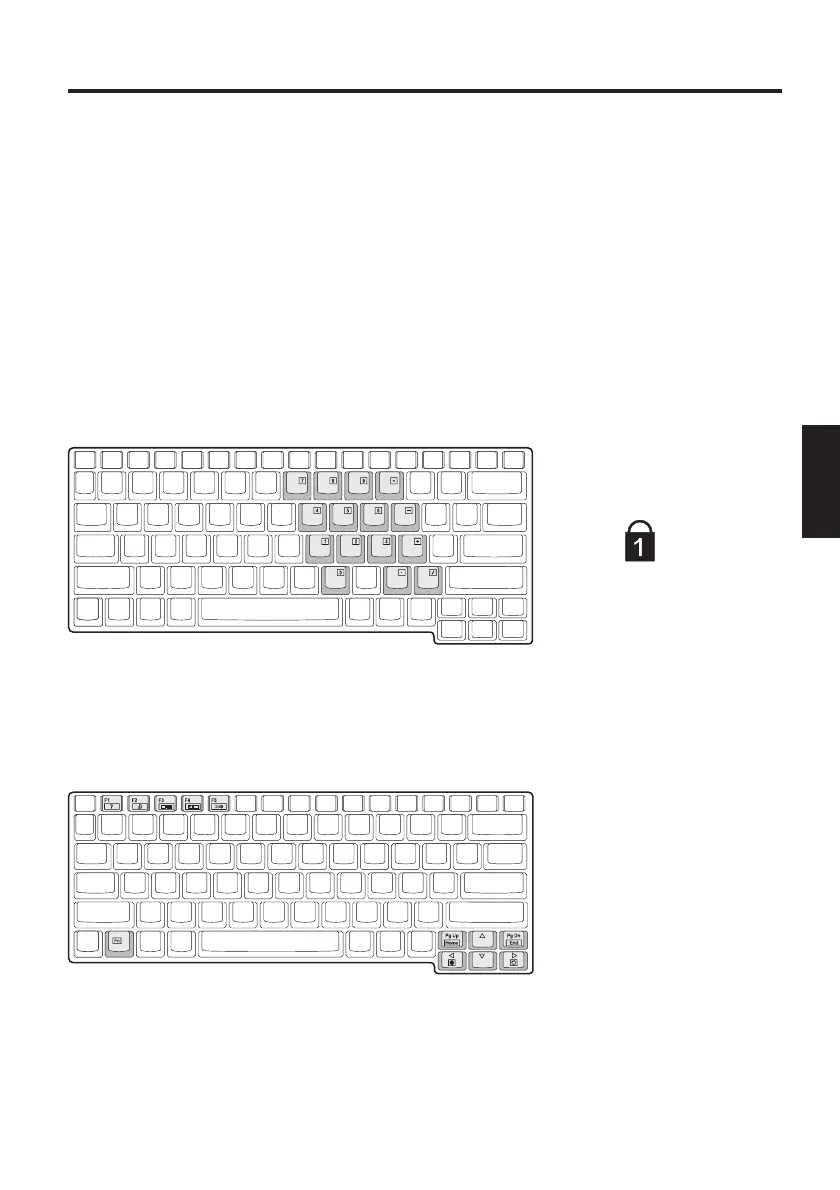
Press Fn + Num Lock
to activate this field
The LED lights up
Fig. 12
Typewriter -
Function keys
-
Special keys -
Fig. 13
Hot Keys:
For the functions, see
table 2 – Hot Keys
System Overview



 To Next Page