38
Audio Controls
38
EN
Adjusting Audio Settings
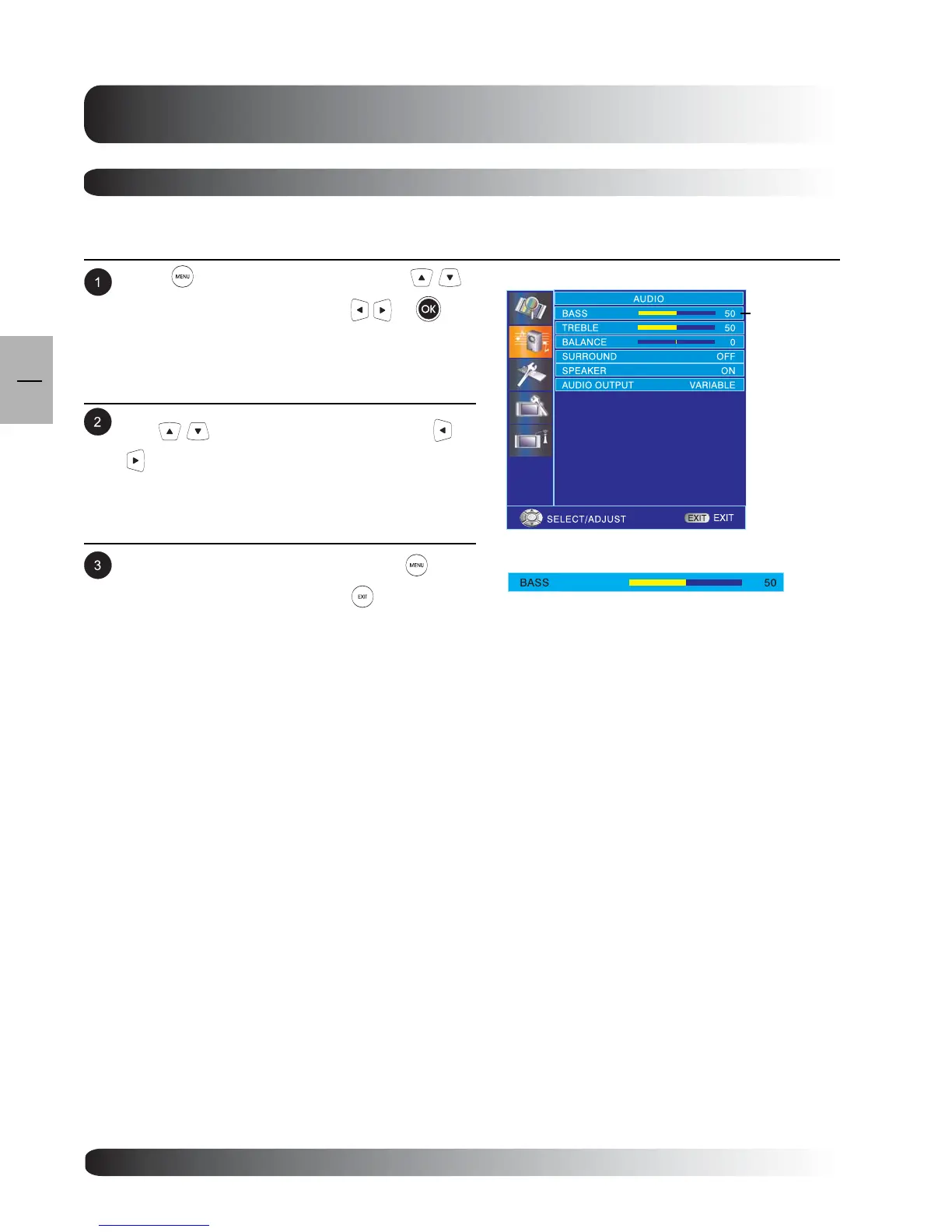
Press to access the OSD menu. Use
keys to select AUDIO then press or to
enter AUDIO menu.
.
Using OSD Menu
Various audio adjustments can be set using the audio adjustment OSD menu.
After achieving the disired setting, press key to
return to previous menu or press to exit menu.
Use keys to select BASS then press
to enter BASS setting.
BASS



 To Next Page