40
Audio Controls
40
EN
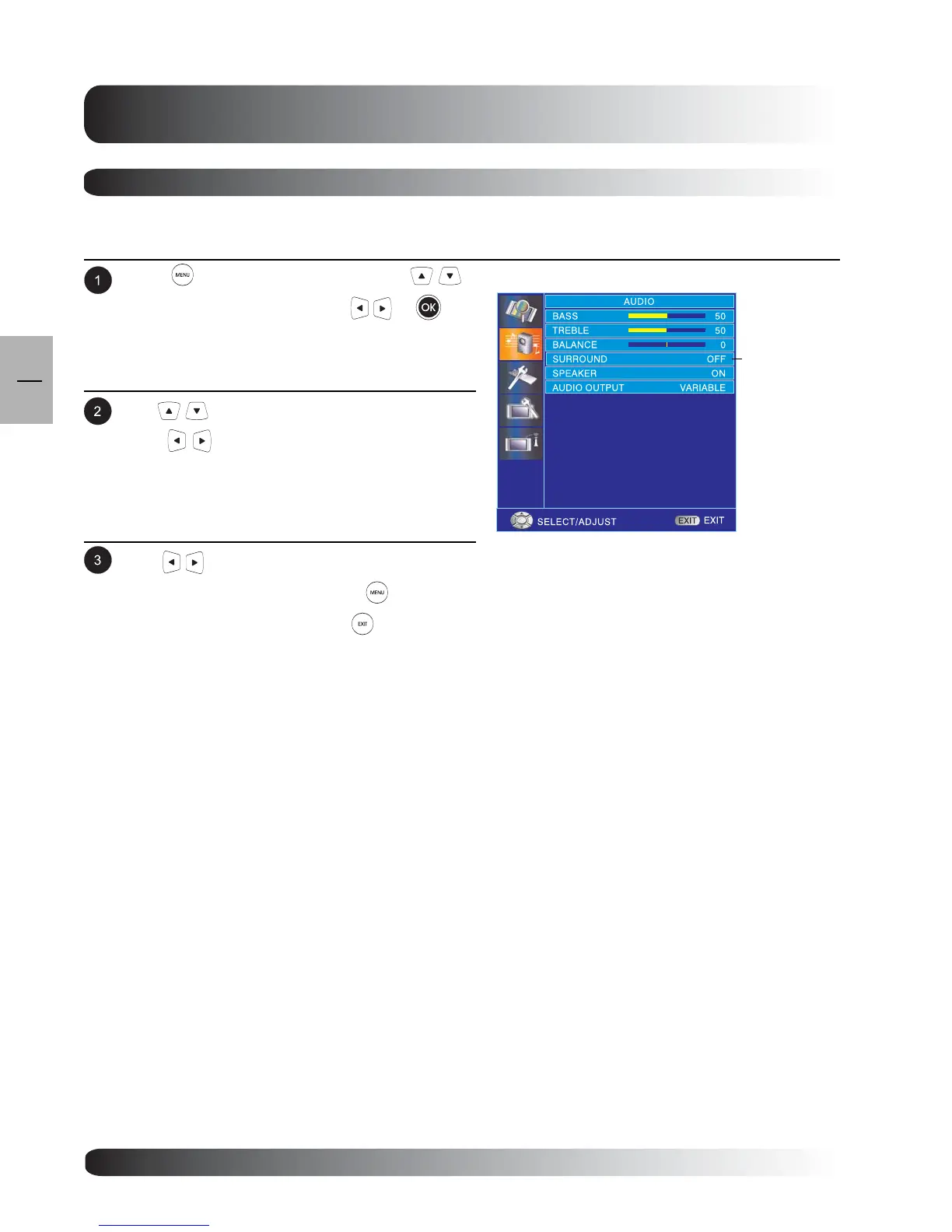
Using Surround Sound
Press to access the OSD menu. Use
keys to select AUDIO then press or to
enter AUDIO menu.
.
Turning On Surround Sound
This TV is equipped with a surround sound circuitry that enhances the sound when using two speakers.
Use keys to change your settings. After
achieving the disired setting, press key to
return to previous menu or press to exit menu.
Use keys to select SURROUND then
press to enter SURROUND setting.
SURROUND



 To Next Page