9
After Sales Support
UK/N.IRELAND HELPLINE N
O
:
REP.IRELAND HELPLINE N
O
:
WEBSITE:
EMAIL:
01270 508538
1800 995 036
www.quesh.co.uk
enquiries@quesh.co.uk
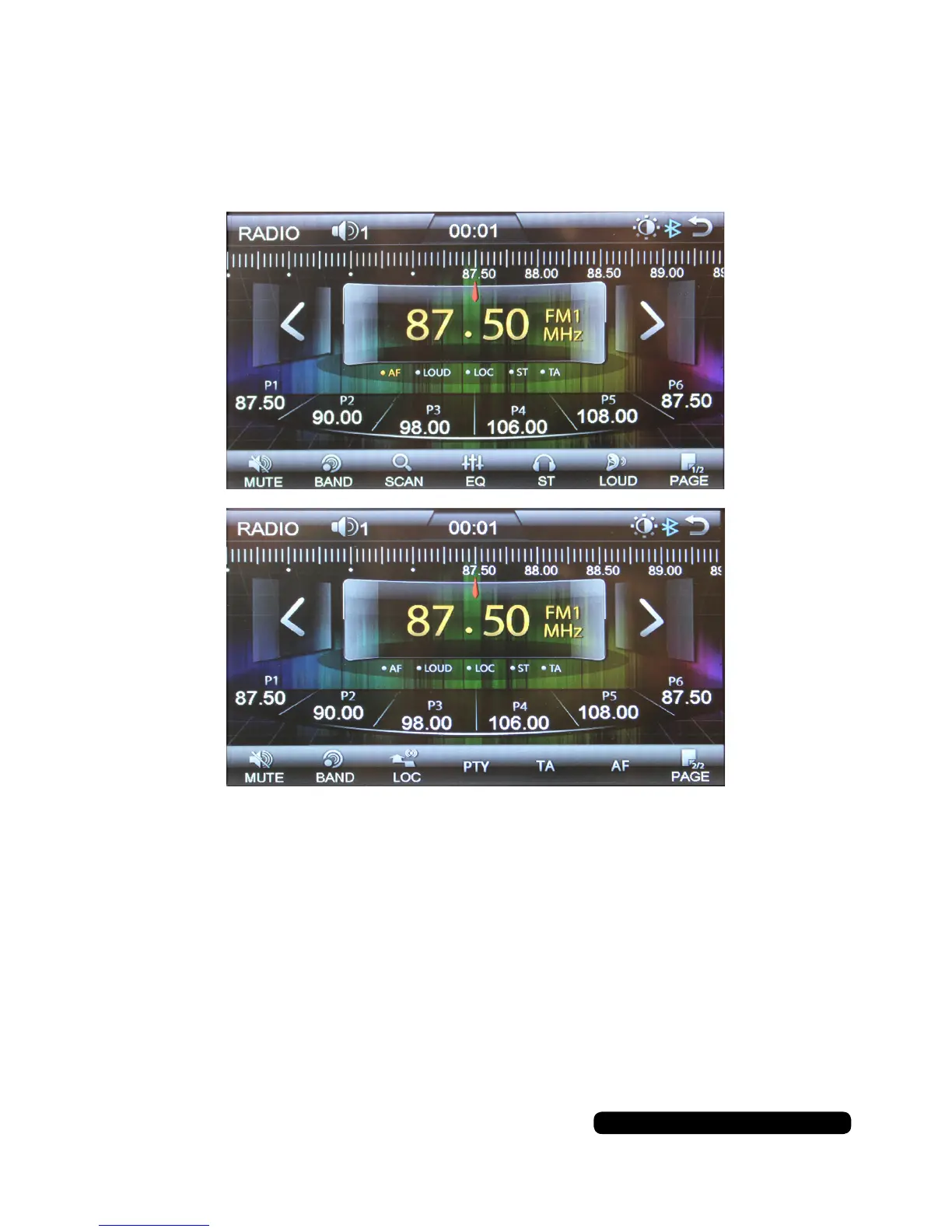
Radio Operation
Operating the Radio
When turning on the unit it will automatically go into radio mode unless a USB
stick or SD card has been inserted.
By pressing the PAGE button you will be able to cycle between the two available
option screens for the radio functions.
Functions that use RSS/RDS signal will be limited to FM band only.
To return to the main menu press the return arrow in the top right of the screen.


 To Next Page