11
After Sales Support
UK/N.IRELAND HELPLINE N
O
:
REP.IRELAND HELPLINE N
O
:
WEBSITE:
EMAIL:
01270 508538
1800 995 036
www.quesh.co.uk
enquiries@quesh.co.uk
Main Menu
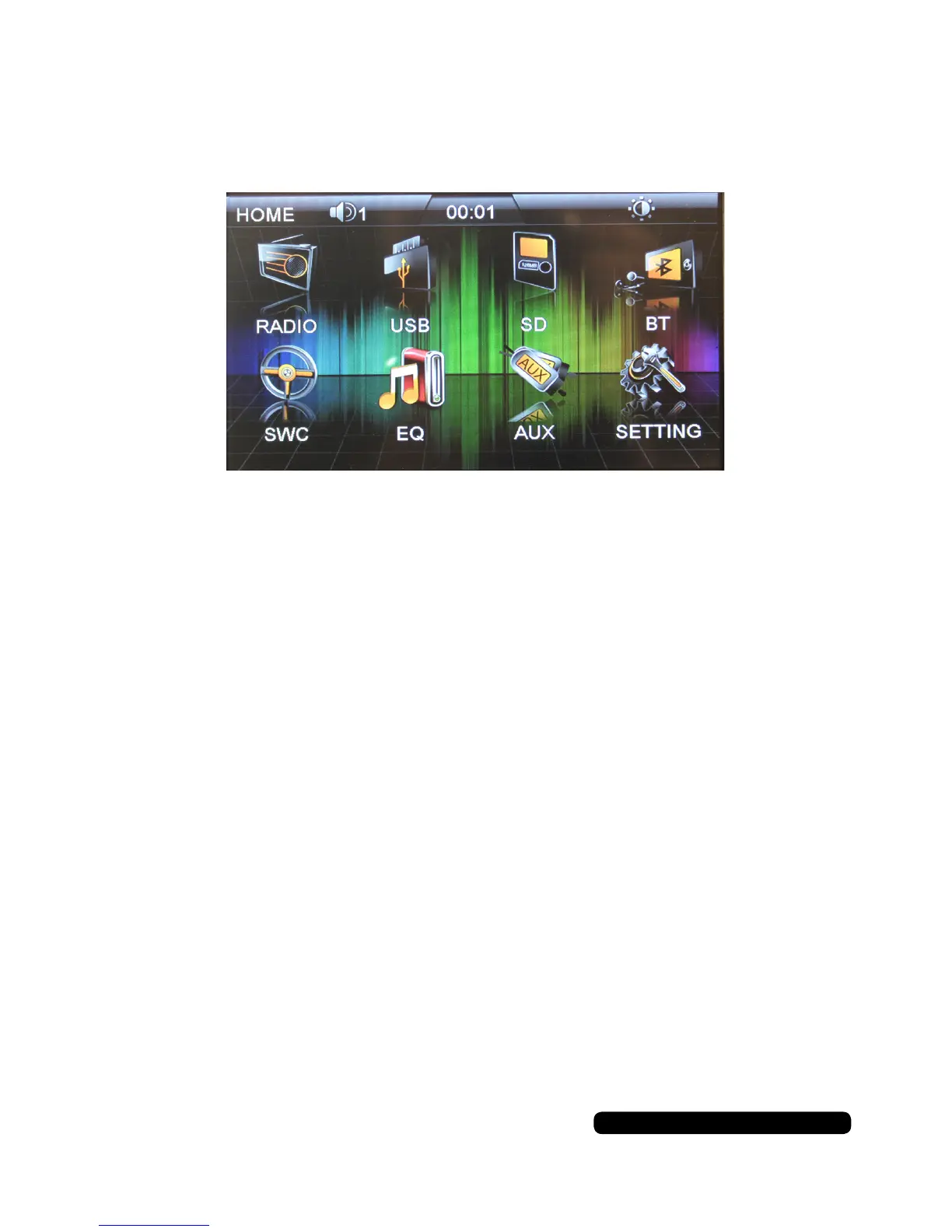
Home Screen
On the home screen you can select any of the 8 options listed.
The sun icon near the top right corner controls the brightness of the screen.
Press this to dim it in night mode. Press it again to turn the screen off. Press it a
third time to return it to day mode.
The time is displayed at the top in the middle.
The speaker Icon on the top left after the page description is the current volume
level.


 To Next Page