12
After Sales Support
UK/N.IRELAND HELPLINE N
O
:
REP.IRELAND HELPLINE N
O
:
WEBSITE:
EMAIL:
01270 508538
1800 995 036
www.quesh.co.uk
enquiries@quesh.co.uk
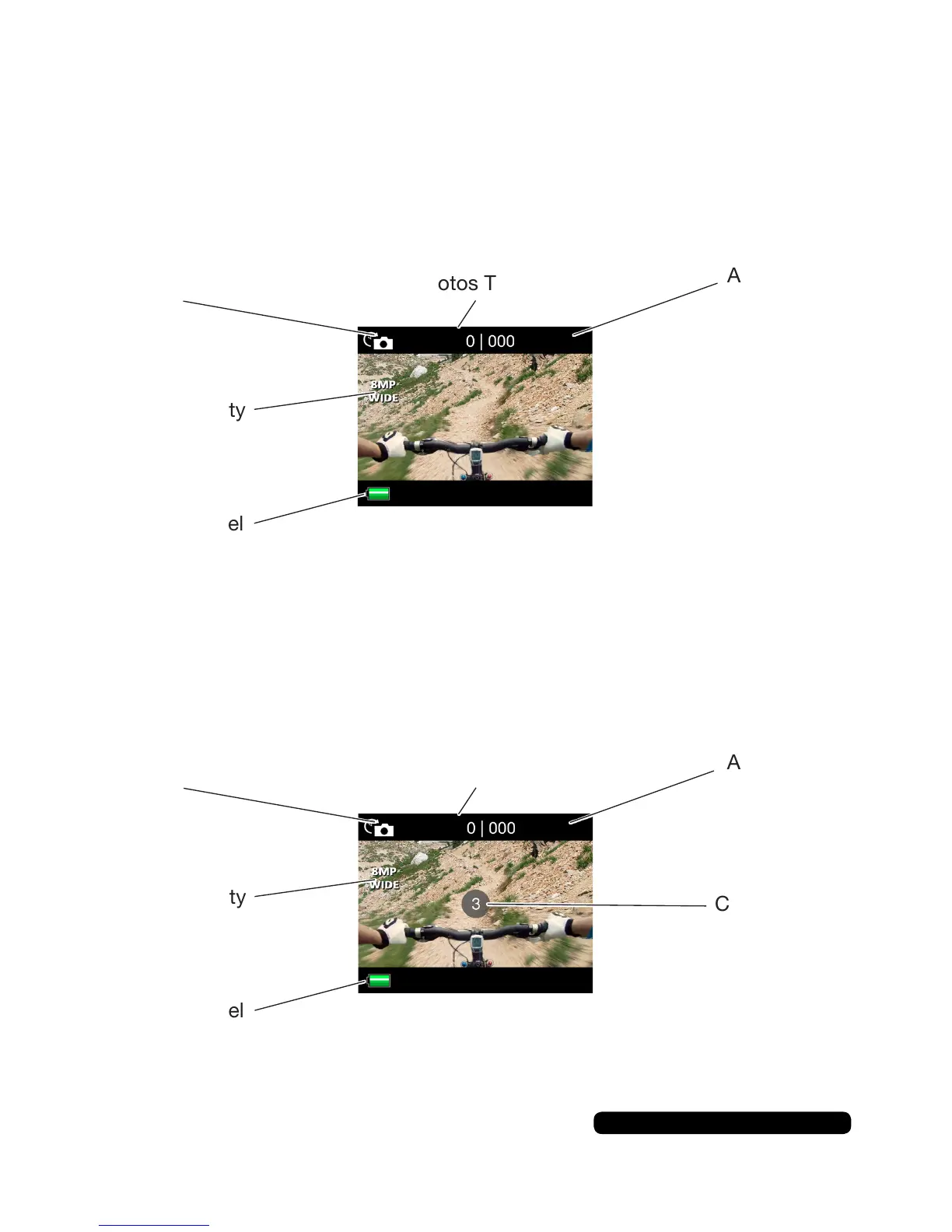
Time Lapse Mode Screen
Toentertimelapsemode,pressthe‘mode’buttonuntilyouseethe
time lapse icon. The simple screen displays only a few icons.
Time Lapse Mode
Time Lapse
Mode Icon
Photos Taken
PhotoQuality
BatteryLevel
Time Lapse
Mode Icon
Photos Taken
Photos
Available
PhotoQuality
BatteryLevel
Countdown
Shoot A Time Lapse
Pressthe‘shutter’buttonontopofthecameratostartandstop
thetimelapse.Acountdownwillbeactiveonthescreen.
Photos
Available
Youcanchangethetimeintervaloftheshotsinthesystemsmenuto
between 2 and 60 seconds



 To Next Page