24
After Sales Support
UK/N.IRELAND HELPLINE N
O
:
REP.IRELAND HELPLINE N
O
:
WEBSITE:
EMAIL:
01270 508538
1800 995 036
www.quesh.co.uk
enquiries@quesh.co.uk
Settings
Power Save
Thisoptionwillturnthecameraofftosavepowerafteraselected
amountoftimeinminutesifit’snotinuse.
Usingthe‘mode’buttontocyclethroughtheavailableoptionsand
the‘shutter’buttonyoucanselectfromthefollowingoptions:
Options
OFF > 1min > 3min > 5min
Onceyouhaveselectedyouroptionyouwillbereturnedtothe
previousmenuscreen.Togobacktothepreviousmenuwithout
selectinganoptionpressthe‘Wi-Fi’button.
Power Save
This option will format the inserted micro SD card.
Usingthe‘mode’buttontocyclethroughtheavailableoptionsand
the‘shutter’buttonyoucanselectfromthefollowingoptions:
Options
NO > YES
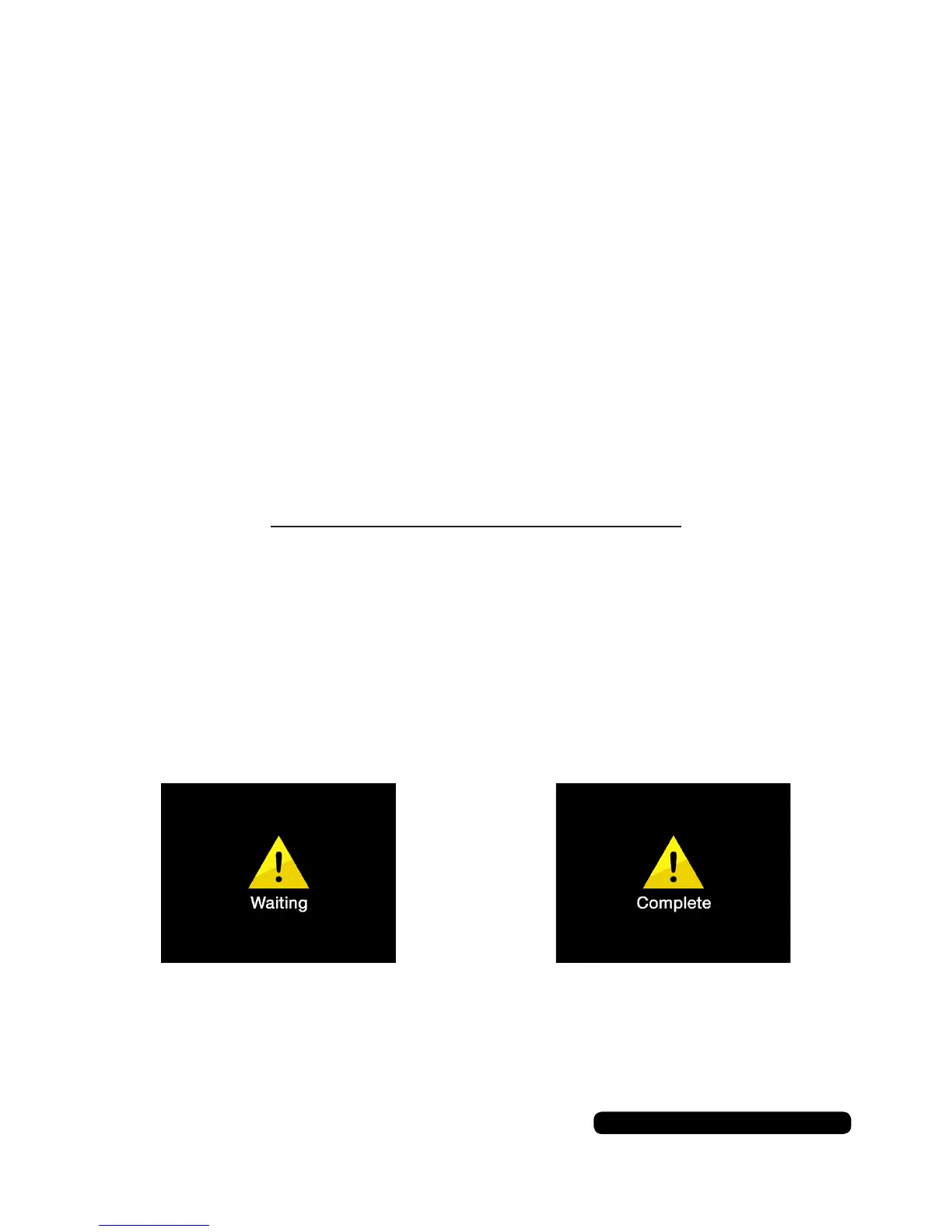
Youwillseethewaitingscreenasthecardisformattedandthenthe
completescreenwhentheactionisdone.Thecamerawillthengo
backtothepreviousmodeitwasusedin.


 To Next Page