5
After Sales Support
UK/N.IRELAND HELPLINE N
O
:
REP.IRELAND HELPLINE N
O
:
WEBSITE:
EMAIL:
01270 508538
1800 995 036
www.quesh.co.uk
enquiries@quesh.co.uk
Power
Charging The Camera
Make sure the 900mAh battery has been inserted into the battery
bay,withthepulltabaccessibleandthecoverreplaced.
AttachthechargecabletothemicroUSBportonthecameraand
theotherendtoa5V/1AUSBportormainsadaptor.Chargingwill
taleapproximately3hours.
Ifthecameraisbeingchargeviaanon-dataUSBport(e.g.mains
adaptor)theredLEDwillbelituntilthebatteryisfullycharged.
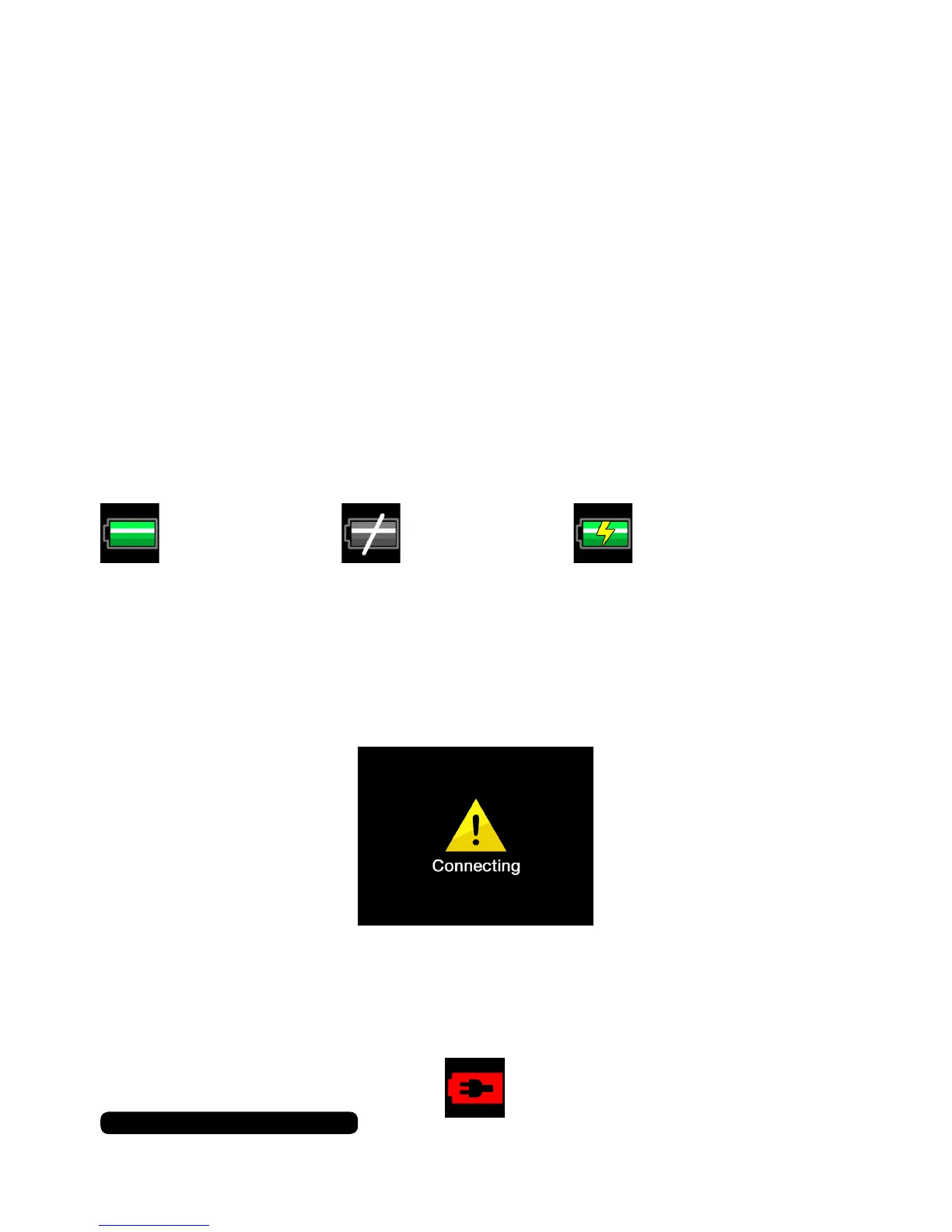
Ifyouarechargingthecamerawhileinusetherewillbeadifferent
icon in the bottom left corner of the screen to indicate that power is
connected.
IfthecameraisbeingchargedwithUSBportthatisdatacapable
(e.g.laptop)theblueLEDwillbelituntilthebatteryisfullycharged,
butthecamerawillbeinmassstoragemode.Thismeansyoucan
access the data on the installed micro SD card but not use the main
camera features. A connected screen splash will show in this mode.
Direct Power
You can use the camera with no battery installed. Just connect the
Camera to a non-data USB port. A power only icon will appear on
the screen. This only works with a micro SD card is installed.
(Power&BatteryIcon)
(PowerOnlyIcon)
(PowerLowIcon)(BatteryOnlyIcon)


 To Next Page