31
After Sales Support
UK/N.IRELAND HELPLINE N
O
:
REP.IRELAND HELPLINE N
O
:
WEBSITE:
EMAIL:
01270 508538
1800 995 036
www.quesh.co.uk
enquiries@quesh.co.uk
Wi-Fi
Recording Video
Makesurethevideocameraishighlightedingreenbytappingon
thevideocameraicon,thentapthereddottostartorstopthe
recording.
Taking A Photo
Makesurethecameraiconishighlightedingreenbytappingon
thecameraicon,thentapthereddottocaptureaphoto.
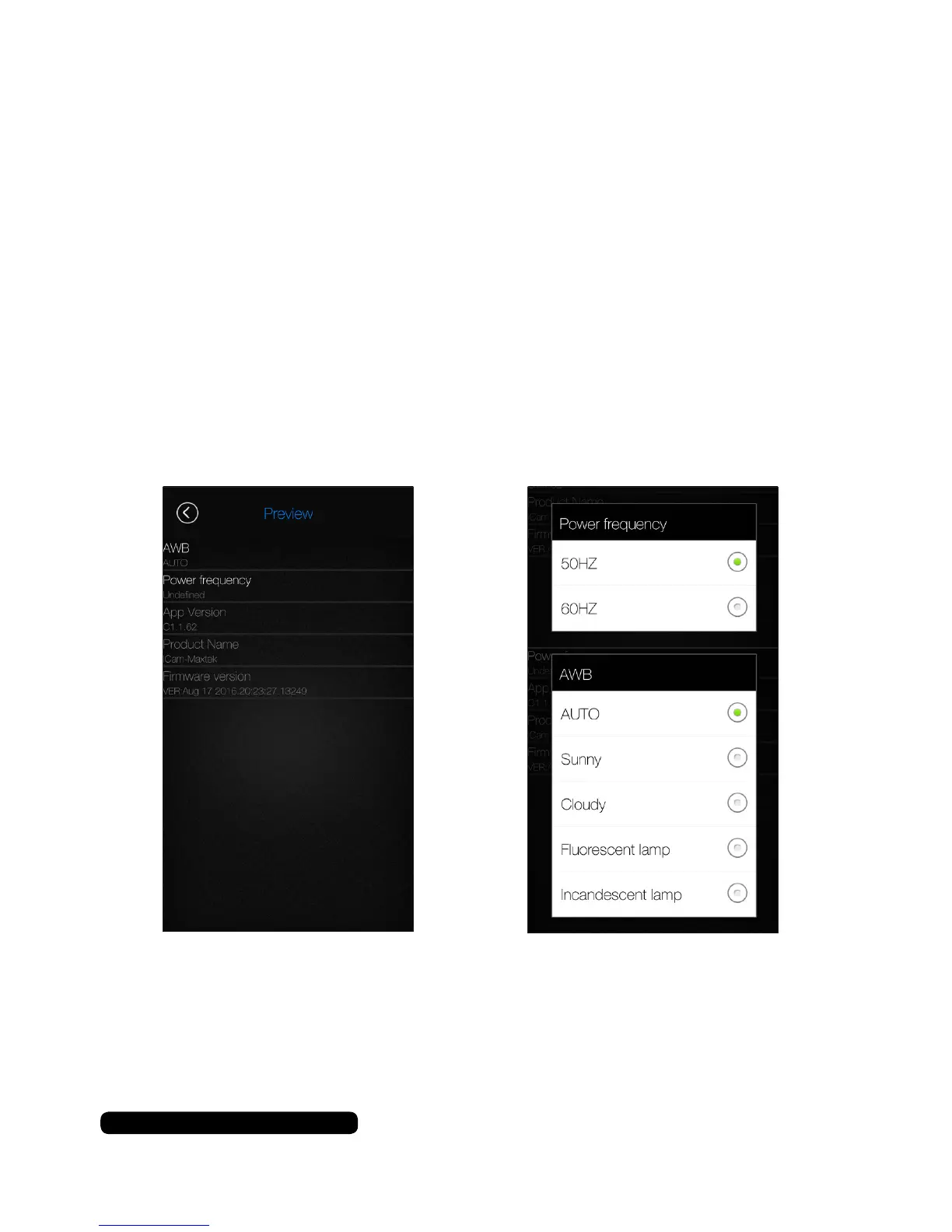
Settings Menu
TapthegearicontoaccesstheSettingsMenu.
Youcanonlychangethe‘WhiteBalance’and‘PowerFrequency’
fromthesettingmenu.Taponeitheroptiontoaccessasubmenu.
Selectanoptionbytappingontheradiodot.Youwillbereturned
tothepreviousscreen.Tapbacktogetbacktothehomescreen.



 To Next Page