6
After Sales Support
UK/N.IRELAND HELPLINE N
O
:
REP.IRELAND HELPLINE N
O
:
WEBSITE:
EMAIL:
01270 508538
1800 995 036
www.quesh.co.uk
enquiries@quesh.co.uk
Card Requirements
YoucansuseamicroSD,microSDHCandmicroSDXCtypesofcard
providingtheyareclass10.Themaximumsizeyoucanusewiththe
camera is 32Gb.
You will approximately have 60 minutes of recording at 4K/25fps,
120minutesrecordingat1080P/60fpsor240minutesrecordingat
1080P/30fps.
Installing A Micro SD Card
Insert the micro SD card into the micro SD port on the camera until
the card clicks into place. You may need to use the tip of a pen to
pushthecardinenoughtoclick.
Please Note:
The card will only fit one way, do not force it in.
Removing A Micro SD Card
Press the edge of the carduntilitclicksandletgo.Thecard will
springoutoftheportenoughforyoutopullout.Youmayneedto
use the tip of a pen to do this.
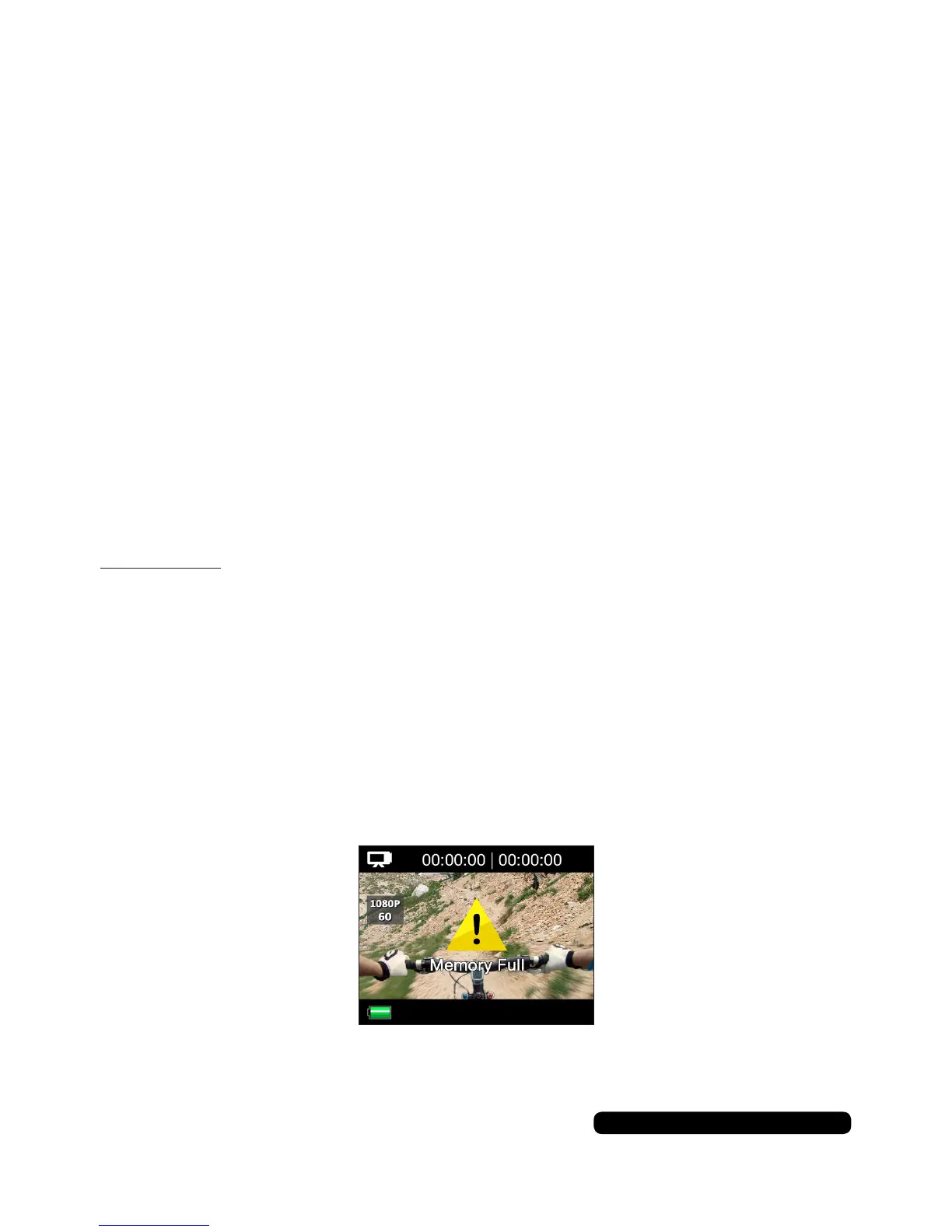
Full Card
Ifthecardisfullyouwillseeamessageonthescreen.
Micro SD Card
Formatthecardinthecamerasettingstocontinueorremoveand
deletelesviaaPCorlaptop.


 To Next Page