14
After Sales Support
UK/N.IRELAND HELPLINE N
O
:
REP.IRELAND HELPLINE N
O
:
WEBSITE:
EMAIL:
01270 508538
1800 995 036
www.quesh.co.uk
enquiries@quesh.co.uk
View Photo
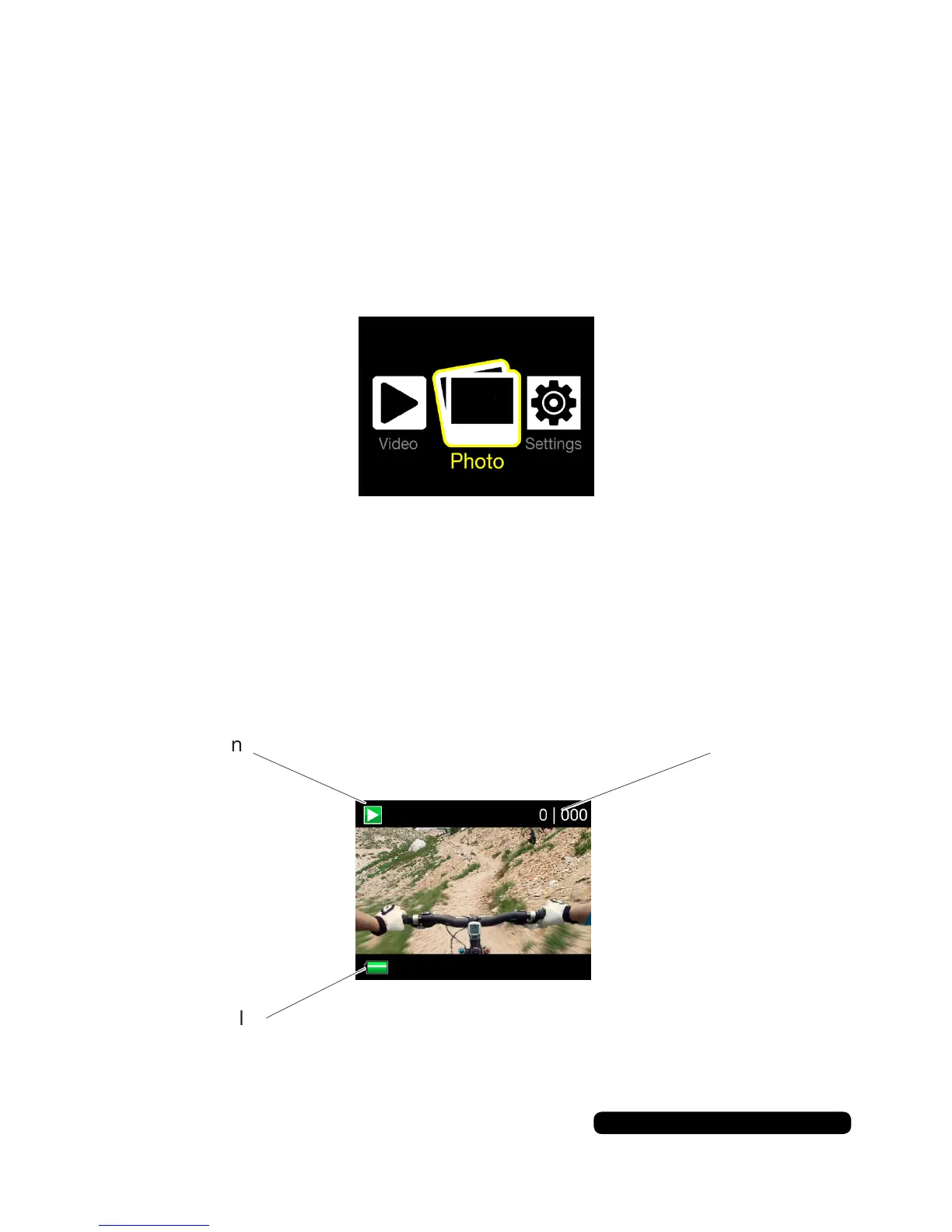
Toenterphotomode,pressthe‘mode’buttonuntilyousee‘Photo’
highlightedinyellow,thenpressthe‘shutter’button.
The simple screen displays only a few icons.
Preview Mode
Using Preview Mode
Usethe‘mode’buttontocyclethroughtheavailableles
Usethe‘Wi-Fi’buttontoexitthepreviewmode.
File out of
available
PreviewIcon
BatteryLevel



 To Next Page