28
After Sales Support
UK/N.IRELAND HELPLINE N
O
:
REP.IRELAND HELPLINE N
O
:
WEBSITE:
EMAIL:
01270 508538
1800 995 036
www.quesh.co.uk
enquiries@quesh.co.uk
Wi-Fi
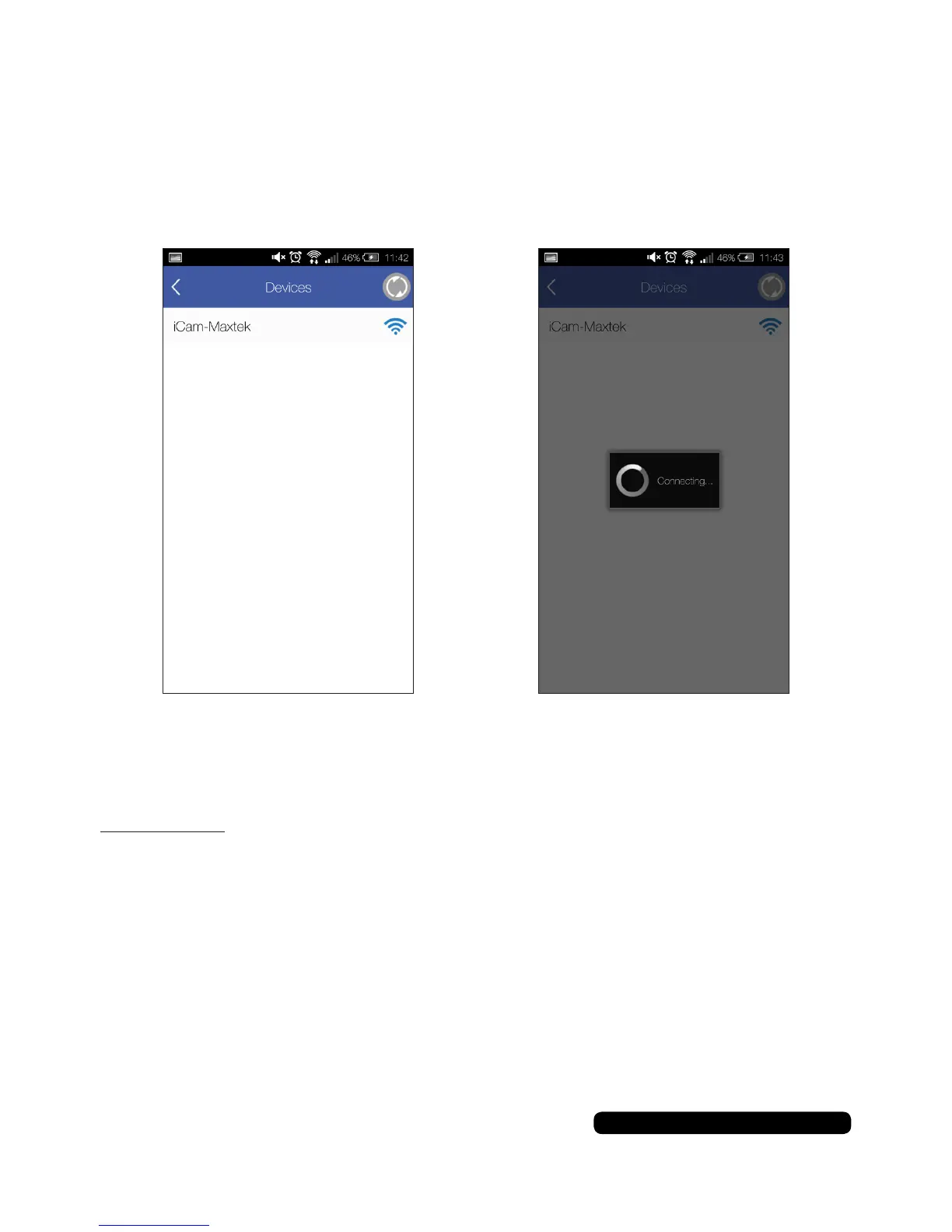
The app will search for available Wi-Fi connections. Look for and
select“iCam-Maxtex”.Theappwillautomaticallystarttoconnectto
the camera.
If the camera doesn’t automatically connect and requests a WEP
codepleaseinput“1234567890”toconnectthecamera.
Please Note:
When using the Action Camera in Wi-Fi mode your smart phone/tablet will loose
Wi-Fi access to the router. You will have to use mobile data for internet access.


 To Next Page