8
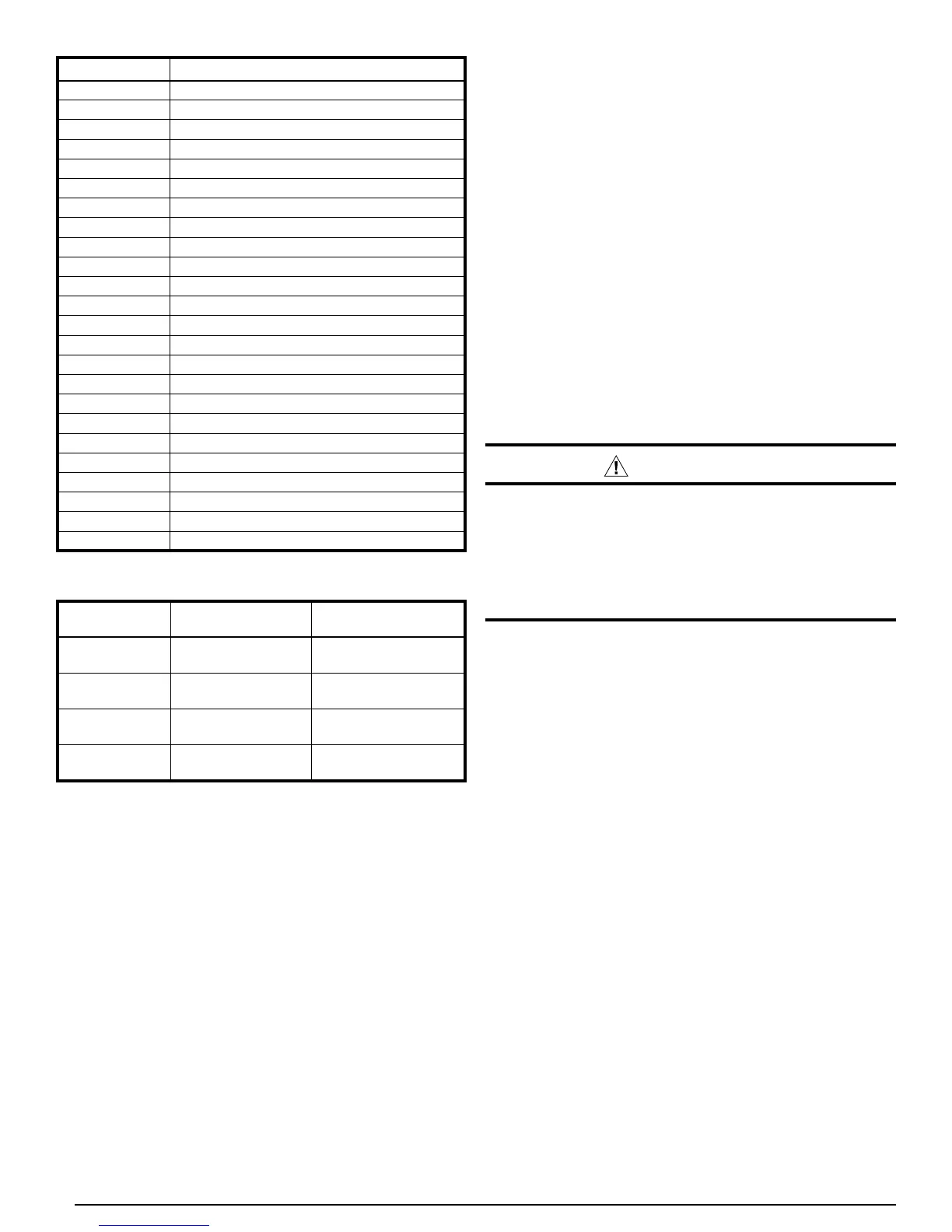
Table 7. Instrumentation List
FUNCTION TYPE CONNECTION
High Pressure
Switch
Opens650±15psig,
recloses460±15psig
See Figure8, and
Figure9
LowPressure
Switch
Opens20±5psig,
recloses35±5psig
IFB*LP1-LP2
Ambient
Air Temp
Thermistor10KΩ @
25°C(Fig.10)
IFB*“OUTDOORTEMP”
(BLK)
Compressor
Discharge Temp
Thermistor10KΩ @
25°C(Fig.10)
IFB*“DISCHARGETEMP”
(RED)
*IFB=InterfaceBoard
Table 6. Interface Board Diagnostic Codes
DISPLAY CAPACITY STAGE
1
Inverter Power Module Overcurrent
GeneralInverterDriveFault
High Compressor Current
4
Current Sampling Error (Inverter)
HighInverterHeatSinkTemperature
6
High DC Bus Voltage (Inverter)
7
LowDCBusVoltage(Inverter)
8
LowLineVoltageatInverter
9
LineOvercurrentatInverter
1
LineVoltageSamplingError(Inverter)
11
LossofCommunication(InverterInternal)
1
InverterHeatSinkSensorFailure
1
LossofCommunication(InverterInternal)
14
LossofCommunication(IFBtoInverter)
1
Override, High Compressor Current
16
Override,HighLineCurrent
17
Override,HighInverterHeatSinkTemp
18
OutdoorFanMotorFault
19
LowPressureSwitchOpen
High Compressor Discharge Temperature
1
Interface Board Software Error
SensorFailure-CompressorDischgTemp
4
SensorFailure-AmbientTemperature
9
CoolingLowTemperatureLockout
TROUBLESHOOTING
The2-characterLEDdisplayontheinvertercontrolboardis
intended to be helpful in diagnosing problems. Under normal
operation, the display will always show both a status indicator
(Table5) along with fault indications (Table 6).
The fault indications are a sequential listing of fault history.
The last 10 fault codes recorded are displayed in sequence,
with the most recent rst. If there is an“active” fault, one
which is currently detected and responsible for interrupting
operation, the right hand decimal point in the display will be
lit,andtherstnumberinthelistwilldouble-blinkatrst,then
appear again. If this decimal point is not lit, all codes listed
are historical only, and none are“active”. Also, if no code
numbers are displayed, there have been no faults recorded,
or the history has been cleared.
NOTE: As standard practice, write down the fault codes in the
history before attempting to clear the history. In troubleshooting,
focusonfaultcodesthatreturnas“active”afterthehistory
has been cleared. Do not replace hardware based on history
alone,i.e.,onfaultsthatarenot“active”.
WARNING:
Do not touch inverter conductors or the tops of
its large capacitors until power has been off for
at least 30 seconds. The inverter will retain a high
voltage for a time after power has been removed.
Failure to comply with this warning could result in
serious injury, death or property damage.
The list of past faults can be cleared by shorting the TEST
pins (J4) at the lower right side of the inverter control board
(when the unit is powered up but not running). This procedure
willalsoforcetheunittobypassthenormal5minutestop-
to-start delay.
Fault and warning codes are listed in Figure 6 (page 13)
and on a label affixed to the inside surface of the control
panel cover.
Inverter Circuit Board LEDs
Forsomeinverter-relatedfaultcodes,itishelpfultonoteat
leastwhetherornotLEDsarelitonthemaininvertercircuit
boards, which are mounted behind the interface board on
whichthecodesaredisplayed.For2,3,and4-tonmodels,
lookforalitLEDabout3inchesdirectlybehindthe2-character
display.Forthe5-tonmodellookforalitLEDabout3inches
directly behind the lower edge of the secondary contactor that
ismountedonthe leftsideoftheuppermounting bracket.
NOTE:ThereareotherLEDsontheinvertercircuitboards
as well as those described above.
FornormaloperationtheinverterLEDslocatedasdescribed
above will blink green slowly. When there is an inverter-
generatedfault,aredLEDnexttothegreenonewillash.
Normally this will be translated into a 2-digit fault code on the
main display.
If the green LED (described above) is not lit, it generally
indicates that line voltage is not getting to the inverter via the
contactor.Checkforthepresenceof208/230voltsbetween
the top two terminals of the main contactor. If voltage is



 To Next Page