8
Skimmi Robotic Pool Skimmer | User Instructions
QUICK START GUIDE
Features and options
Dolphin Skimmi User Manual
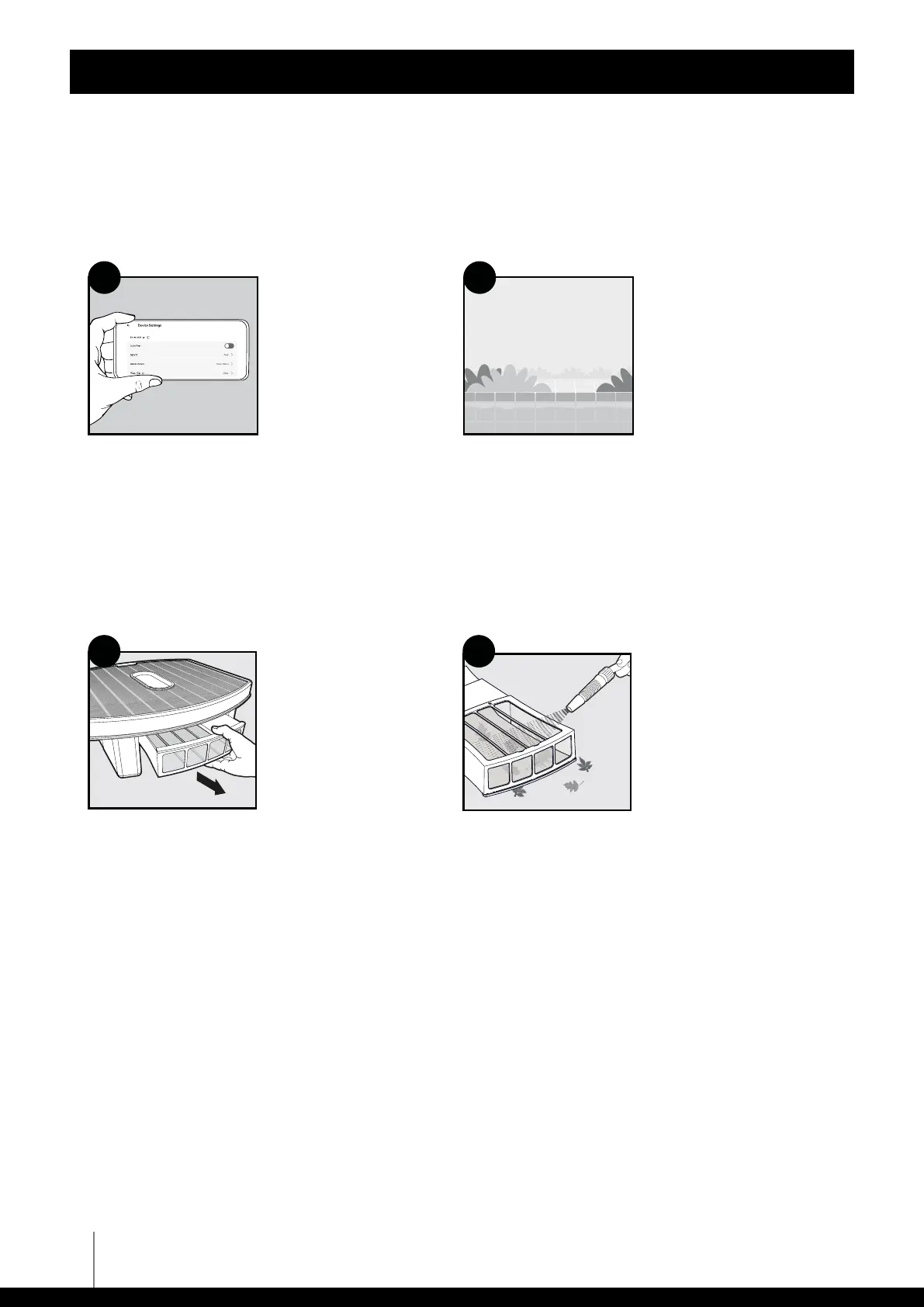
Skimmi's default settings are ideal for most pools. However, here are some settings that you may
want to adjust in the app setup:
Note: Be sure to clean the filter tray before it dries out to prevent debris from sticking to the filter.
If battery charges slowly: The solar panel may need to gently be cleaned from dust, grime, or lime scale.
Cleaning Schedule - To
maximize battery life,
we recommend using the
default settings for work/
rest cycles, which are:
Day - 20 minutes work -
10 minutes break.
Night - 10 minutes work -
1 hour break.
You can change the
defaults in the app
settings.
Pool Type: If your pool
is a pond with plants,
select "Natural" to prevent
damage to plants.
1 2
Draw 04 - Rinse with water
Clean solar panel
Rinse dust o with water and your hand. For oily grime (sunscreen, etc...),
use a gentle sponge or rag with soap and water.
Note: Abrasive scrubbing could scratch the solar panel.
Use a low-pressure hose
to gently wash debris from
both sides.
Remove filter tray.
1 2
Cleaning
Rinse filter tray










 To Next Page