Black plate (298,1)
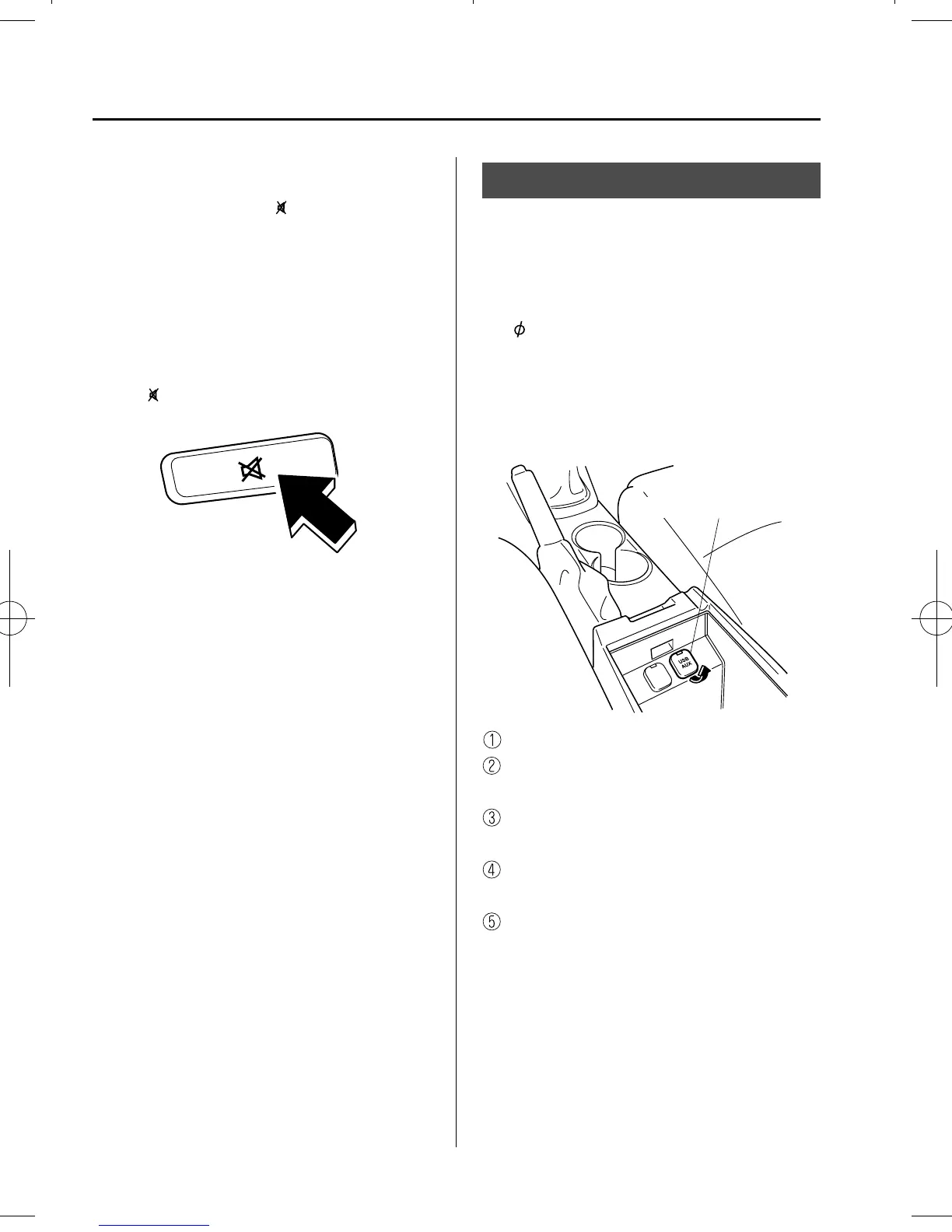
qMute Switch
í
Press the mute switch ( ) once to mute
audio, press it again to resume audio
output.
NOTE
If the ignition is switched off with the audio
muted, the mute will be canceled. Therefore,
when the engine is restarted, the audio is not
muted. To mute the audio again, press the mute
switch (
).
AUX/USB/iPod mode
Audio can be heard from the vehicle's
speakers by connecting a commercially-
available portable audio unit to the
auxiliary jack.
A commercially-available, non-impeda nce
(3.5
) stereo mini plug cable is requi red.
Contact an Authorized Mazda Dealer for
details.
In addition, audio can be played from the
vehicle audio device by connecting USB
device or an iPod to the USB port.
Auxiliary jack/USB port
How to use AUX mode ....... page 5-60
How to use USB mode (Type
A) ......................................... page 5-62
How to use USB mode (Type
B) ......................................... page 5-66
How to use iPod mode (Typ e
A) ......................................... page 5-70
How to use iPod mode (Typ e
B) ......................................... page 5-74
5-58
Interior Features
í
Some models.
Audio System
CX-5_8DR3-EC-14A_Edition3 Page298
Monday, June 30 2014 3:39 PM
Form No.8DR3-EC-14A



 To Next Page