Type A
Type B
(European model)
(Except European model)
To clear the data being displayed, press
the INFO button for more than 1.5
seconds. After pressing the INFO button,
- - - km/h (- - - mph) will be displayed for
about 1 minute before the vehicl e speed is
recalculated and displayed.
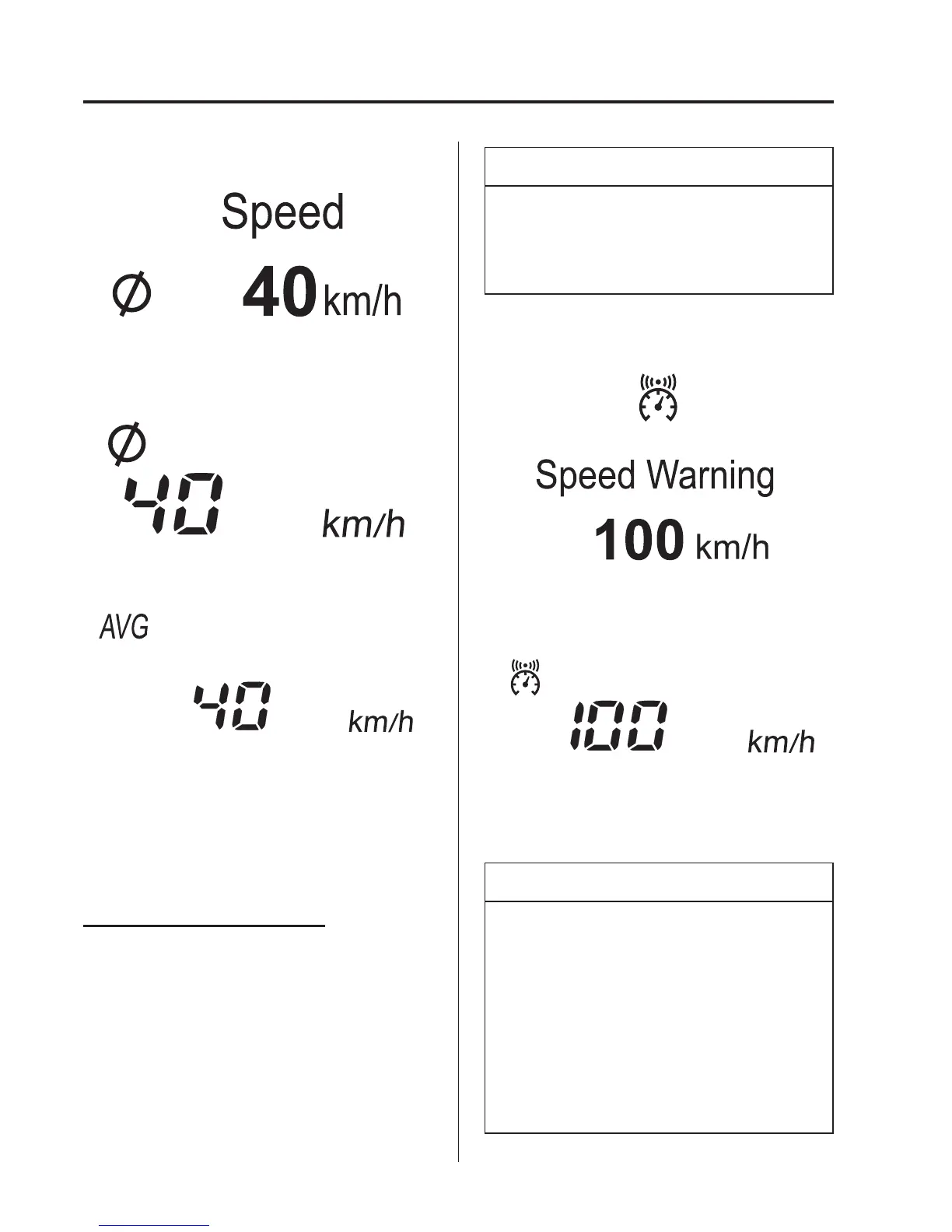
Vehicle speed alarm mode
í
In this mode, the current setting for the
vehicle speed alarm is displayed.
You can change the vehicle speed setting
at which the warning is triggered.
NOTE
The vehicle speed alarm display is
activated at the same time the beep
sound is heard. The set vehicle speed
flashes several times.
Type A
Type B
The vehicle speed alarm can be set using
the INFO switch.
NOTE
l
Always set the vehicle speed
according to the laws and regulations
of the country/city in which the
vehicle is driven. In addition, always
verify the speed of the vehicle using
the speedometer.
l
The vehicle speed alarm function can
be set between 30 and 250 km/h (20
and 150 mph).
4-30
When Driving
í
Some models.
Instrument Cluster and Display



 To Next Page