The vehicle speed alarm can be set
using the following procedure.
Type A
1. Press the INFO switch on the speed
alarm screen.
2. Select ON and press the INFO switch.
3. Set the vehicle speed by pressing the
INFO up or down button, and then
press the INFO button.
Type B
1. Press the INFO button for more than
1.5 seconds. The vehicle speed flashes.
2. Press the up
or down part of the
INFO switch to select the de sired
vehicle speed.
3. Press the INFO button for more than
1.5 seconds. The vehicle speed
illuminates.
The vehicle speed alarm can be
cancelled using the following
procedure.
Type A
1. Press the INFO switch on the speed
alarm screen.
2. Select OFF and press the INFO switch.
Type B
1. Press the INFO button for more than
1.5 seconds. The vehicle speed flashes.
2. Press the up
or down part of the
INFO switch to select - - - km/h (- - -
mph).
3. Press the INFO button for more than
1.5 seconds. - - - illuminates.
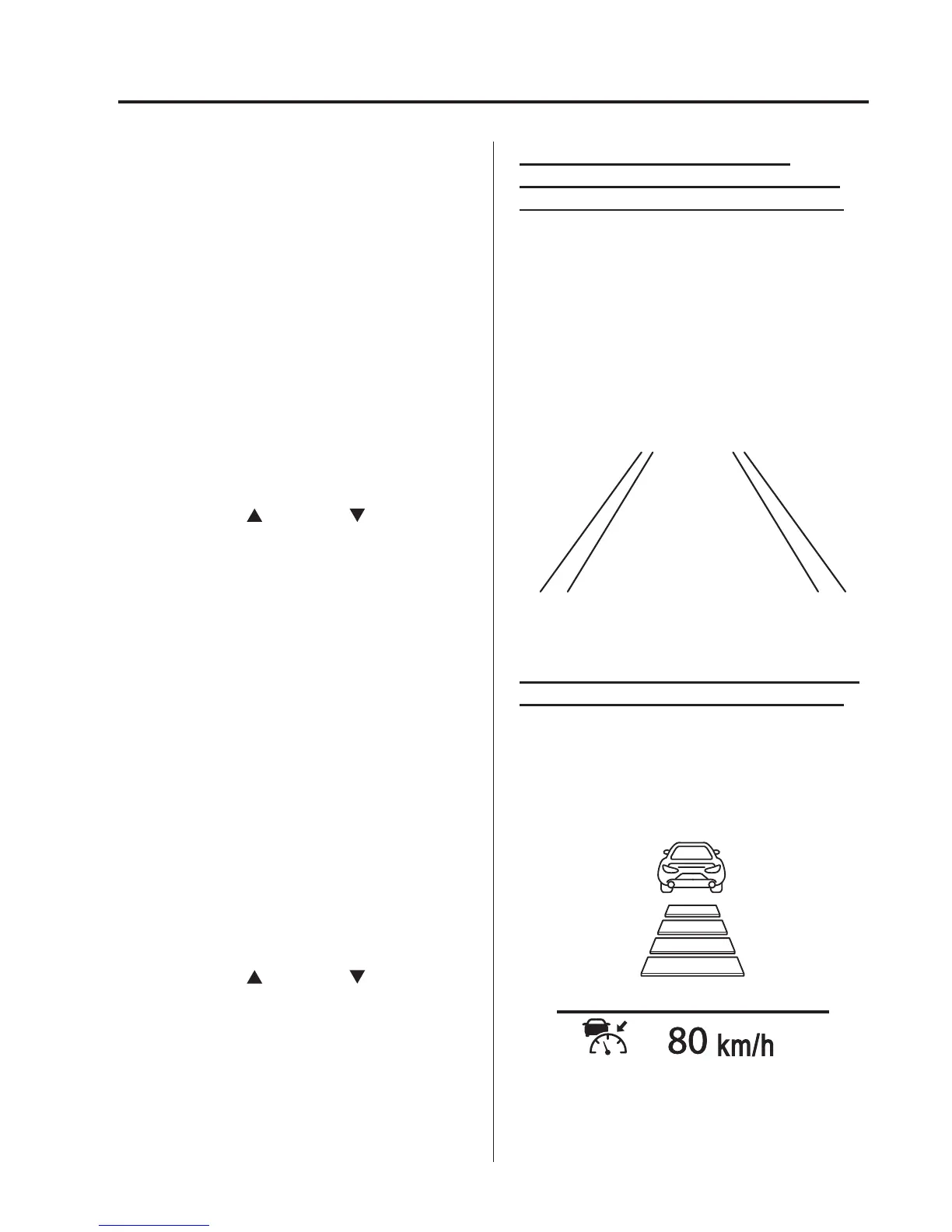
Lane-Keep Assist System/Lane
Departure Warning System (LDWS)
display (Type A instrument cluster)
í
Information regarding the Lane-Keep
Assist System/Lane Departure Warning
System (LDWS) is displayed.
Refer to Lane-keep Assist System on page
4-168.
Refer to Lane Departure Warning System
(LDWS) on page 4-135.
Mazda Radar Cruise Control (MRCC)
display (Type A instrument cluster)
í
Information regarding the Mazda Radar
Cruise Control (MR CC) is displayed.
Refer to Mazda Radar Cruise Control
(MRCC) on page 4-158.
When Driving
Instrument Cluster and Display
4-31
í
Some models.



 To Next Page