l
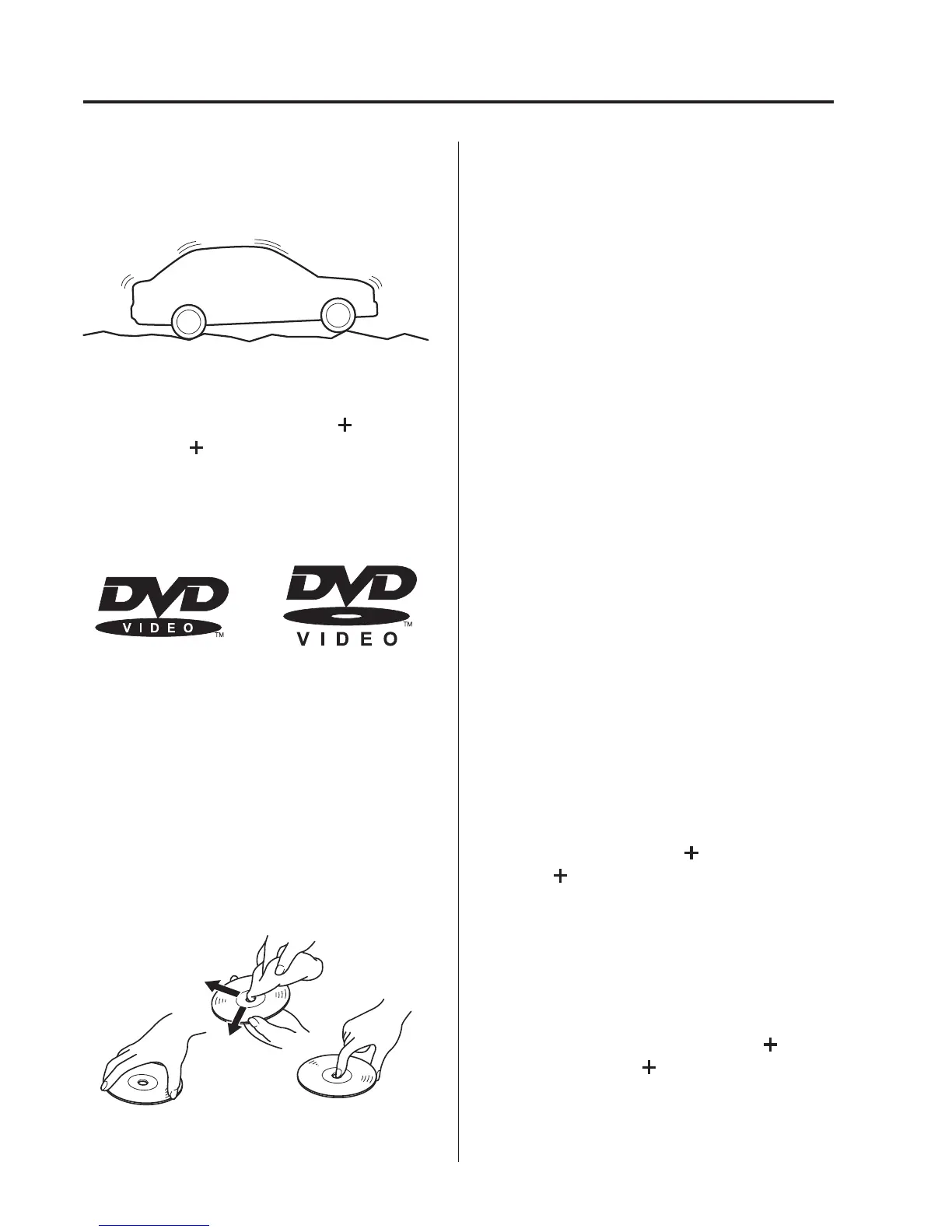
When driving over uneven surfa ces,
the sound may jump.
l
DVDs bearing the logo shown in the
illustration or DVD-R/DVD
R/DVD-
RW/DVD
RW written with video
data (DVD-Video/DVD-VR file) can
be played.
l
Use discs that have been legitimately
produced. If illegally-copied discs such
as pirated discs are used, the system
may not operate properly.
l
Be sure never to touch the signal
surface when handling the DVDs. Pick
up a DVD by grasping the outer edge
or the edge of the hole and the outer
edge.
l
Do not stick paper or tape on the DVD.
Avoid scratching the reverse side (the
side without a label). The disc may not
eject resulting in a malfunction.
l
Dust, finger smudges, and dirt can
decrease the amount of light reflected
from the signal surface, thus affecting
sound quality. If the DVD should
become soiled, gently wipe it with a
soft cloth from the centre of the DVD
to the edge.
l
Do not use record sprays, antistatic
agents, or household spray cleaners.
Volatile chemicals such as benzine and
thinner can also damage the surface of
the DVD and must not be used.
Anything that can damage, warp, or
fog plastic should never be used to
clean DVDs.
l
The DVD player ejects the DVD if the
DVD is inserted upside down. Also
dirty and/or defective DVDs may be
ejected.
l
Do not insert cleaning discs in the
DVD player.
l
Do not insert any disc with a peel-off
seal affixed to it.
l
This unit may not be able to play
certain DVD-R/DVD
R/DVD-RW/
DVD
RWs made using a computer or
DVD recorder due to disc
characteristics, scratches, smudges,
dirt, etc., or due to dust or condensation
on the lens inside the unit.
l
Storing DVDs in the vehicle exposed
to direct sunlight or high temperature
may damage the DVD-R/DVD
R/
DVD-RW/DVD
RWs, and make
them unplayable.
5-22
Interior Features
Audio System



 To Next Page