Playback
Select the Entertainment screen and display the
icon on the home screen. When
is selected, the following icons are indicated in the bottom part of the centre
display.
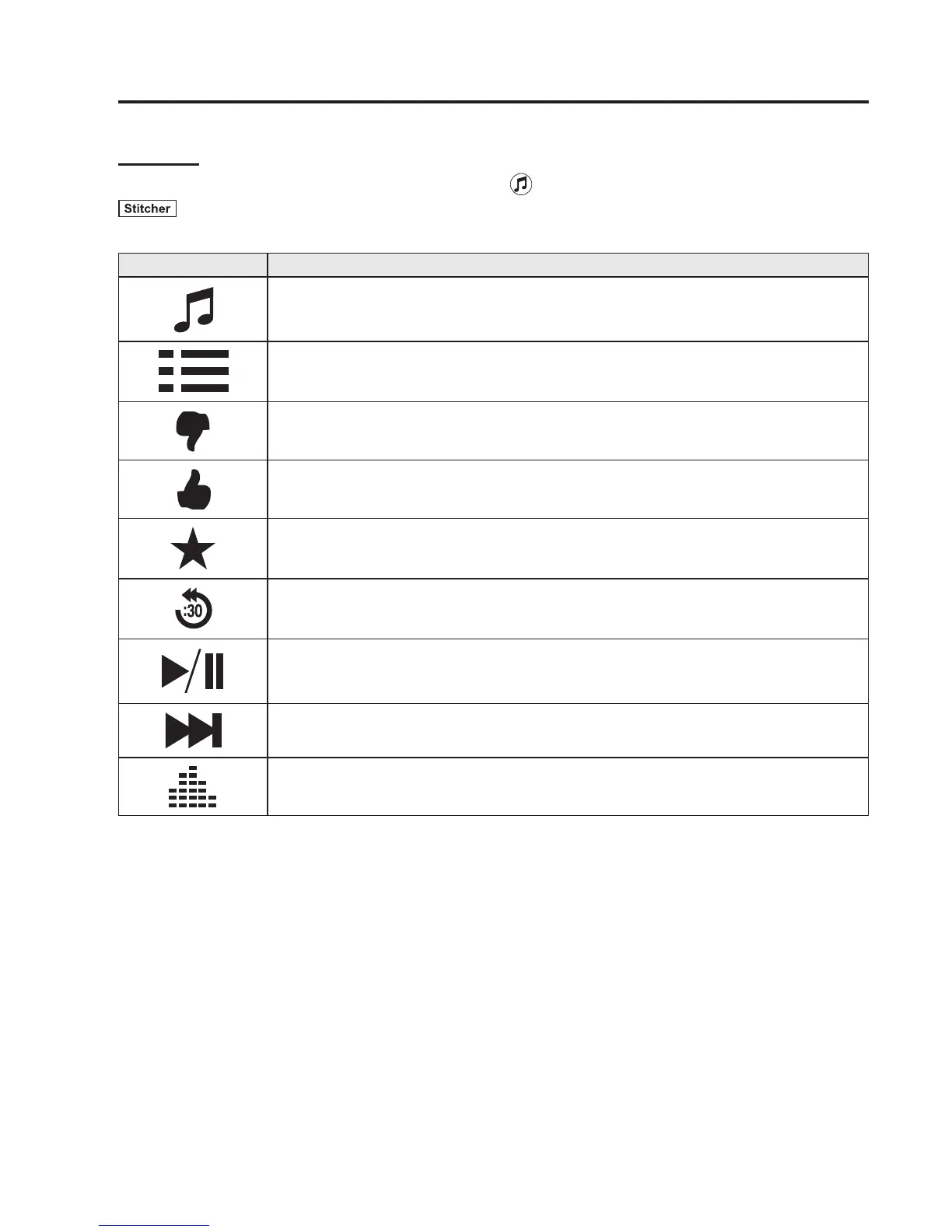
Icon Function
Displays the Entertainment menu. Use to switch to a different audio source.
Displays the station list.
Use to switch to other stations.
Dislike
Evaluates the current programme as “Dislike”.
Like
Evaluates the current programme as “Like”.
Adds the current station to your favourites or deletes the current station from your
favourites.
Reverses for 30 seconds.
Plays the station. Select it again to pause playback.
Goes to the next station.
Displays sound settings to adjust audio quality level.
Refer to Volume/Display/Sound Controls on page 5-51.
Interior Features
Bluetooth®
5-143



 To Next Page