McCONNEL MULTIDRIVEM380‐4&M420‐4
31
Most of the screen options are self- explanatory and purely show additional information –
e.g. transmission, engine, GPS and video cameras. To return to the main display at any
time press the “Home” button.
For information on the PTO screen and operating the PTO please see the appropriate
section in the manual.
Pop-up menu
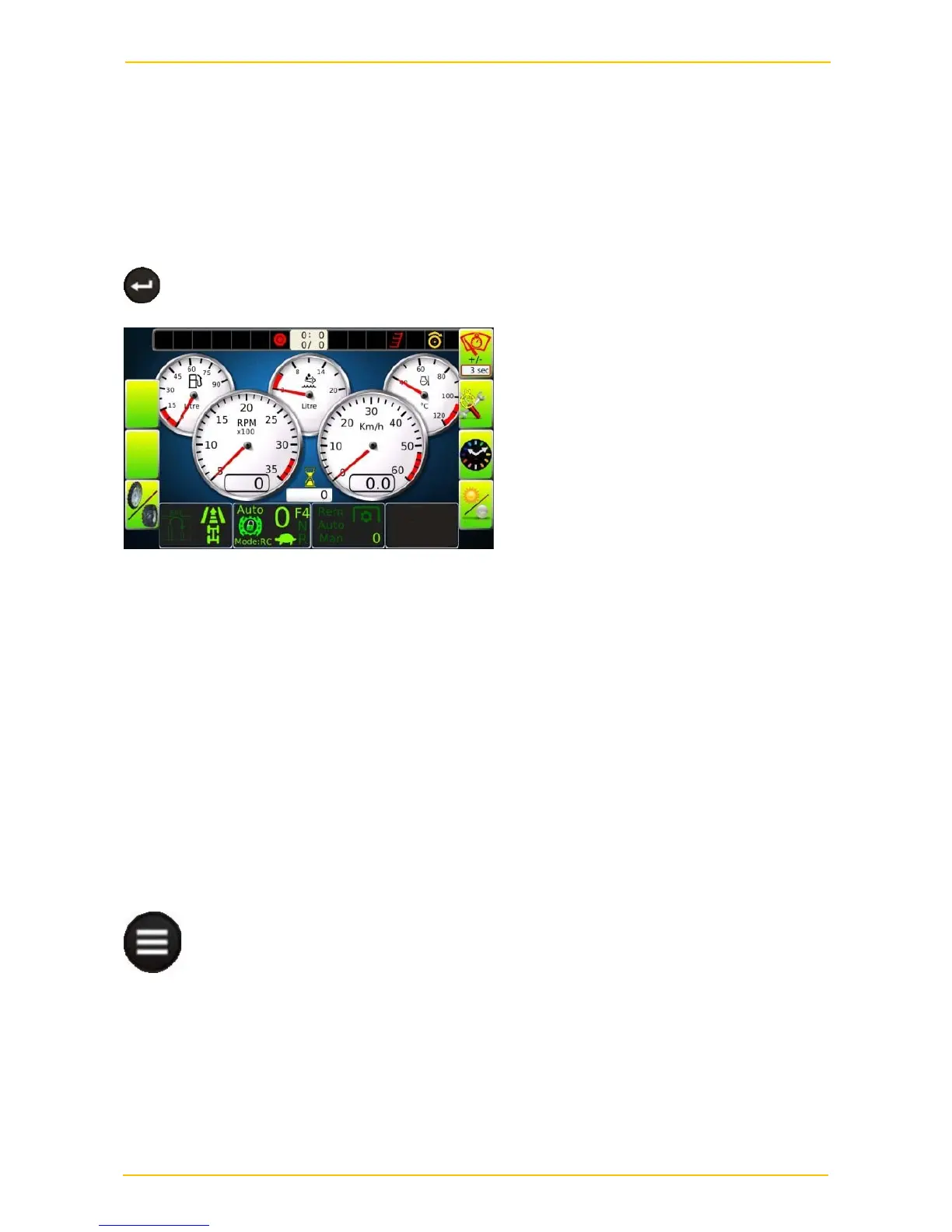
To access the quick access pop-up menu press the “Enter” key
From top to bottom on the right hand side functions are available to:
1/ Change the time period for the intermittent wipe from 3 secs to 15 secs by toggling the
key
2/ Pull up the service interval screen which will show the time period left to the next
services.
3/ Pull up the time & date
4/ Change from day mode to night modes. The latter dulls the instruments and reduces the
glare.
Set-up menus
To enter the set-up menu system by press the “Menu” key.


 To Next Page