McCONNEL MULTIDRIVEM380‐4&M420‐4
35
Power step (optional) with handbrake – Default set to on – this causes the step to lift up
and go down when the handbrake is switched on/off. NB it will only lift up if the cab door is
shut.
Auto reverse camera – If a reversing camera is fitted it can be switched on when reverse
is engaged (default)
Front side view camera – Two cameras are positioned, one each
side of the bonnet front, these are to aid the driver when turning
out at a road junction. The view from the cameras is displayed on
the MCU.
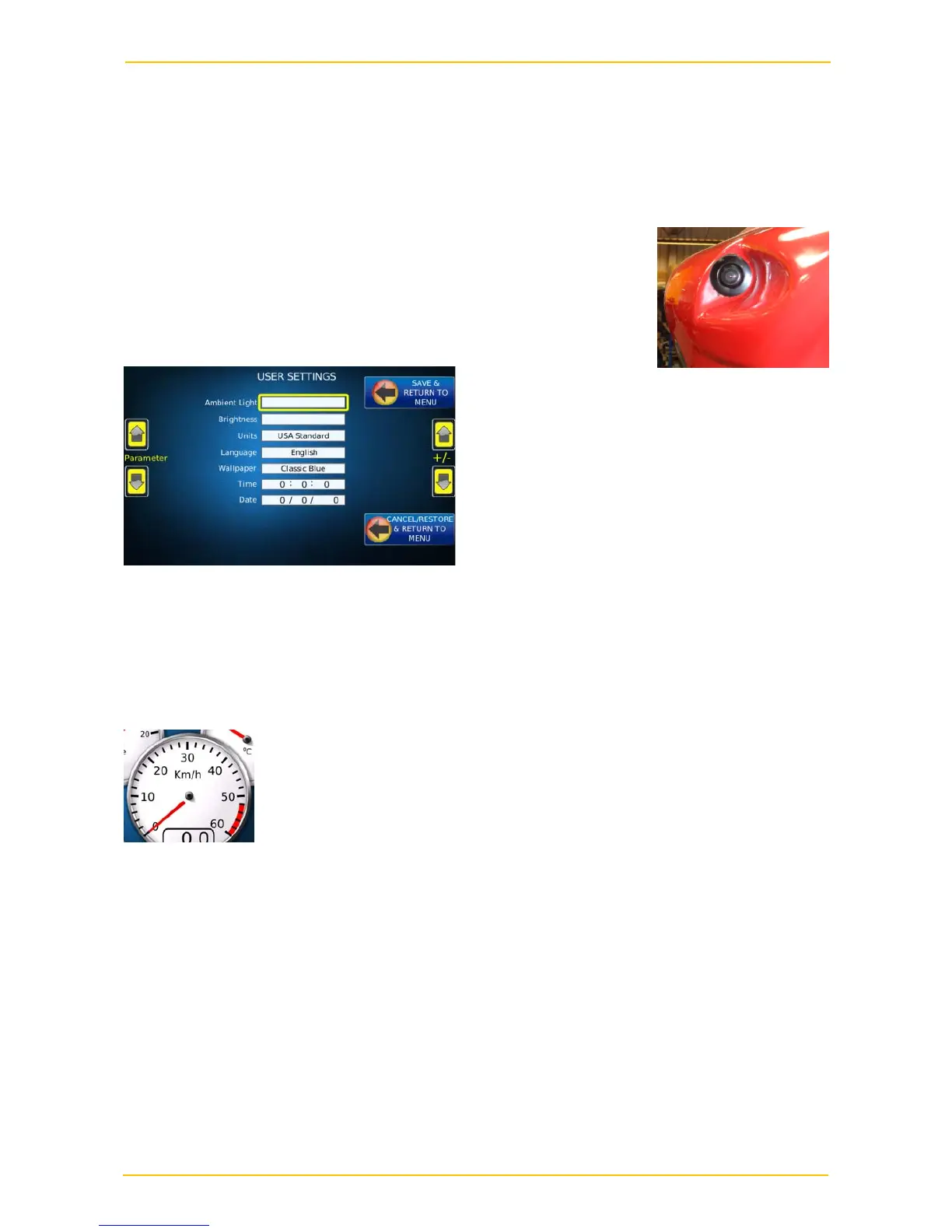
User preferences
Options on this screen allow the user to change screen brightness, default display mode
(day/night), language, units, screen background and time. Some of the options may not be
available at this point in time but may be available in future versions.
Speedometer
The speedometer on the main display calculates the road speed from the transmission
output shaft speed and factory set figures for the gear ratios and the
wheel size. The wheel size is taken as being the biggest wheel it is
possible to fit. A GPS sensor is also fitted and the signal from this is
used to calculate a correction factor which corrects the calculated speed
to give a true ground speed.
If the GPS system fails or a signal is not available then the speed is calculated as above
and no correction is made. This means that with smaller wheels fitted the speedometer will
over-read. An indicator on the main display shows whether a GPS signal is being received
and the calculated speed is being corrected. It can take a few seconds after starting to
move before the speed is updated.
There is a pulsed speed output that can be used from the display by other instruments and
sprayer/spreader controllers to save fitting additional shaft/wheel sensors.


 To Next Page