MDS 05-3316A01, Rev. E MDS 4710B/9710B I/O Guide 17
4.2 Hand-Held Terminal Setup
The following is a set of instructions for re-initializing an HHT for use
with the transceiver. These steps may be required if the HHT was previ-
ously used with a different radio, or if the HHT default settings have
been inadvertently altered.
1. Plug the HHT into the
DIAGNOSTICS connector. Enable the setup
mode by pressing the , and keys in sequence.
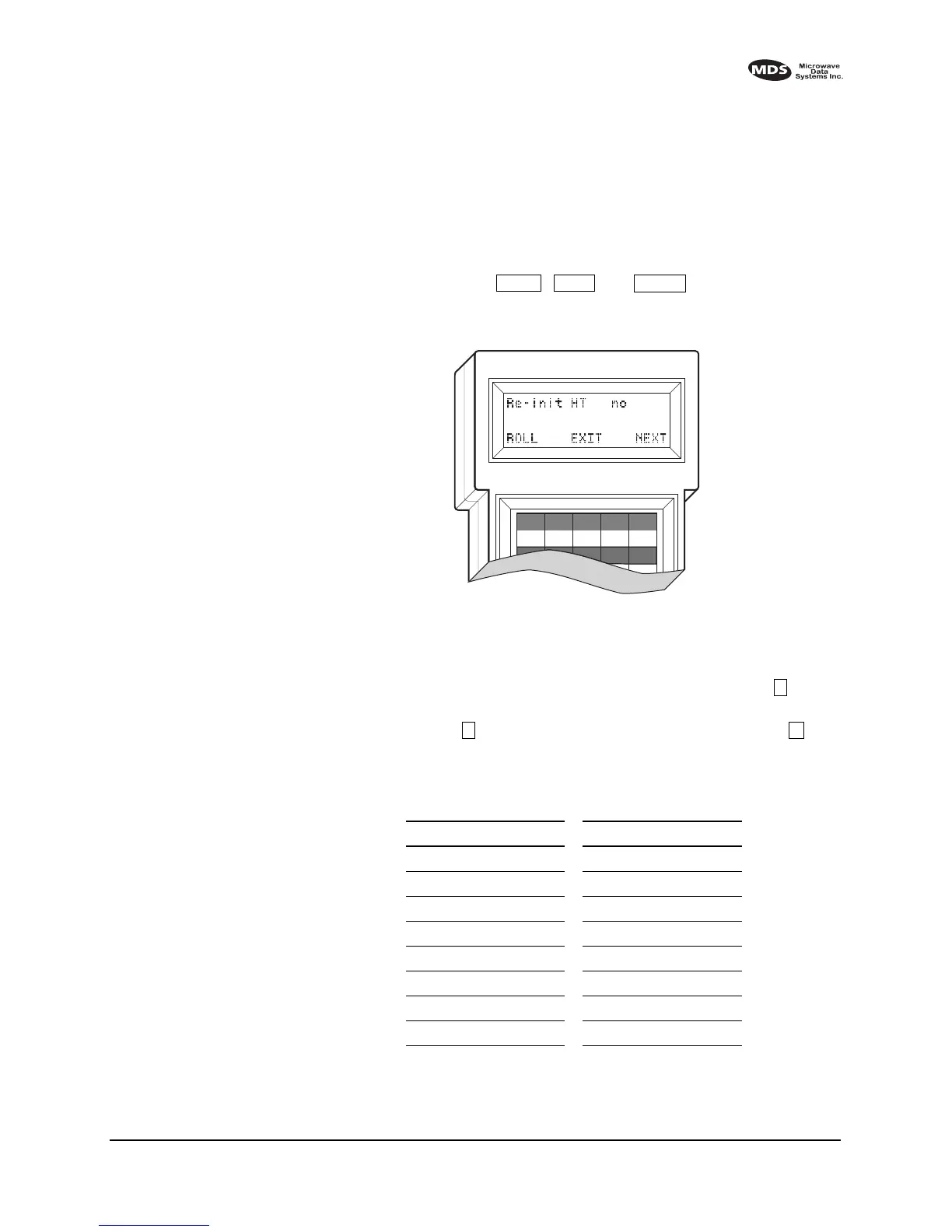
The display shown in Figure 11 appears.
Invisible place holder
Figure 11. HHT set-up display
2. The first of 15 menu items will be displayed. Settings can be
reviewed by pressing the NEXT function controlled by the key.
Parameter settings can be changed by pressing the ROLL function
controlled by the key. Exit this setup mode by pressing the key.
3. Set up the HHT as listed in Table 7.
Table 7. HHT Operational Settings
Parameter Setting Parameter Setting
Re-init HT NO Scroll On 33rd
Baud Rate 1200 Cursor ON
Comm bits 8,1,n CRLF for CR OFF
Parity Error OFF Self Test FAST
Key Repeat OFF Key Beep ON
Echo OFF Screen Size 80
Shift Keys YES Menu Mode LONG
Ctl Chars PROCS
CTRL
EACBD
F1 F2 F3 F4 F5
Z
E
A Z
C



 To Next Page