MDS 05-3316A01, Rev. E MDS 4710B/9710B I/O Guide 37
7.3 Using PC Software with the Radio
Windows-based Radio Configuration software is available (MDS P/N
03-3156A01) to allow diagnostics and control of the transceiver using a
personal computer. The software package also allows you to upgrade
the radio’s internal software when new features become available from
Microwave Data Systems.
The current software version includes functionality for MDS x710B
Transceivers and includes on-line user instructions. An installation
booklet is provided with the software package. Contact MDS for
ordering information.
Connecting a PC
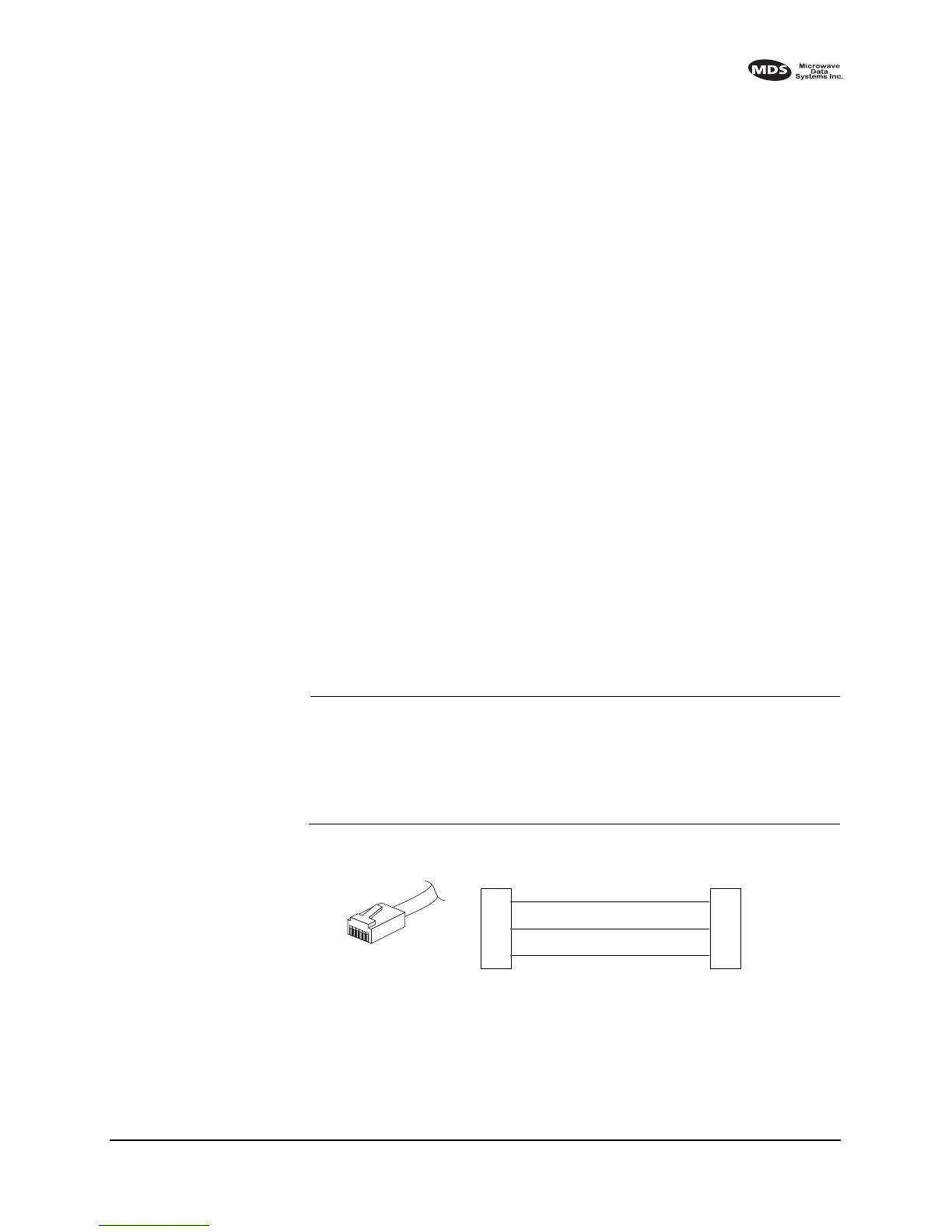
To connect a PC to the radio’s
DIAGNOSTICS port, an RJ-11 to DB-9
adapter (MDS P/N 03-3246A01) is required. If desired, an adapter cable
may be constructed using the information shown in Figure 16.
Upgrading the Radio’s Software
Using the Radio Configuration software, select
RADIO SOFTWARE
UPGRADE
under the SYSTEM menu. Follow the prompts and on-line
instructions to determine how to proceed.
Software upgrades are distributed as ASCII files with a “.S28” exten-
sion. These files use the Motorola S-record format. When the download
is activated, the radio’s
PWR LED will flash rapidly confirming that a
download is in process. The download takes about two minutes.
NOTE: If a download fails, the radio is left unprogrammed and inop-
erative. This is indicated by the PWR LED flashing slowly (1
second on and 1 second off). This condition is only likely if
there were to be a power failure to the computer or radio during
the downloading process. The download can be attempted
again when the fault has been corrected.
Invisible place holder
Figure 16. RJ-11 to DB-9 adapter cable
(for PC Diagnostics & Control)
RXD
TXD
GND
2
3
5
DB-9 FEMALE
(TO COMPUTER)
TXD
RXD
GND
4
5
6
RJ-11 PLUG
(TO RADIO)
RJ-11 PIN LAYOUT
1
6



 To Next Page