FineTuner Echo
11
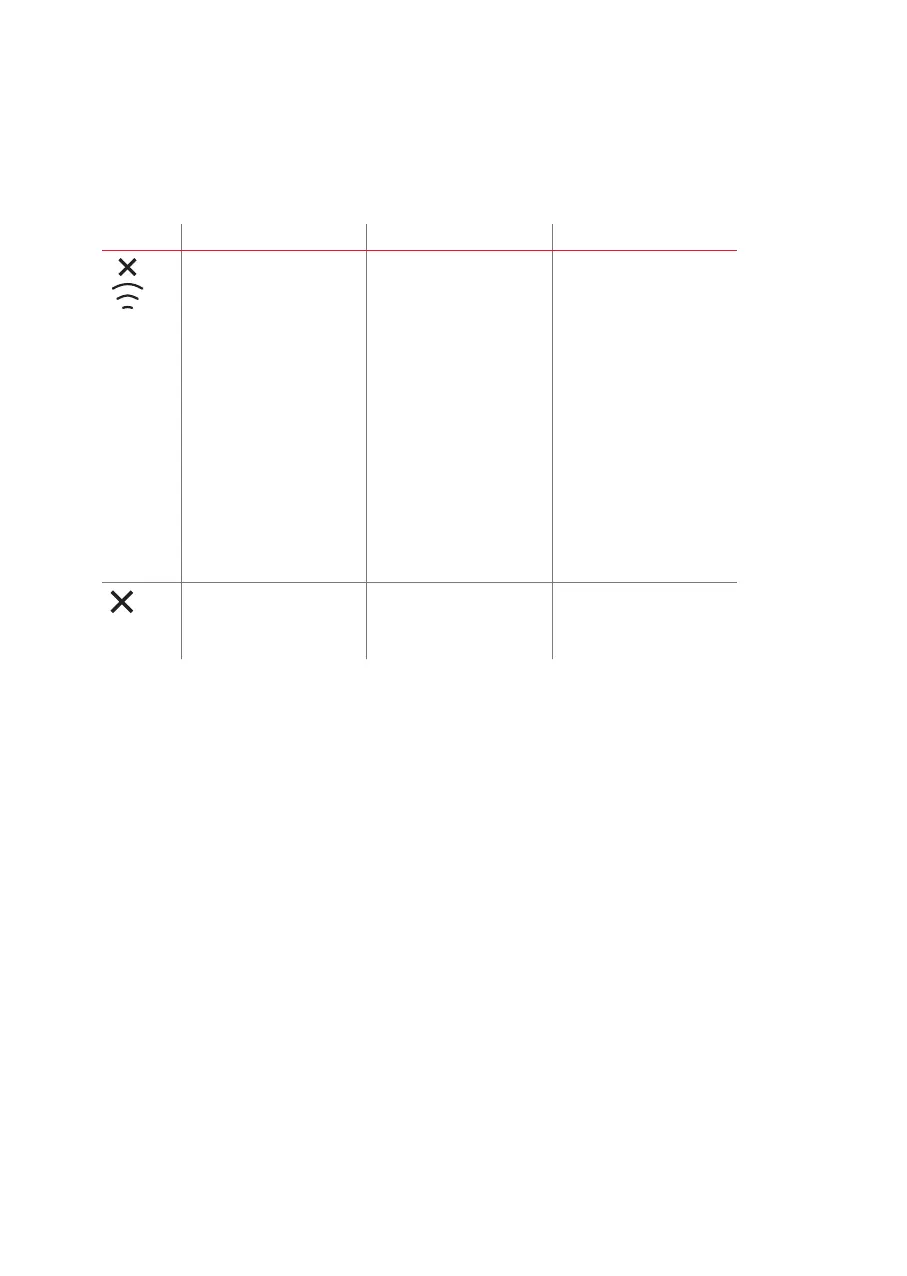
Error symbols
Symbol Meaning Required action Remarks
Connection Error:
• Indicates that an
error occurred during
communication with the
audio processor (e.g. the
FineTuner Echo may be
too far away from the
audio processor)
• The audio processor did
not respond to the last
command
• The audio processor is
switched off
• Empty battery of audio
processor
• Interference from other
electronic or electrical
equipment is blocking the
transmission
Move the FineTuner Echo
closer to your ear and try to
switch settings again.
If you only move the
FineTuner Echo closer to
your ear, the out of range
indication will still be
displayed. When you try to
switch settings again, the
FineTuner Echo will indicate if
it is within range.
An unexpected event
prevented the command
being executed by the audio
processor.
Try again. If the command still cannot
be executed, contact your
healthcare provider or local
MED‑EL representative.



 To Next Page