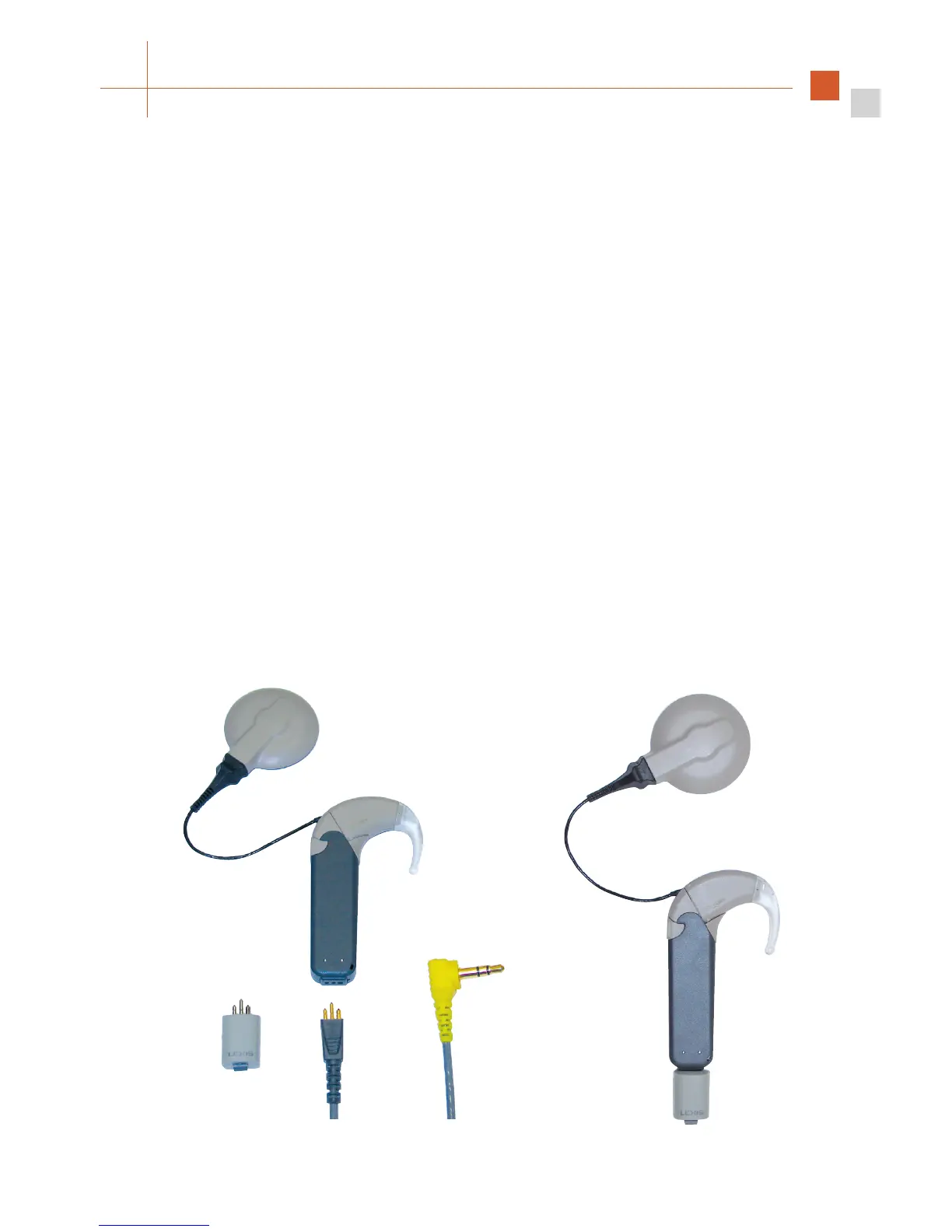
The additional components required for the connection of Assistive Listening Devices
(FM Battery Pack Cover and Adapter Cable) are included in the which may
be purchased separately.
A special battery pack cover is provided to connect your OPUS 2 speech processor to external,
battery-powered audio devices, such as portable CD players, MP3 players, AM-FM radios, etc.
The FM Battery Pack Cover is slightly longer than the standard cover to accommodate the
integrated FM connector.
• Open the battery pack lock.
• Remove the battery pack cover.
• Slide on the FM Battery Pack Cover.
• Close the battery pack lock.
Connect the three-pin connector of the Adapter Ca ble (grey end) to the openings at the
bottom of the FM Battery Pack Cover. Mind the orientation of the three pins and do not use
excessive force when connecting the cable.
Connect the audio phone plug (yellow or red end) to the audio output of the battery-powered
device.
Fig. 8 Connecting the FM cable and FM receiver



 To Next Page