Three indicator lights with different colors (left and right: amber; center: red [warnings])
indicate various conditions of the FineTuner.
If you press a key while the keyboard is locked, the red indicator light comes on. For power
saving reasons the red indicator light goes off after 5 seconds even if the key is still pressed.
If a key is accepted and the FineTuner transmits commands to the speech processor, the left
or right or both indicator lights (depending on the current side mode of the FineTuner) blink
synchronously to the transmitted signals. To save energy, the FineTuner stops transmitting (and
the indicator light blinking) after 3 seconds even if the key is still pressed.
If the FineTuner is programmed for two different speech processors (i.e. in case of bilateral
users), the left indicator light illuminates when pressing
, the right indicator light illuminates
when pressing
and both indicator lights illuminate when pressing
. To save energy, any
indicator light goes off after 5 seconds even if the key is still pressed (if
is pressed for more
than 5 seconds, the FineTuner enters the program mode, see below).
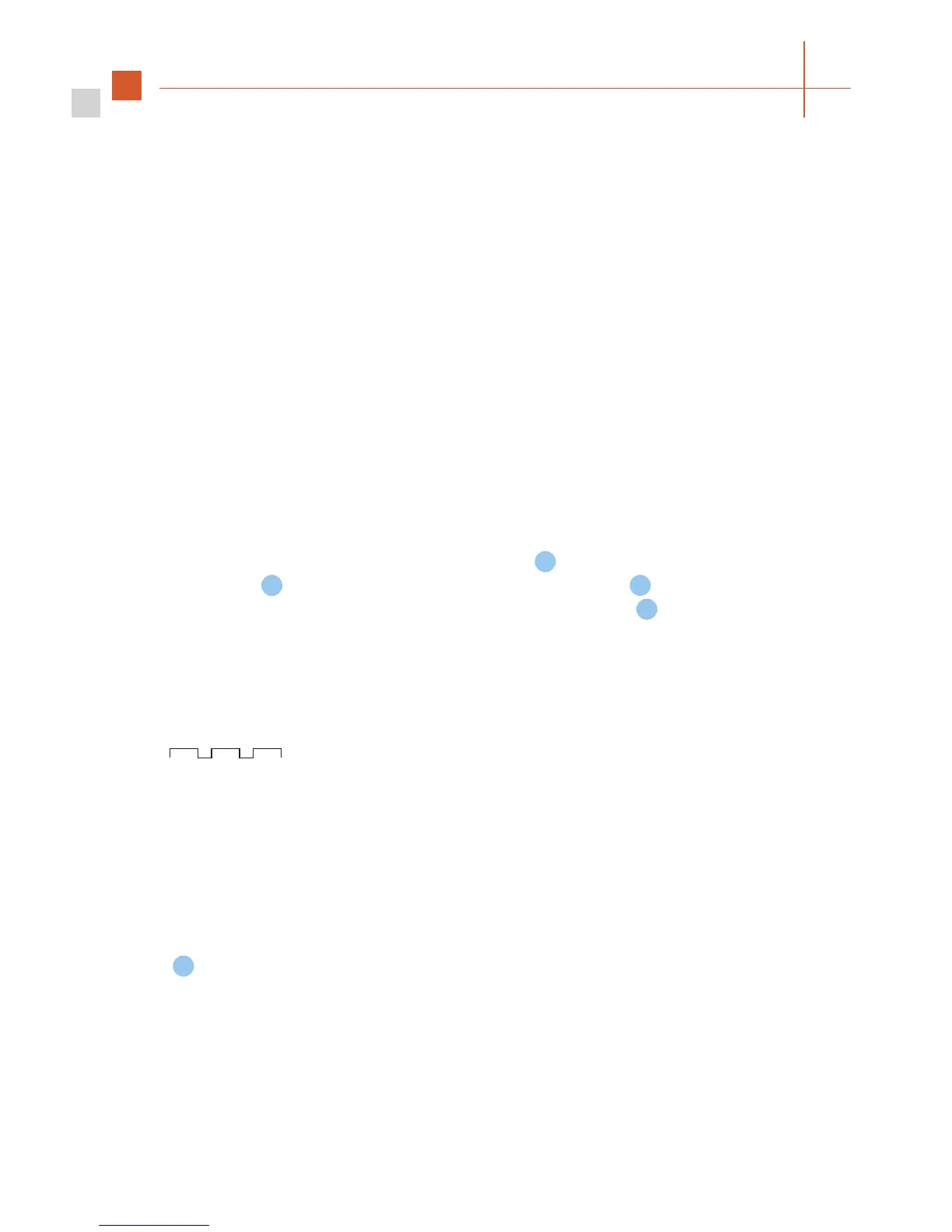
The FineTuner checks the battery status after each transmission to the speech processor. If
a low battery status is detected, the red indicator light (center) blinks in a regular pattern
( - red indicator light on your FineTuner goes on 3 times).
If configuration of your FineTuner (see Chapter 5, OPUS 2 speech processor, FineTuner, How
to configure your FineTuner) was successful, or if the automatic keyboard lock feature was
successfully activated/deactivated, both amber indicator lights will illuminate for approximately
one second.
If
is pressed for more than 5 seconds (must be unlocked; see Chapter 5, OPUS 2 speech
processor, FineTuner, FineTuner functions for locking/unlocking instructions), the FineTuner enters
the program mode. The three indicator lights start flashing. When the red indicator light is on,
the two amber indicator lights are off and vice versa. Flashing stops and the program mode is
left after 5 seconds or earlier when a correct key is pressed.



 To Next Page