10
Basic Operation
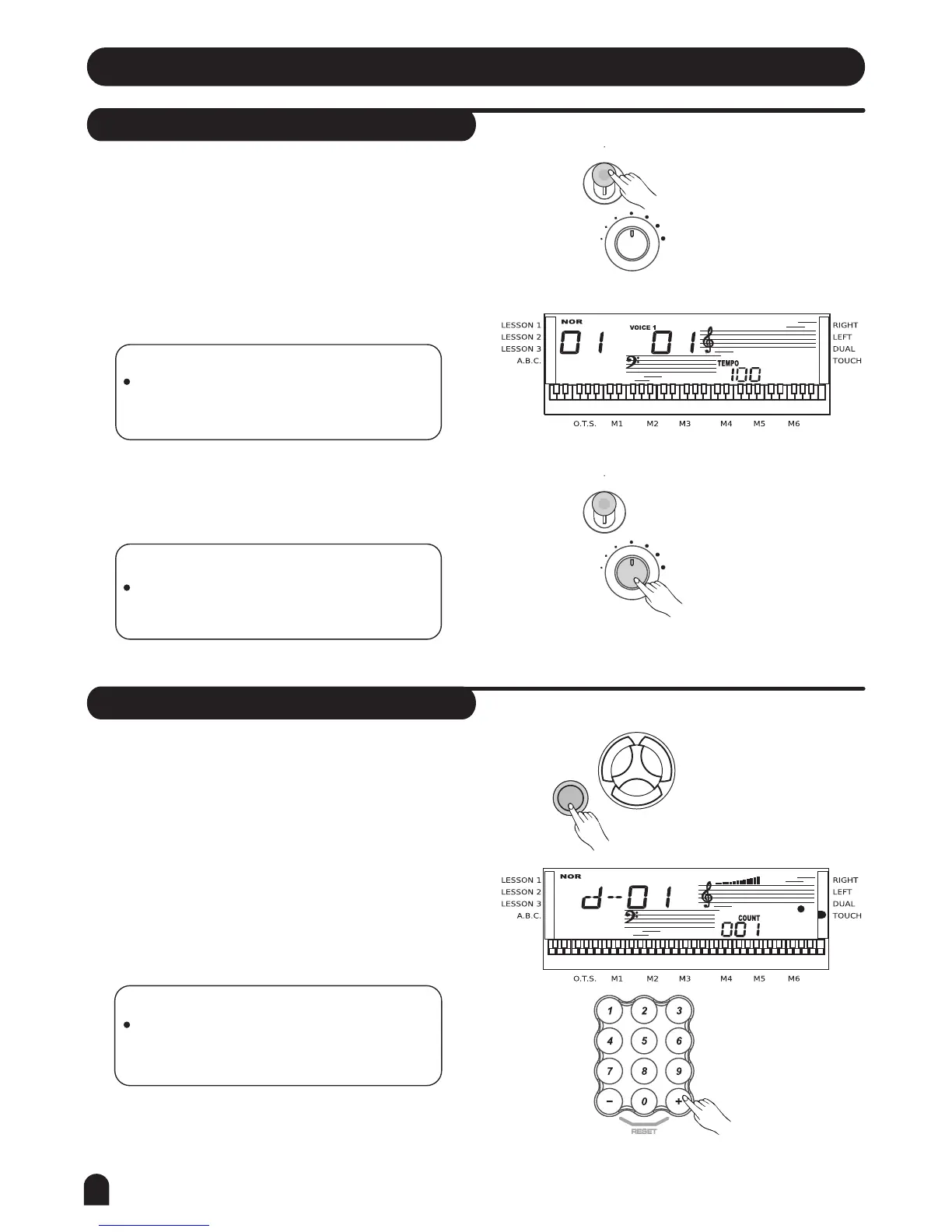
Power Switch & Volume
Demo
1.
1.
2.
3.
2.
3.
NOTE:
If the keyboard is silent, that means the
volume has adjusted to its minimum level.
NOTE:
In the demo mode, all function keys except
DEMO, START/STOP, TEMPO, +, -, No 1,
No 2, MASTER VOLUME will be disabled.
First, please ensure the correct connection has been
made based on the previous instruction.
Turn the [POWER] switch on. The LCD display lights
up.
Rotate [VOLUME] button to adjust the volume.
Press [DEMO] key to enter the DEMO mode.
Select a demo song with [+], [-] or number buttons
[1] [2] .
Press [START/STOP] or [DEMO] key again to exit
the demo mode.
This keyboard includes 2 classic demo songs.
NOTE:
If the LCD display does not light up after you
turned on the keyboard, please check the
power supply.
VOICE
STYLE
SONG
DEMO
VOLUME
VOLUME
POWER
POWER
ON
OFF
ON
OFF



 To Next Page