Style Control
The keyboard has a total of 150 styles, from 01
to 150, including 10 piano styles.
Select a Style
1.
2.
3.
4.
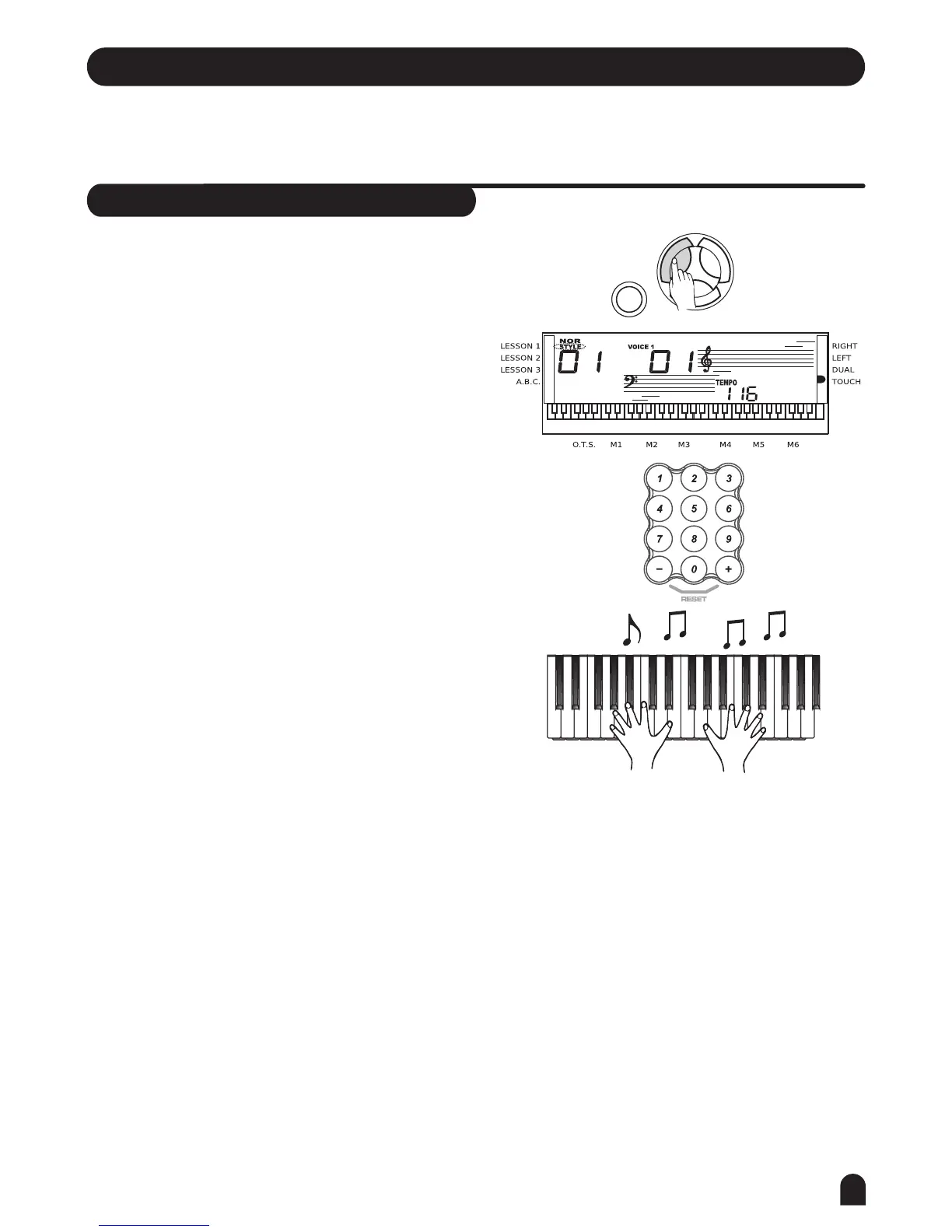
Press the [STYLE] button to set the keyboard to the
style mode. The default STYLE 1 is NO:01;
LCD will display the STYLE flag and its number.
[+] and [-O] buttons:
Press [+] or [-] to choose your desired style.
The selected style number will be shown on the display.
The number buttons:
The number buttons can be pressed directly for selecting
the number of your desired style.
After selecting a style, you can start playing the
keyboard.
When a style is playing, you can select a new style at
any time. The number of the new style will be displayed
on the LCD immediately. If the style changes at beat
one, the new style will be played at once; if the style
changes at other beats, the new style will start in the
next measure. The new style will be playing with the
old tempo.
VOICE
STYLE
SONG
DEMO
15



 To Next Page