Voices and Effects
Transpose
Octave
2.
2.
3.
3.
1.
1.
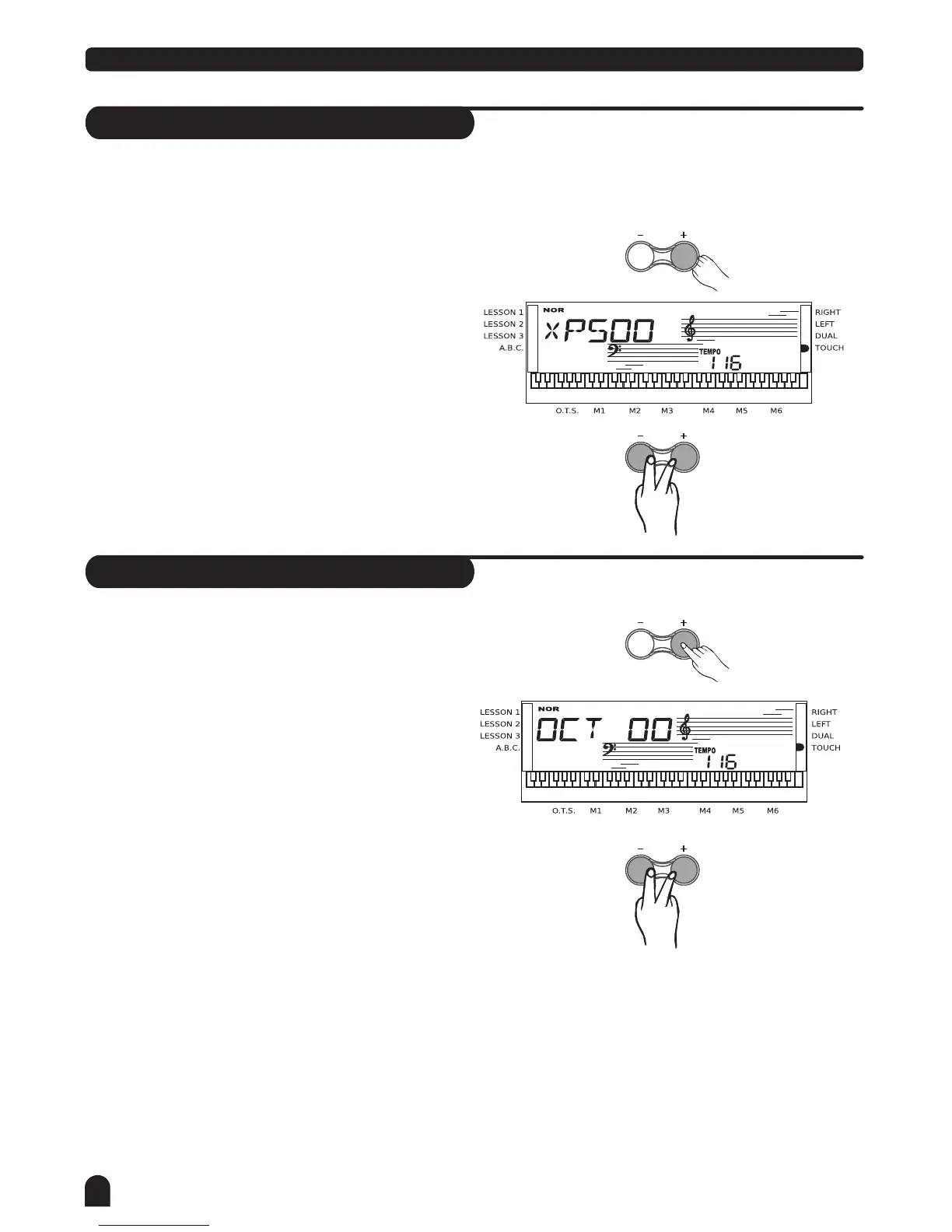
Press [TRANSPOSE+] / [TRANSPOSE-]button to enter
TRANSPOSE sub-menu.The LCD displays the current
transpose value.
Use [TRANSPOSE+] / [TRANSPOSE-] to adjust the
transpose value from +6 to -6 semitones only for the
right area of the keyboard.
Press [TRANSPOSE+] and [TRANSPOSE-] together
to set the default value:00.
Press [OCTAVE+]/[OCTAVE-] button to enter OCTAVE
sub-menu.The LCD displays the octave value.
Use [OCTAVE+]/[OCTAVE-] to adjust the octave value
from +1 to -1 octaves only for the right area of the key-
board.
Press [OCTAVE+] and [OCTAVE-] together to set the
default value:00.
TRANSPOSE
OCTAVE
TRANSPOSE
OCTAVE
You can change the key of the entire keyboard
with the TRANSPOSE function by adjusting the
pitch in semitones steps.
14



 To Next Page