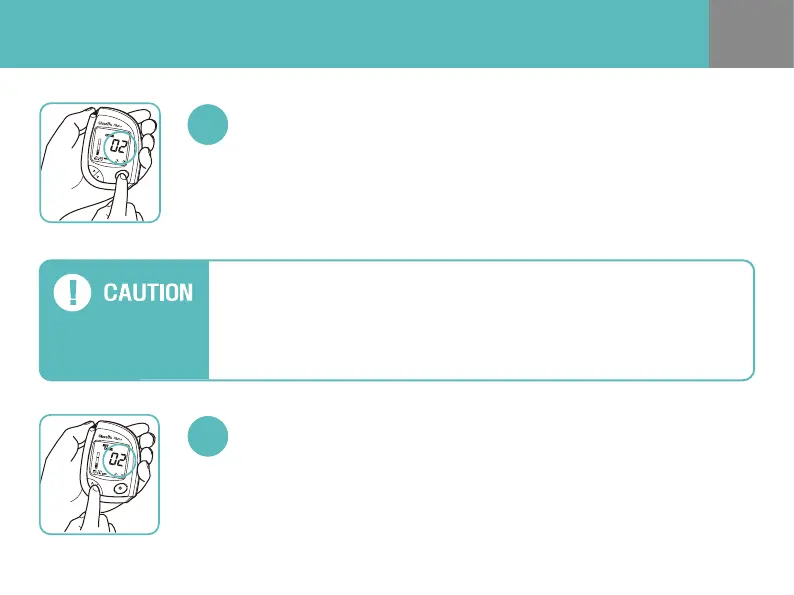
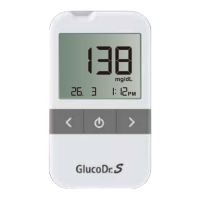
You can enter the CODE MODE by pressing the power button for one second.
Then the code number blinks on the meter display.
Enter the CODE MODE
Use UP/DOWN button to adjust the same code number printed on your
test strip vial.
Change the Code Number.
- Check the code number on the test strip vial before inserting the test strip.
-
You ca n no t ch ange the code num ber afte r th e tes t st rip is inse rted in to th e tes t po rt.
- If you do not release the power button when the code number blinks, your
meter will go to SET MODE.


 To Next Page