If you do not apply a blood drop within 3 minutes, your meter will turn o
automatically. Once the meter turns o, remove the test strip and then insert it
back into your meter to turn on the meter.
After the test, press any of UP/DOWN button in the EVENT RECORD MODE before
removing the test strip from your meter. Recording your condition will lead you to
more eective diabetes management.
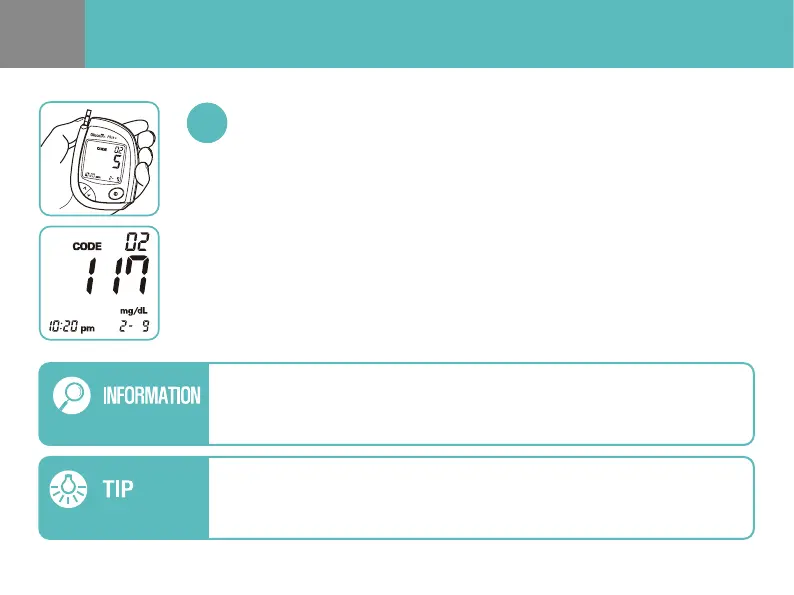
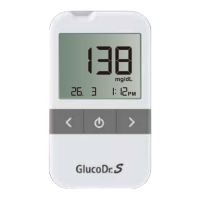
Once the meter completes the countdown from “5” to “1”, your test result will
appear on the meter display. If you remove the test strip immediately, only the
test result (without recording the event) will be automatically saved in the
meter memory. Recording the event with each test result may help with
eective diabetes management. To enter the EVENT RECORD MODE, you may
press UP/DOWN button of the meter before removing the test strip from the
meter (See pages 21-22 for more details).
Test Results Appear in 5 seconds


 To Next Page