MAC/MTT-OPS-1
26 FEB 2019
SECTION 2
System Description
2-9
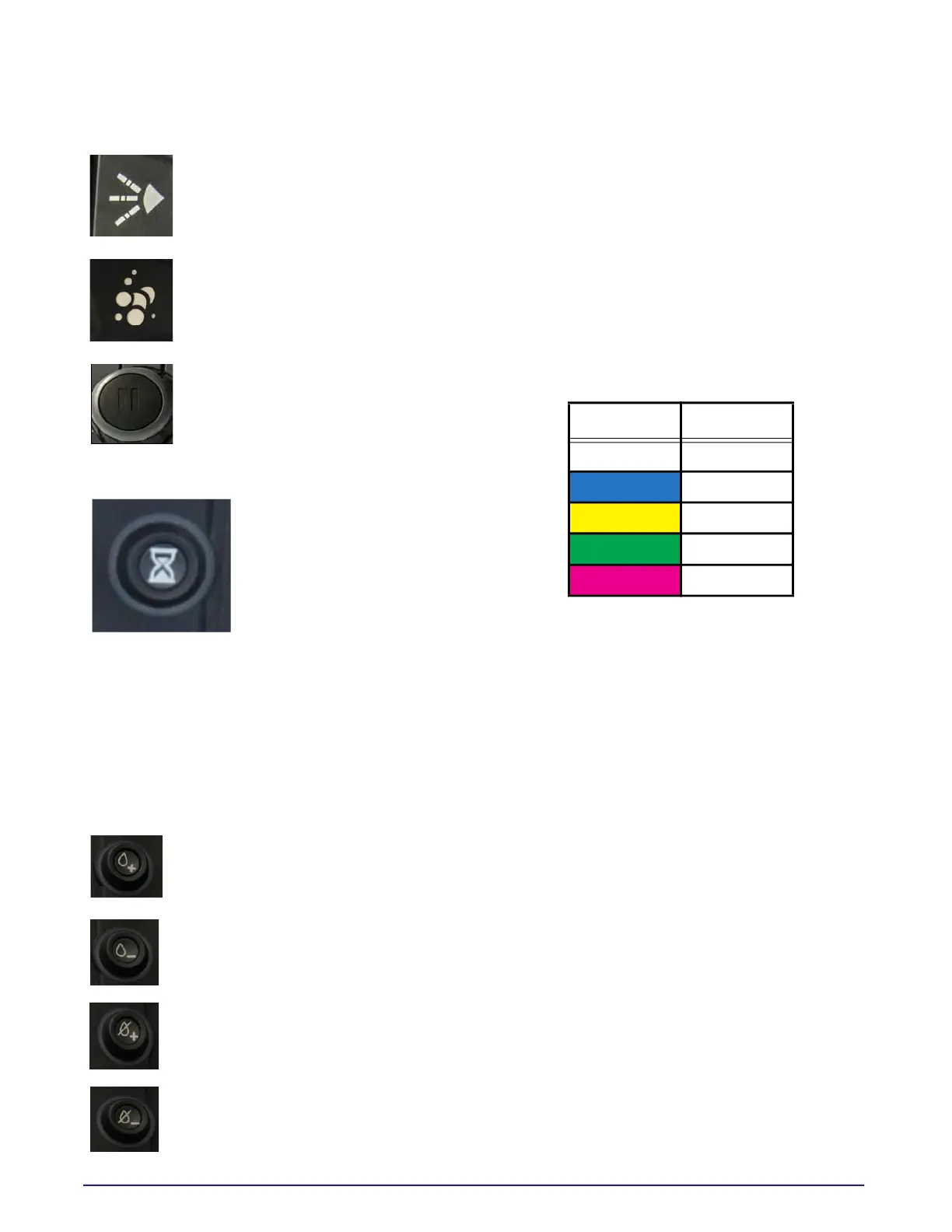
Adjustable Nozzle FAN/FOG
Moves nozzle to FAN/FOG position
Press and hold to adjust nozzle
Foam Agent
Turn foam agent system ON/OFF
Press and hold for 3 seconds to OPEN
or CLOSE the foam agent valve.
Pause
Pauses all active spray functions.
Pause - Flashing Yellow
Time Based Program Mode
Based on TIME-ON and TIME-
OFF settings. (System and
Water Pump must be ON for
this program mode to
activate). Time based
programming will control the
4 rear spray heads and the
dump bar ONLY, all other functions will remain in
manual selection mode. All other functions can be
activated manually while in Time based
programming but will not be controlled through
the program settings. Time based programming
will turn the selected spray heads ON/OFF at the
selected time intervals. Pause, Hose Reel, and low
water protection are functional in this mode.
Press to advance setting
LONGER wet time (ON)
Press to advance setting
SHORTER wet time (ON)
Press to advance setting
LONGER dry time (OFF)
Press to advance setting
SHORTER dry time (OFF)
The time settings available are:
• 3 seconds
• 6 seconds
• 9 seconds
• 20 seconds
• 30 seconds
The four (4) WET/DRY switches advance the timer
settings. Every press of the switch will advance the
time setting 1 time interval. Select the rear spray
heads that are required to activate in this mode.
Example:
• Timer is set for 3 seconds ON and 3 seconds
OFF, pressing ‘WET +’ switch one time, the time
ON will advance to 6 seconds ON and change
the switch color from White to Blue.
• Timer is set for 20 seconds ON and 9 seconds
OFF, pressing ‘DRY -’ switch one time, the time
OFF will decrease to 6 seconds and the switch
color will change from Yellow to Blue.
Button Color Time Cycle
White 3 Seconds
Blue 6 Seconds
Yellow 9 Seconds
Green 20 Seconds
Magenta 30 Seconds



 To Next Page