Clearing the Data Memory
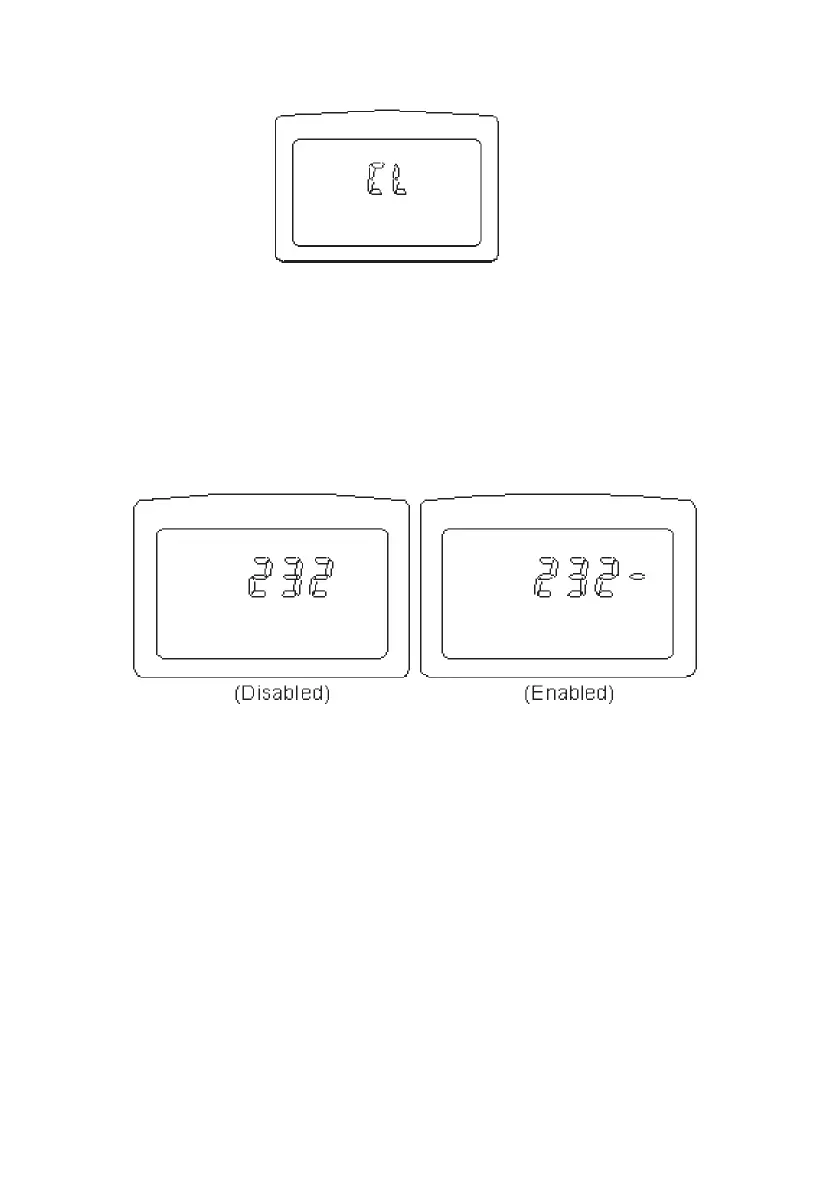
With the instrument powered down press and hold the FUNC button, then turn the power on. The
symbol "CL" will be shown to indicate that memory is cleared.
Enabling the RS-232C output (DET20C only)
To save battery power, the default condition is RS-232C output disabled. To output data to a PC
continuously, the RS232C can be enabled by the following procedure.
1. Press the FUNC button until the symbol " 232" is shown on the upper row of LCD.
2. If the RS-232C output is enabled, the symbol "-" will follow the symbol "232". Press the ▲ button to
toggle the status of RS-232C output.
3. To exit this function, press the FUNC button several times until the upper row on the LCD is blank.
NOTE: The RS-232C output interval is also specified by the sampling interval. If the sampling interval
is set at 0 seconds, data is outputted every 0.5 seconds.
NOTE: The RS-232C output is automatically disabled if "data logging" is in progress.
Installation of Megger Download Manager Software (DET20C)
The DET20C instrument is supplied as standard with Megger Download Manager on CD
1. Hardware and Software Requirements: The requirements are detailed on the rear of the sleeve
containing the CD
2. Installation of the Program: Insert the CD. If the CD does not auto-run when inserted in the
drive, click on START, RUN, select your CD drive and run START.EXE from the CD. Follow the
instructions to install the program to PC.
Description of Megger Download Manager
The Megger Download Manager is a 32-bit Microsoft Windows™ application, which controls data
transfer from your DET20C instrument using a specific driver. The driver may be installed from the
CD or from our website www.megger.com. Download Manager receives data from the instrument and
stores it in comma separated format files that can be viewed and edited with the free CSV Viewer
programme included.
10



 To Next Page